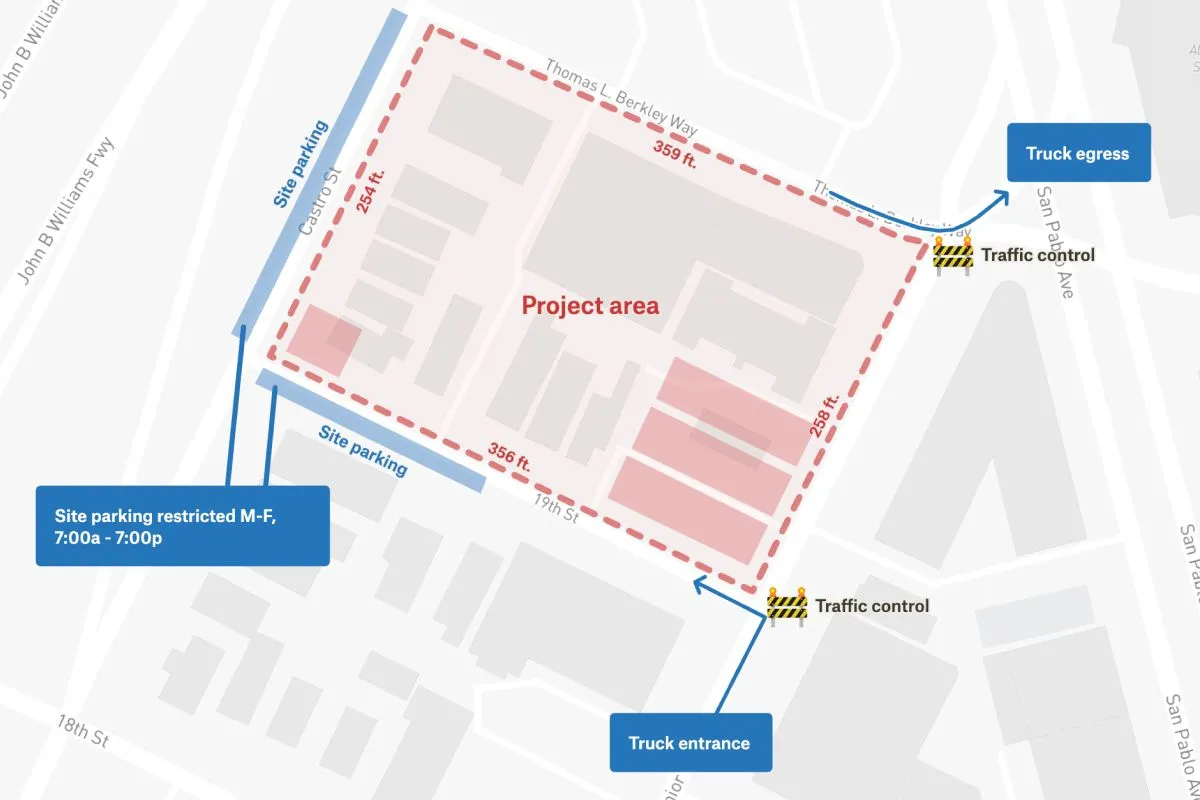
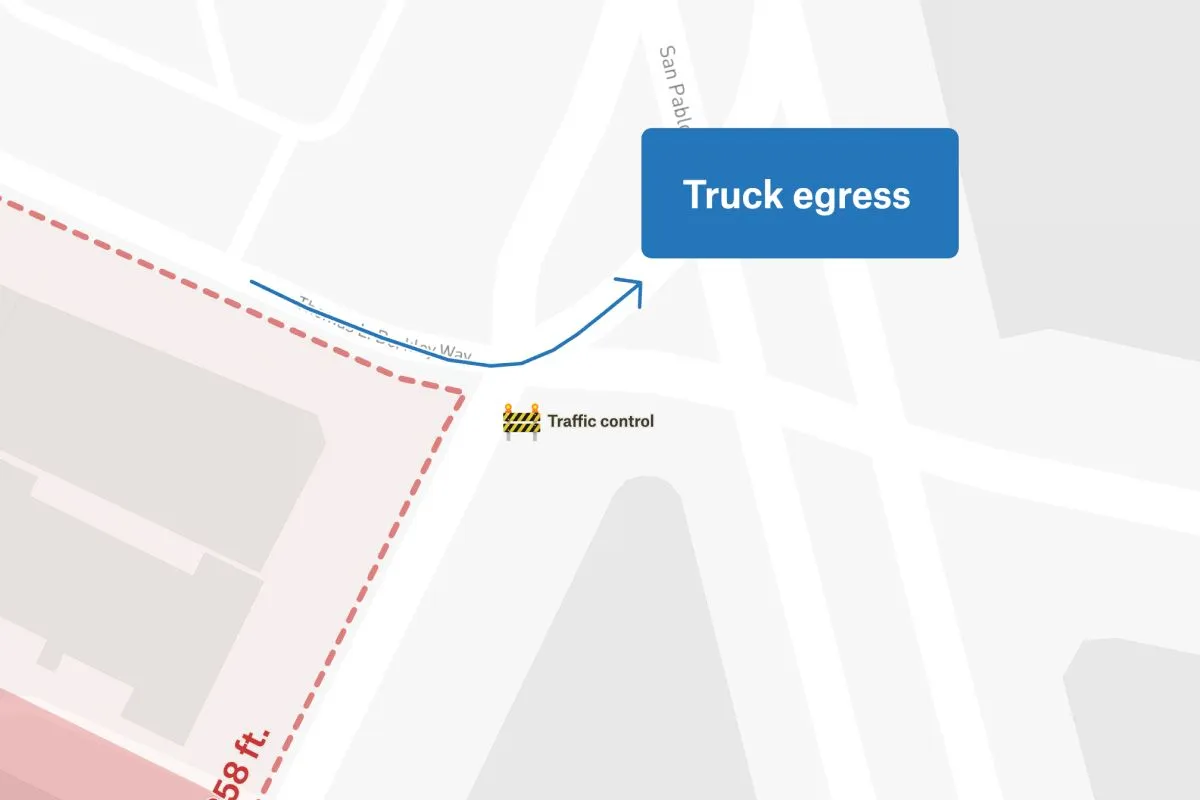
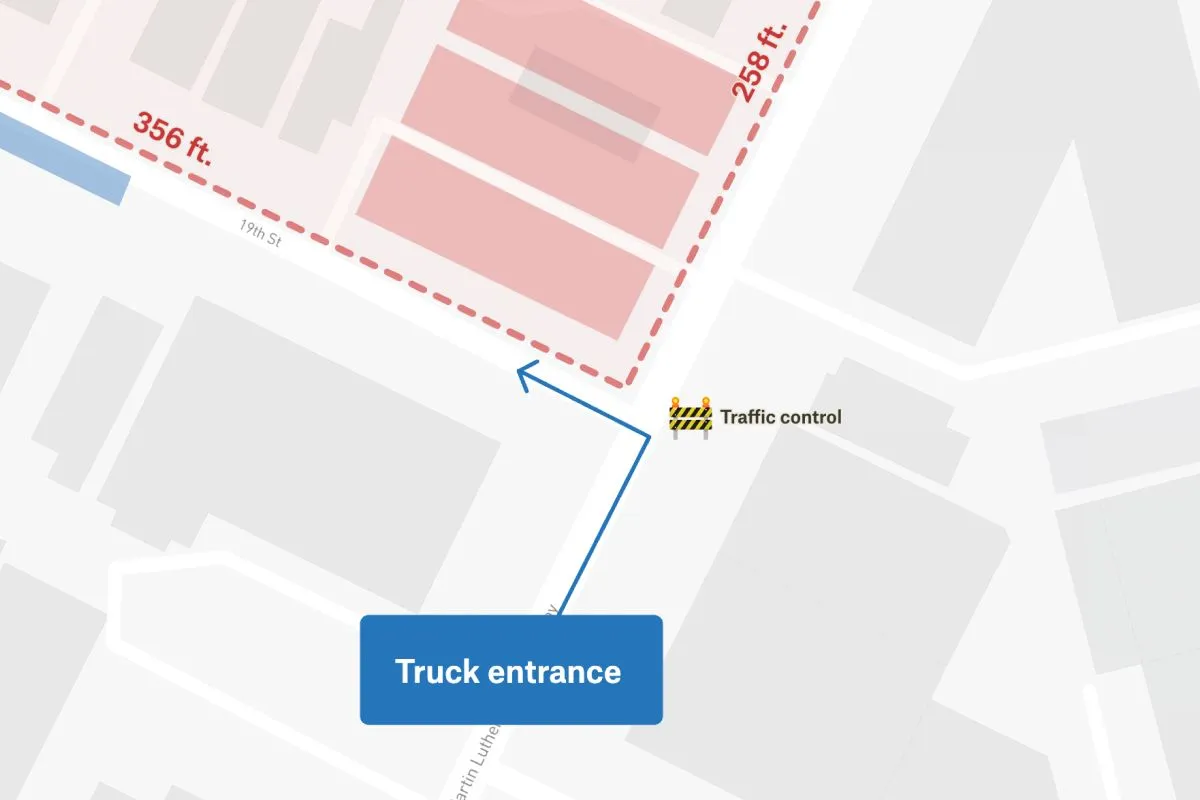
This map depicts a detailed construction site plan that includes essential features like entrance and egress points, site parking, and the lot size. The plan has been drawn on top of Stamen map tiles, which are easily accessible through Felt. The entrance and egress points have been carefully marked to clearly communicate how to access the site, while the site parking has been marked to accommodate the number of vehicles expected. The lot size has also been clearly indicated, which gives a comprehensive view of the total area available for construction.
Construction Site Plan
More views
FAQ
Common questions
01What are the four types of construction?
The four main types of construction are: residential construction (homes, apartments, townhouses), commercial construction (offices, retail stores, hotels), industrial construction (factories, warehouses, power plants), and infrastructure/heavy civil construction (roads, bridges, dams, utilities). Some classifications also distinguish institutional construction (schools, hospitals) as a separate category.
02What is a site map in construction?
A site map (or site plan) in construction is a detailed architectural drawing that shows the layout of a construction project from an aerial/overhead view. It displays the building footprint, property boundaries, access roads, parking areas, utilities, topography, landscaping, drainage systems, and spatial relationships between structures and site features. It’s essential for planning, permitting, and coordinating construction activities.
03How can I create a construction site map?
You can create a construction site map using CAD software (AutoCAD, SketchUp, Revit), spatial mapping tools (Felt, ArcGIS, QGIS), or specialized construction software (Procore, PlanGrid). The process involves obtaining a survey of the property, measuring boundaries and topography, drawing the building footprint and site features to scale, adding utilities and access routes, including elevation data, and annotating with dimensions and notes. For professional projects, hiring a surveyor or civil engineer is recommended.
Try Felt
Bring your data, see it on the map
Connect a database or drop in a file and see your data live on a map in minutes.