



Your fleet and network on one map
Turn GPS, telematics, and network data into a clear view of performance and coverage. Connect your warehouse, spot gaps, and give operations teams maps and dashboards they can use to make decisions.


Know where to focus across your network
Connect Databricks, Snowflake, BigQuery, or Postgres to the people planning services and tracking performance.
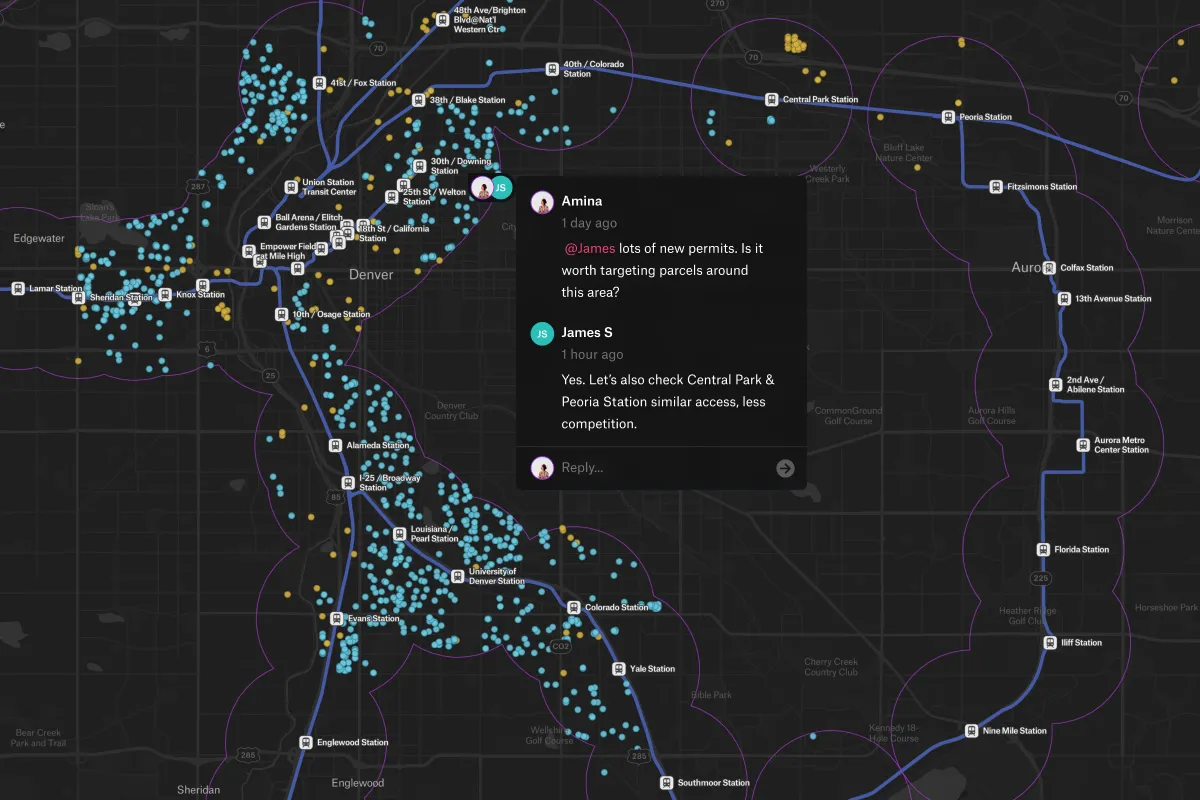
See where your network needs attention
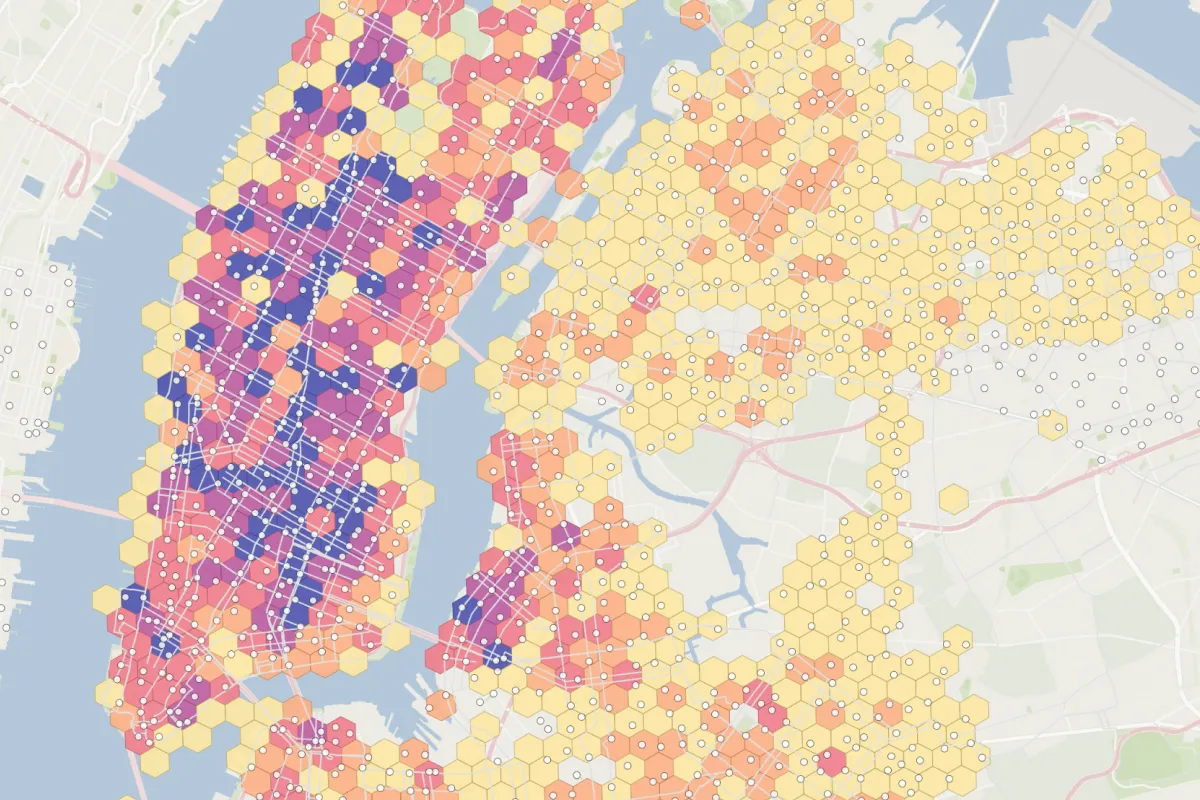
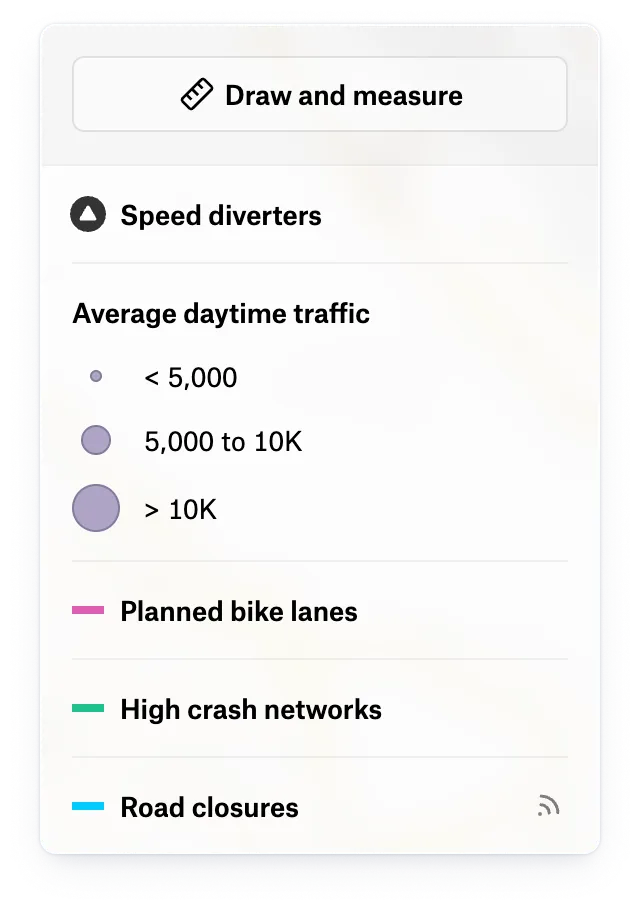
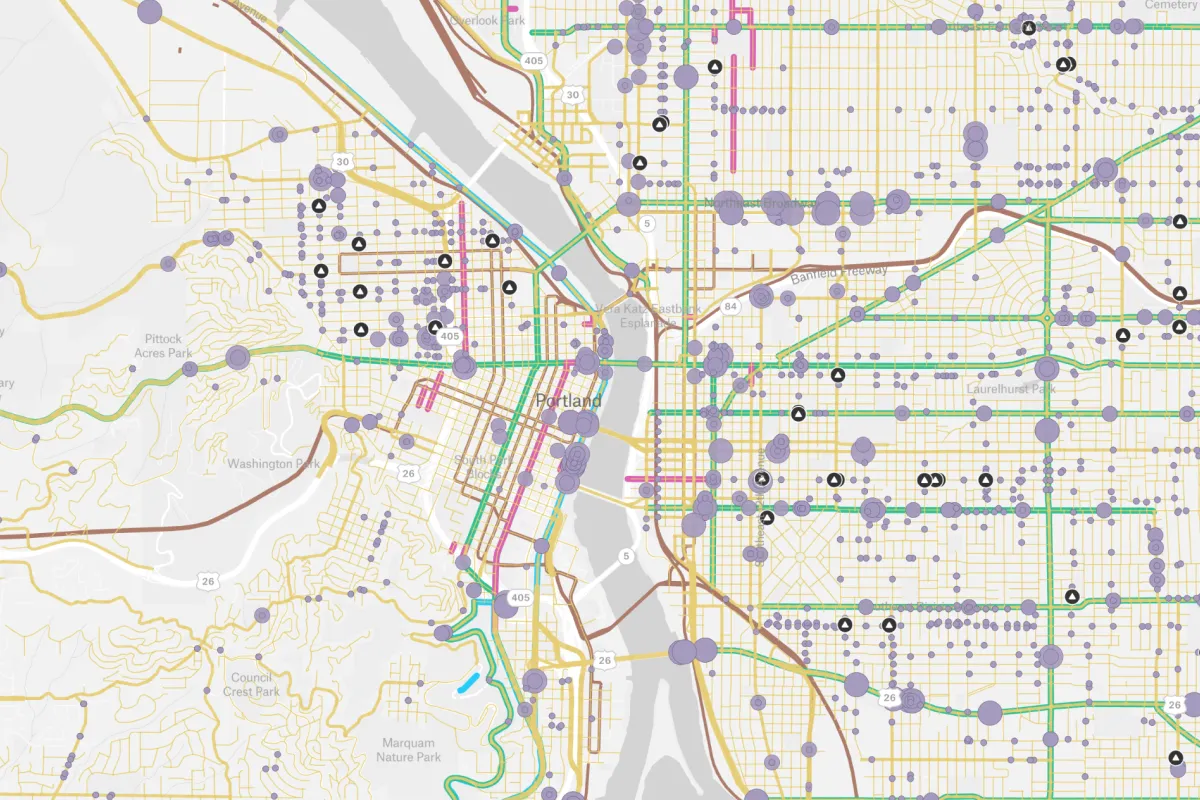
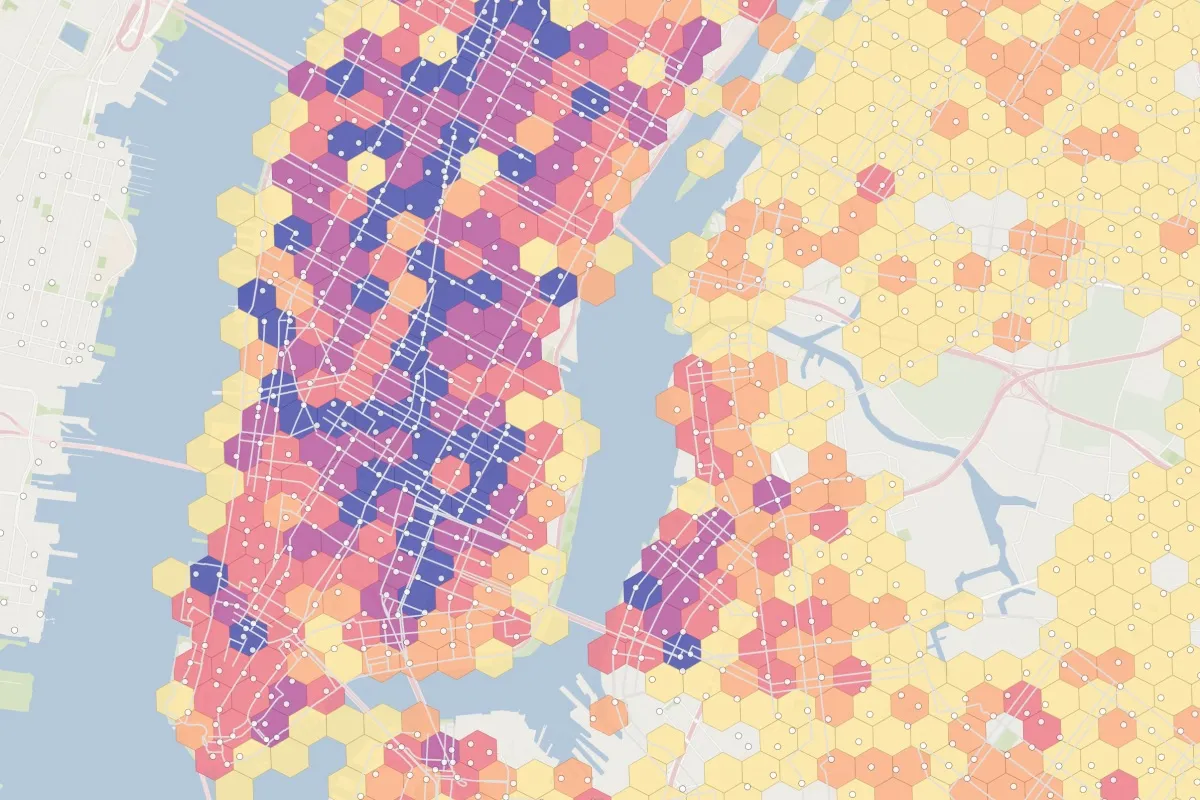
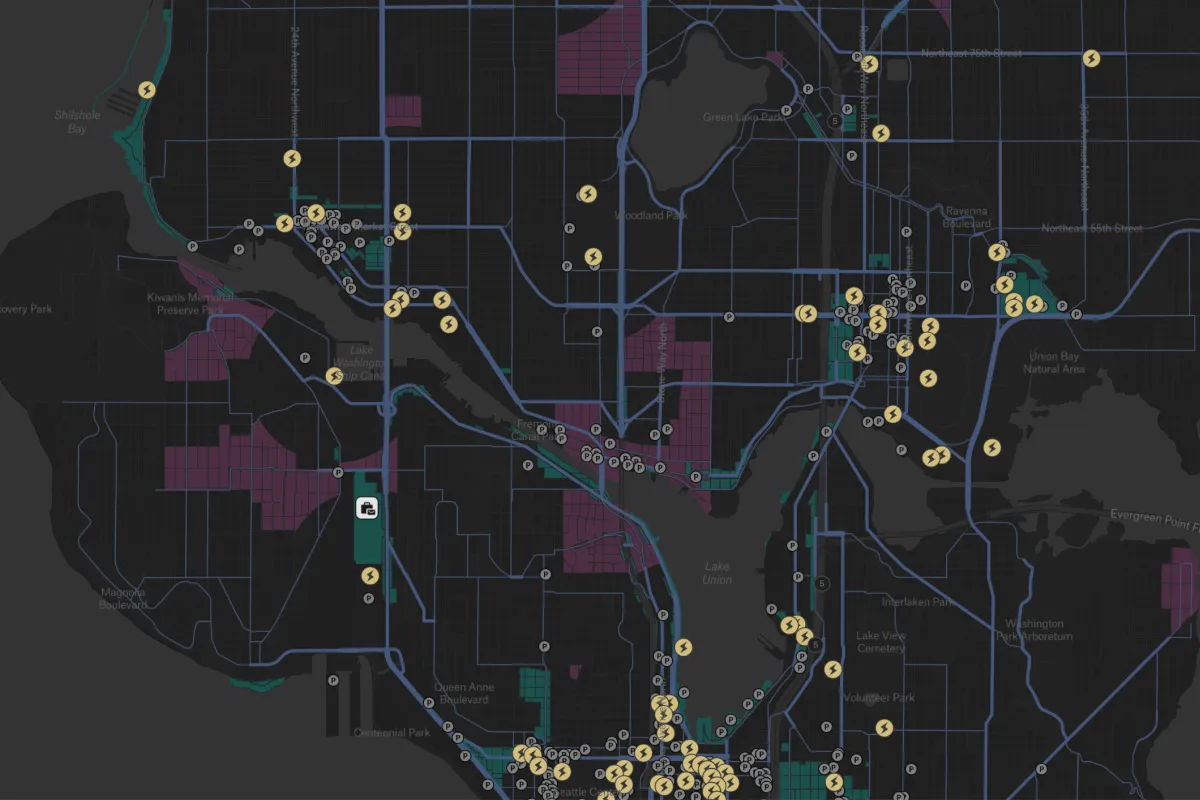
Find the corridors and service areas that need attention. Map millions of GPS pings or road segments, then use Felt AI to compare activity by area and explore network patterns without writing code.
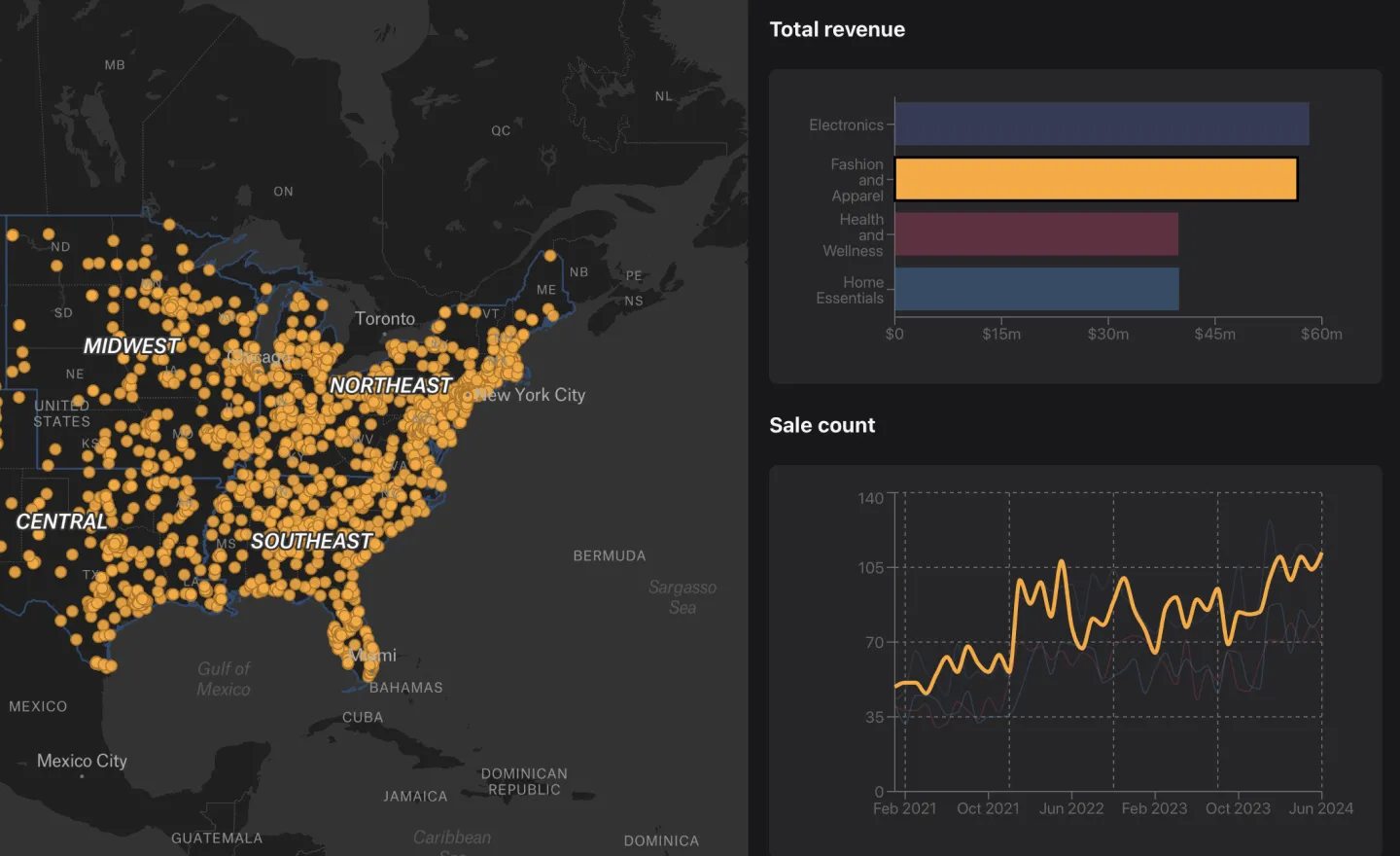
Track the whole system from one dashboard
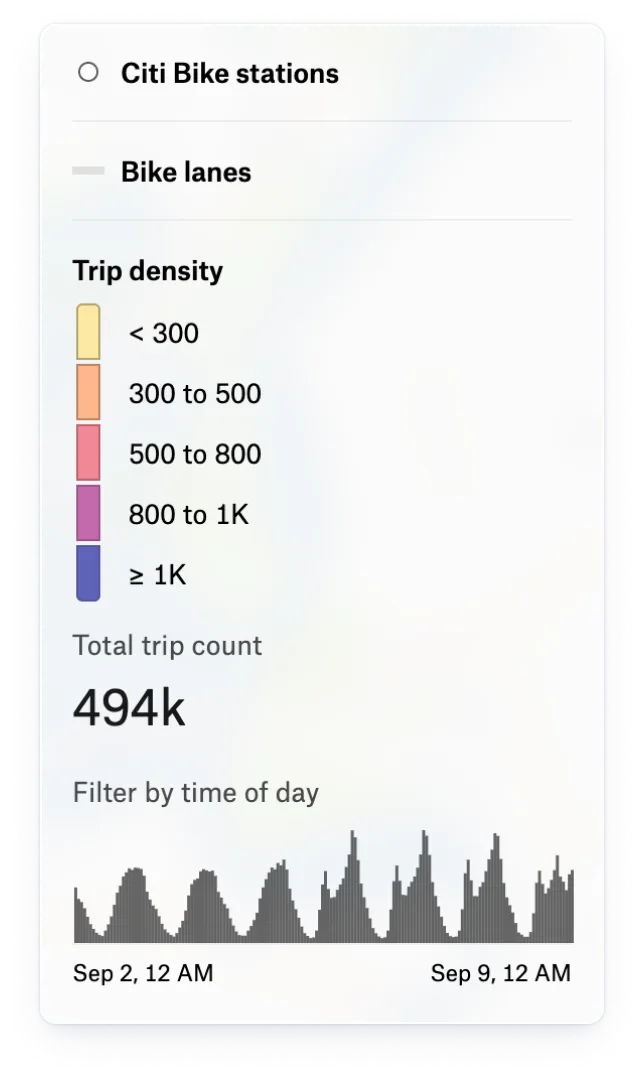
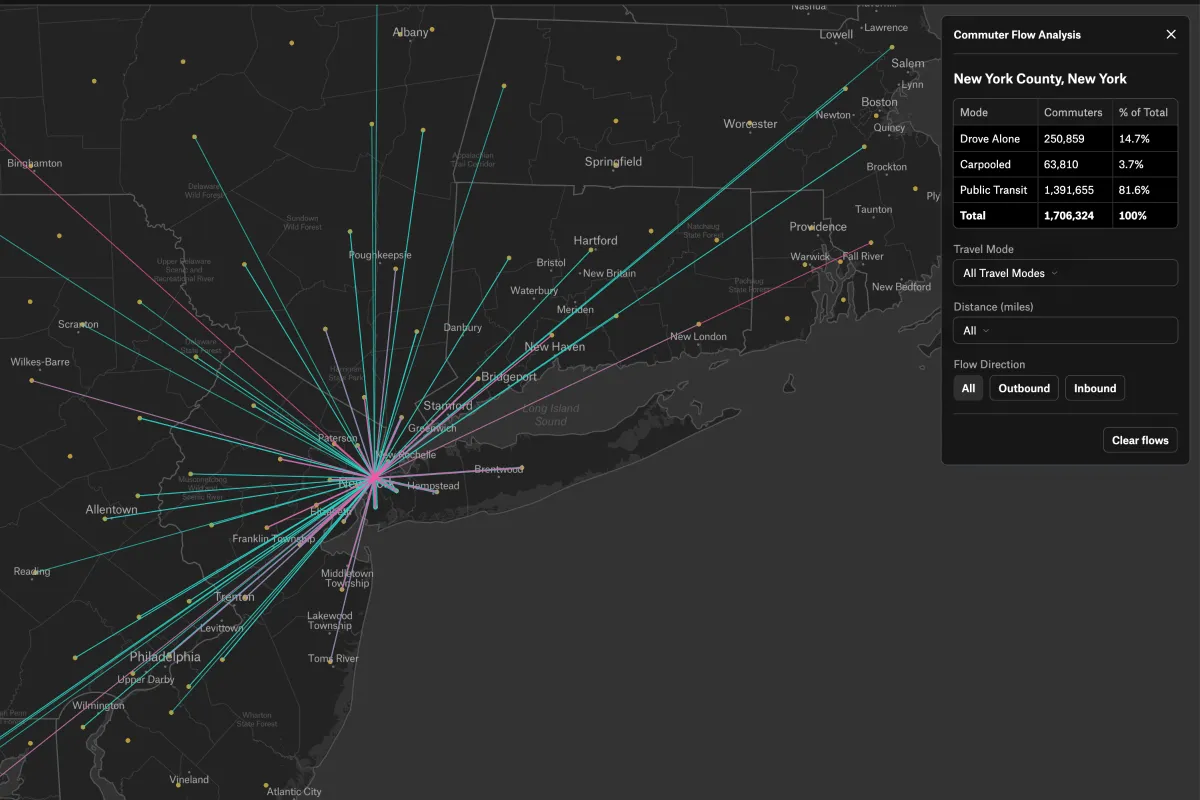
See trips, coverage, and trends together, then filter by hour, day, or month to understand when demand changes. Scheduled refreshes from your warehouse keep the dashboard current for your operations team.
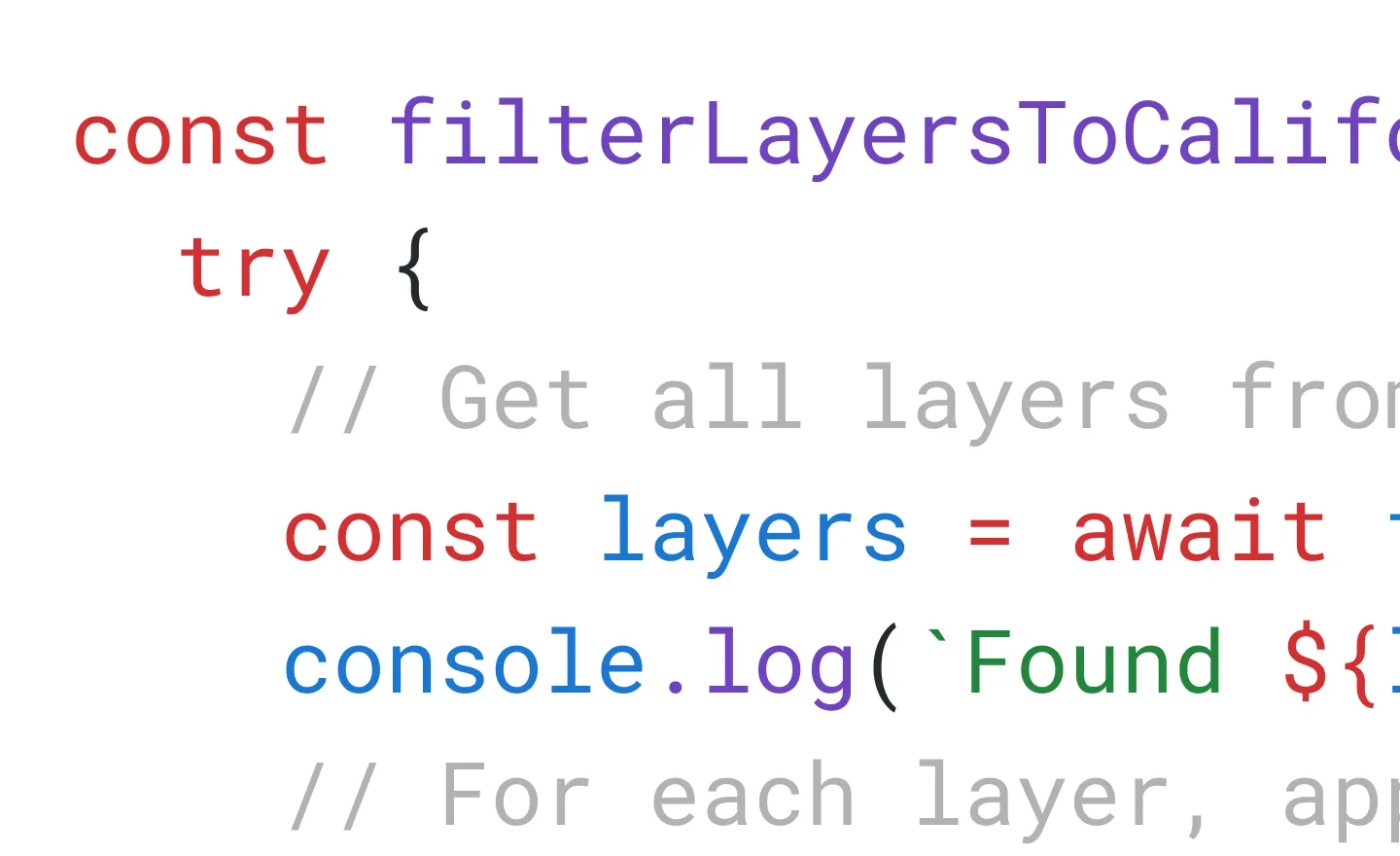
Build live vehicle tracking into your own apps
Put vehicle locations where your teams and customers already work. Build live tracking into your product with the JavaScript SDK, using your GPS feed and the controls your users need.
Transportation teams that run on Felt

Felt allows us to have really productive dialogue remotely.

I find Felt the quickest and easiest way to have planners and analysts visualize data.

Our GIS analysts and software engineers got 20% of their time back when we moved to Felt – that’s huge.
Common questions
- 01How does Felt work with Databricks?
Turn tables and SQL queries from your Databricks SQL warehouse into map layers, with scheduled refreshes to keep dashboards current. The connection is read-only, so Felt doesn’t change your source data.
- 02Can Felt show live vehicle locations from GPS feeds?
Yes. Add your GPS feed as a GeoJSON URL and each view loads the latest positions, with no code. For tracking inside your own app, the JavaScript SDK refreshes positions as often as every 250 milliseconds.
- 03Can Felt handle high-volume GPS tracking data?
Yes. Felt has no cap on features per layer and can map tens of millions of GPS pings. Connect your warehouse to explore the routes, regions, and time periods that matter while keeping your full history in place.
- 04Can we embed Felt maps in our own product?
Yes. Authenticated embeds let customers view private maps inside your product without a Felt account. Use the JavaScript SDK to control the map view, filter layers, and respond to clicks.
- 05Can Felt tell which geofence each GPS ping falls in?
Yes. Identify which depot, service area, or other geofence contains each GPS ping and count pings by zone, without code. To refresh this analysis as new data arrives, run the logic in SQL against your connected data.
Bring your data, see it on the map
Connect a database or drop in a file and see your data live on a map in minutes.