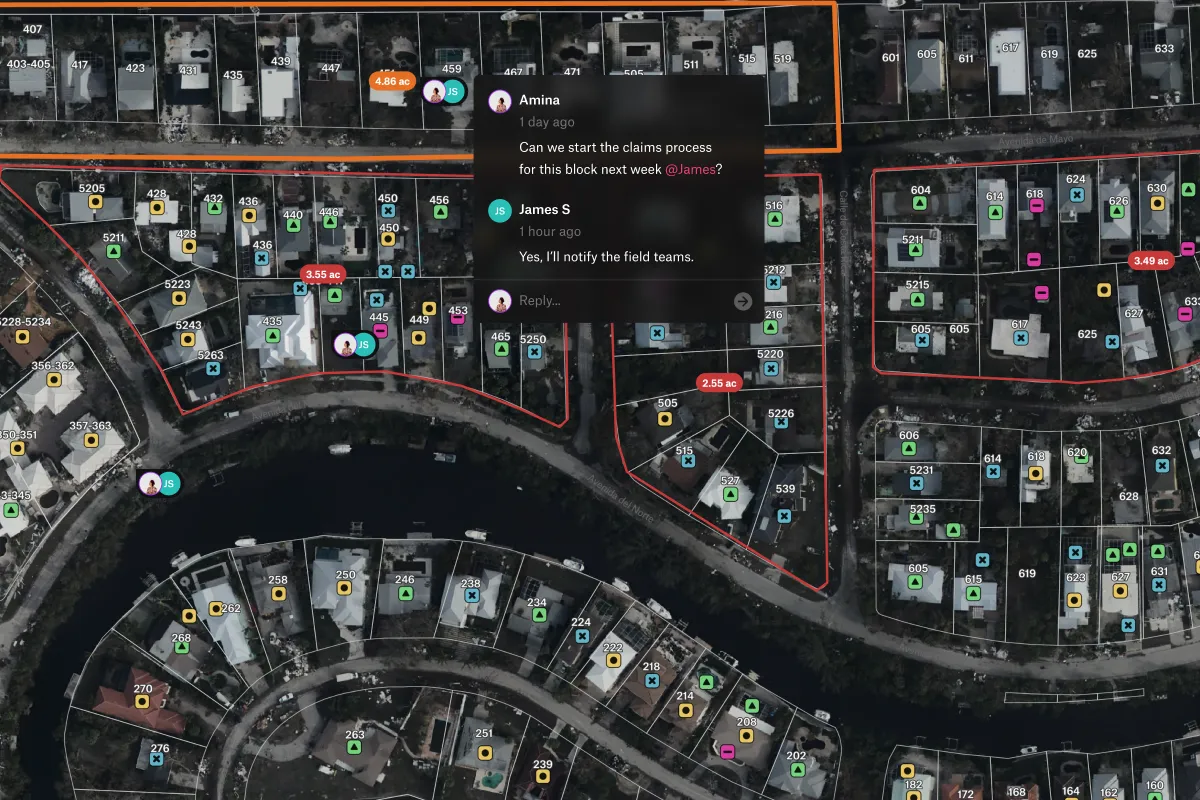
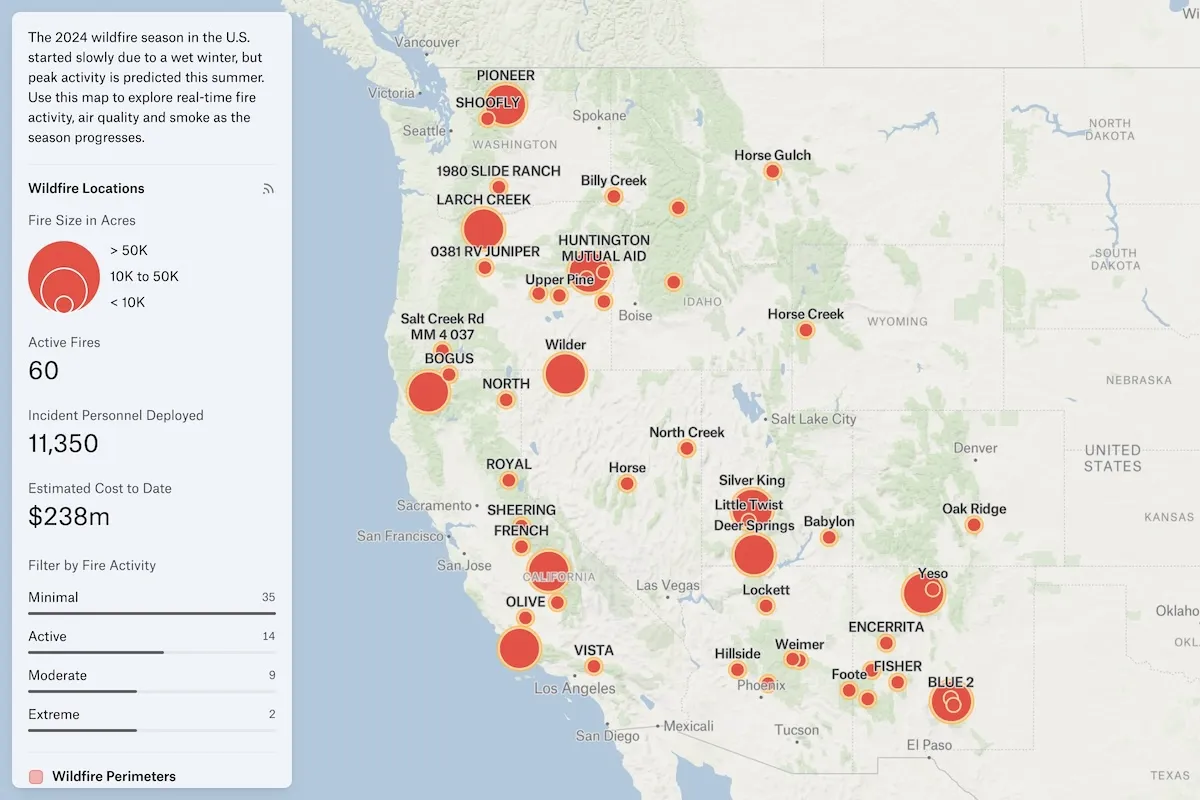
See your whole operation on one map
Connect Postgres, Snowflake, BigQuery, Databricks, and more to shared maps and dashboards. Scheduled refreshes keep your team working from current data without repeated exports.


Connect your data. See the bigger picture.
Bring warehouses, cloud buckets, and GIS services together to see your customers, assets, and operations in context.
Every layer in step with its source
See how records across your systems relate to your sites and assets. Connect databases, warehouses, and cloud buckets, then keep layers current with scheduled refreshes.
- Map tables, views, and SQL query results
- Connect Postgres, SQL Server, Redshift, Snowflake, BigQuery, Databricks, and Wherobots
- Add S3, Google Cloud Storage, Azure, Google Sheets, and GIS services
- Publish once to a Felt Server, reuse everywhere
Turn SQL into maps your team can act on
Keep priority sites, risk scores, and other business metrics on the map. Turn a SQL query into a layer that refreshes on your schedule, with Felt AI to help write and refine it.
- Write SQL, or let Felt AI write it
- Turn results into a layer on a refresh schedule
- Fix failing queries with AI in one click
- Runs only SELECT, so your data stays intact
Secure by default, shared on your terms
Give your team access to the data they need while keeping control of the source. Felt uses read-only connections, and you choose who can see and use each source.
- Control access to each data source
- SOC 2 Type 2 and GDPR compliant
- US, EU, UK, Canadian, or Australian hosting, or self-hosted
Common questions
- 01How does Felt work with Databricks?
Connect your Databricks SQL warehouse or cluster to turn tables, views, and SQL results into shared maps. Layers refresh on your schedule, so your team can work with Databricks data without repeated exports.
- 02Can Felt show live vehicle or sensor locations?
Yes, from a GeoJSON feed at a URL. The layer loads the latest positions each time the map shows it, so vehicles and sensors appear where they last reported.
- 03Can a Felt map stay in sync with a Google Sheet?
Yes. Paste the sheet’s link and Felt maps each row by address, coordinates, or region, then refreshes the layer on your schedule. SharePoint and OneDrive files and Airtable views work the same way.
- 04Can I turn a SQL query into a map layer?
Yes. Write a query against any connected database, or ask Felt AI to write it, and the results become a layer that refreshes on your schedule, so the map stays current without re-exporting.
Bring your data, see it on the map
Connect a database or drop in a file and see your data live on a map in minutes.