



Skip to content
LAT37.8044° NLON122.2711° WX-13611157 mY4551831 mE564166 mN4184363 mE6050014 ftN2120204 ftBRG041.0°041.0°040.6°042.1°ZOOM11.0CRS
Web GIS

Gain GIS superpowers, right in the browser

Bring your data together, run spatial analysis, and share maps people can act on. Felt puts GIS, SQL, and real-time collaboration in your browser.

Three Felt maps stacked together, showing damage reports with evacuation zones, census tracts with a feature panel, and forest loss with a chart
Trusted by industry leaders

From spatial data to a shared decision

Build on your Esri and QGIS work with maps everyone can explore. Analyze, edit, and share in one place, with no desktop installation.

01

Every source on one interactive map

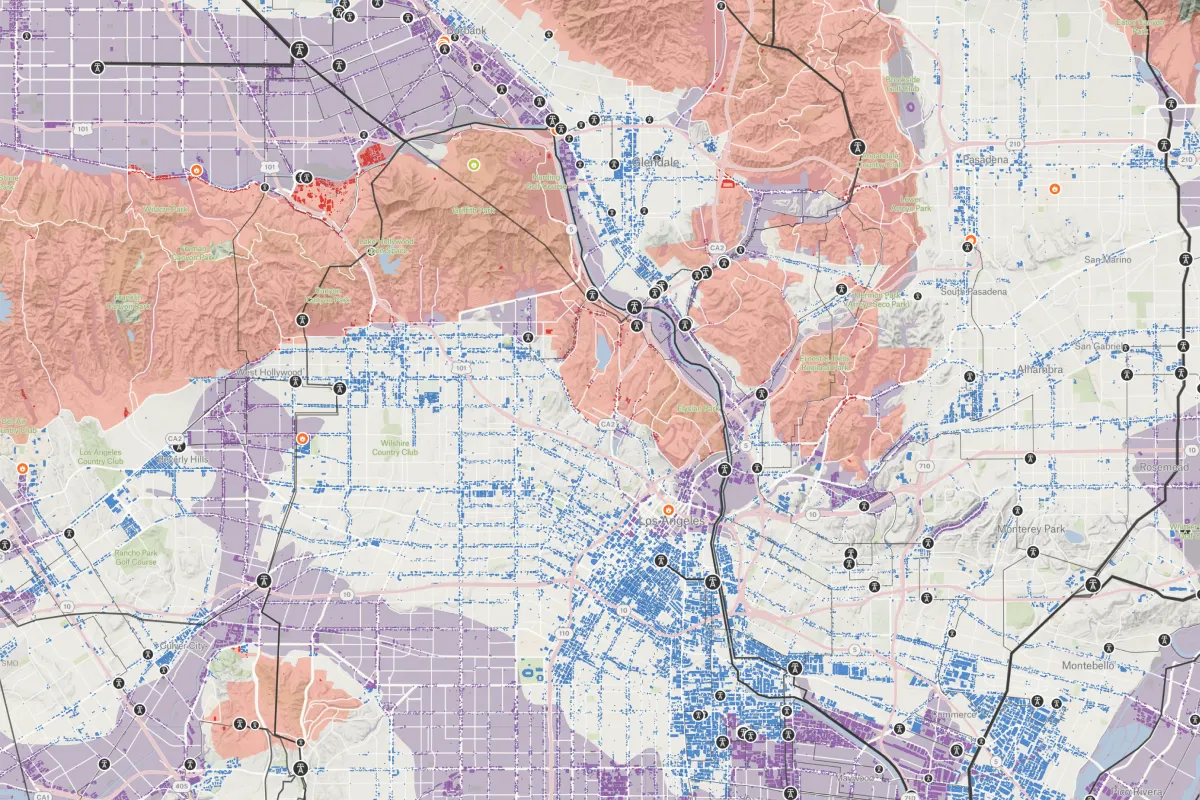
Bring spatial files, spreadsheets, and web services together to see the full picture. Felt handles tiling, geocoding, and styling so your data is ready to explore.

  • Shapefiles, geodatabases, GeoPackages, KML, CAD, GeoTIFFs, and more
  • Geocode addresses and match ZIP codes to boundaries
  • Files up to 100 GB, plus ArcGIS services and Google Sheets
  • Start from the Global Library’s boundaries and demographics
Three Felt maps stacked together, showing damage reports with evacuation zones, census tracts with a feature panel, and forest loss with a chart
02

Answer spatial questions right in your browser

Compare sites, assess coverage, and uncover patterns with spatial analysis and SQL in your browser. Keep the results on a shared map where your team can put them to work.

  • Buffer, clip, join, dissolve, and more
  • SQL on your map layers, written by Felt AI
  • Travel-time areas, created with Felt AI
  • Raster values on features, like parcel elevation
Felt’s spatial analysis panel clipping buildings to quarter-mile station buffers on a city map
03

Get everyone working from the same map

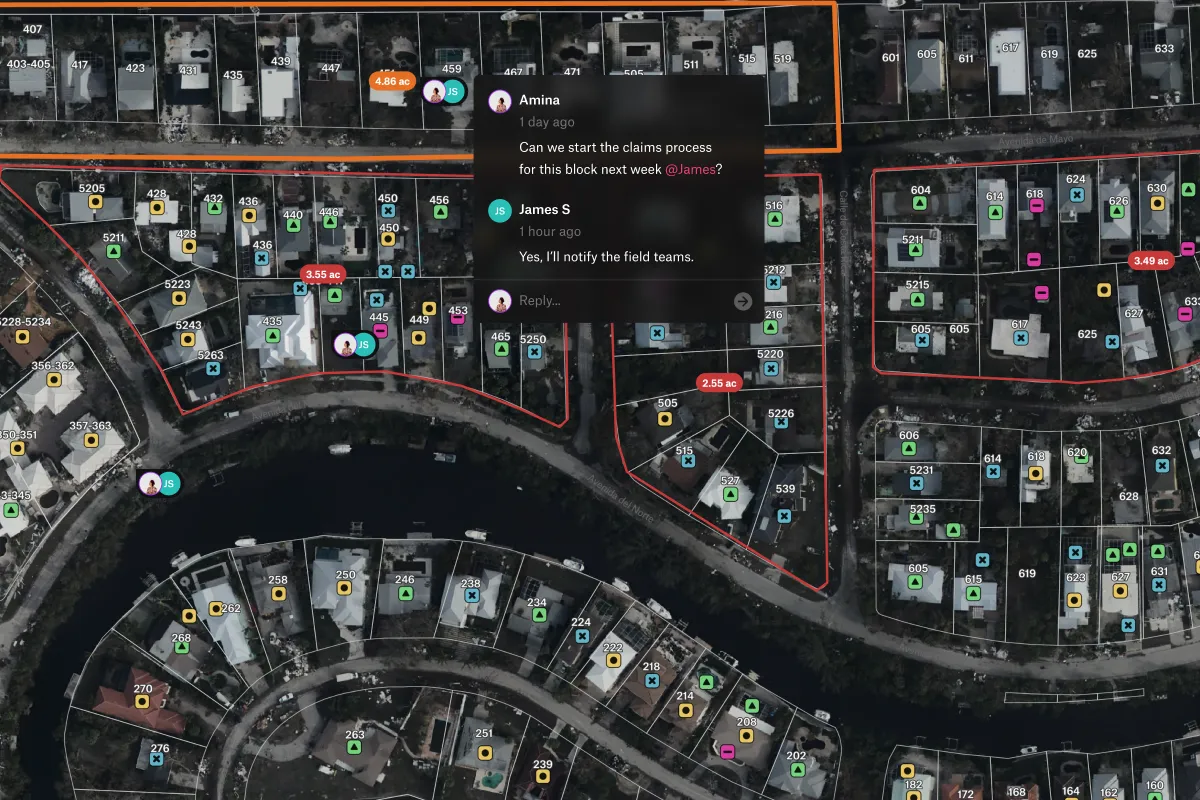
Bring analysts, decision-makers, and clients into the same conversation. Edit maps together in real time, and give stakeholders free access to view and comment.

  • Share or embed maps with a single click
  • Felt Servers sync data edits to every map
  • Comment with clients, partners, and stakeholders
  • Print layouts with a legend, scale bar, and logo
A Felt map embedded in a restoration tracker web page, with an area filter, a species count, and an NDVI legend
04

Security and user management for your whole organization

Roll out shared maps with the controls your organization needs. Manage members in one workspace and set access to every project, map, and data source.

  • SSO with automatic invites and default access
  • Departing members’ maps pass to an admin
  • US, EU, UK, Canadian, or Australian hosting, or self-hosted
  • SOC 2 Type 2 and GDPR compliant
Private projects in a Felt workspace, each showing the members who can open it

Common questions

01Can Felt run alongside ArcGIS or QGIS?

Yes. Felt sits beside the GIS your analysts use, so the whole team can use their work. It reads ArcGIS services without changing them, opens File Geodatabases, and brings QGIS layers with their styles.

02How much data can a Felt map handle?

Upload files up to 100 GB, with no cap on features or layers. For larger or frequently changing datasets, connect sources such as Snowflake, BigQuery, or Postgres and refresh layers on a schedule.

03Can I edit features and attributes directly in Felt?

Yes. Your team draws and reshapes points, lines, and polygons and updates attributes right on the map. Felt saves as you go, so office and field see the same current data.

04Can a Felt print include a legend, logo, and scale bar?

Yes. Felt turns a map into a client-ready page with a legend, scale bar, and your logo, and no Felt branding. Reuse the layout across maps and export to PDF, PNG, or JPG.

05Can I embed a Felt map on our website?

Yes. Put a live, interactive map on your site so visitors explore it without leaving your page. You choose its legend and controls, and it also embeds in Notion, WordPress, and Power BI.

Try Felt

Bring your data, see it on the map

Connect a database or drop in a file and see your data live on a map in minutes.