Turn field observations into conservation action
Bring surveys, imagery, and monitoring data together so your team can see what’s changing and where to focus. Crews collect evidence even offline, and analysts turn their findings into maps and dashboards the whole team can use.






From remote sites to informed action
Collect consistent evidence, track environmental change, and keep your team working from the same data.
See environmental change in context
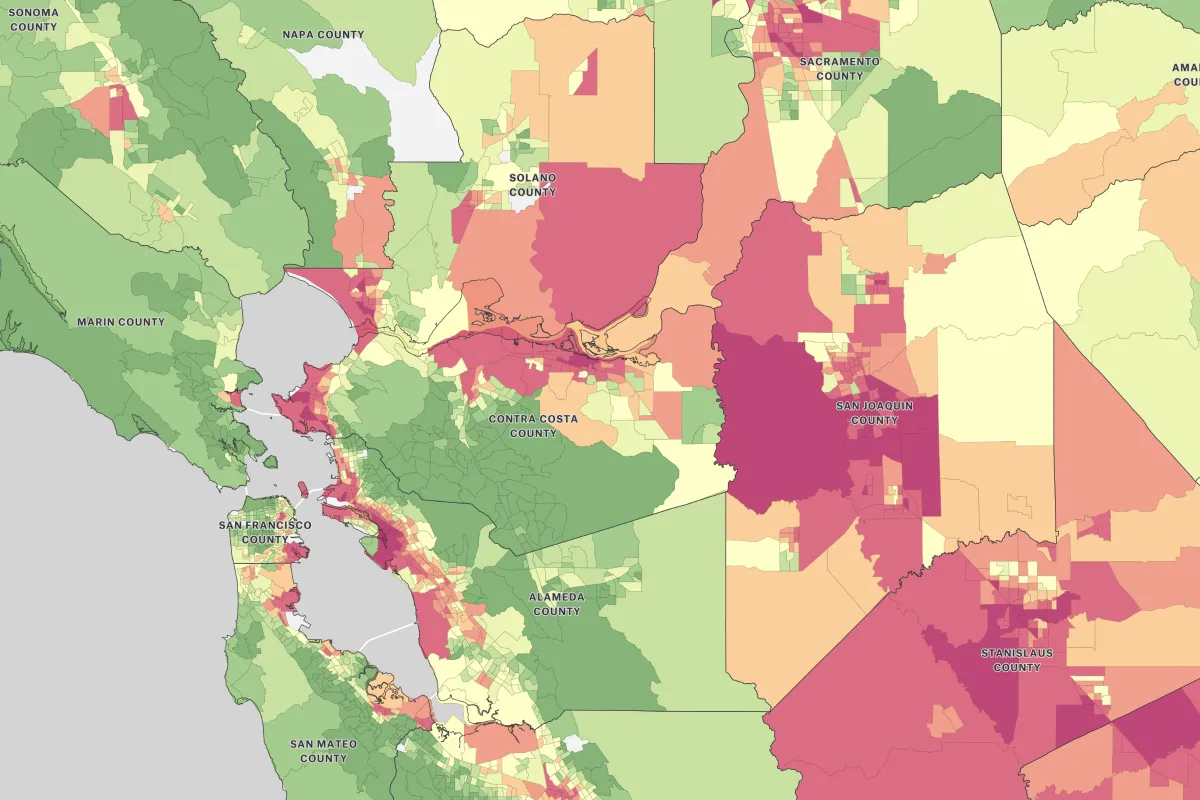
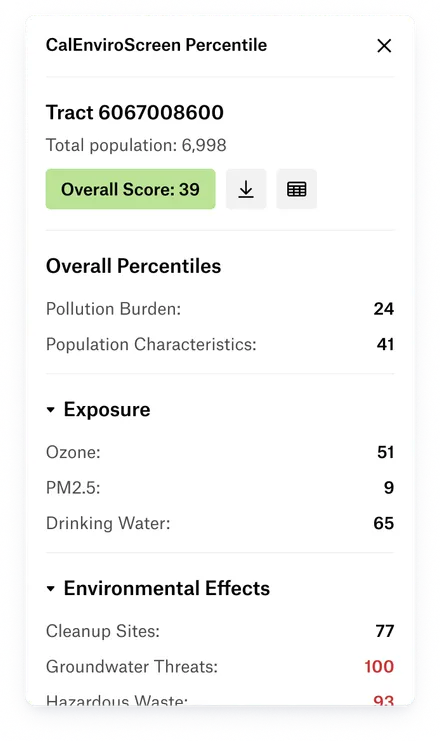
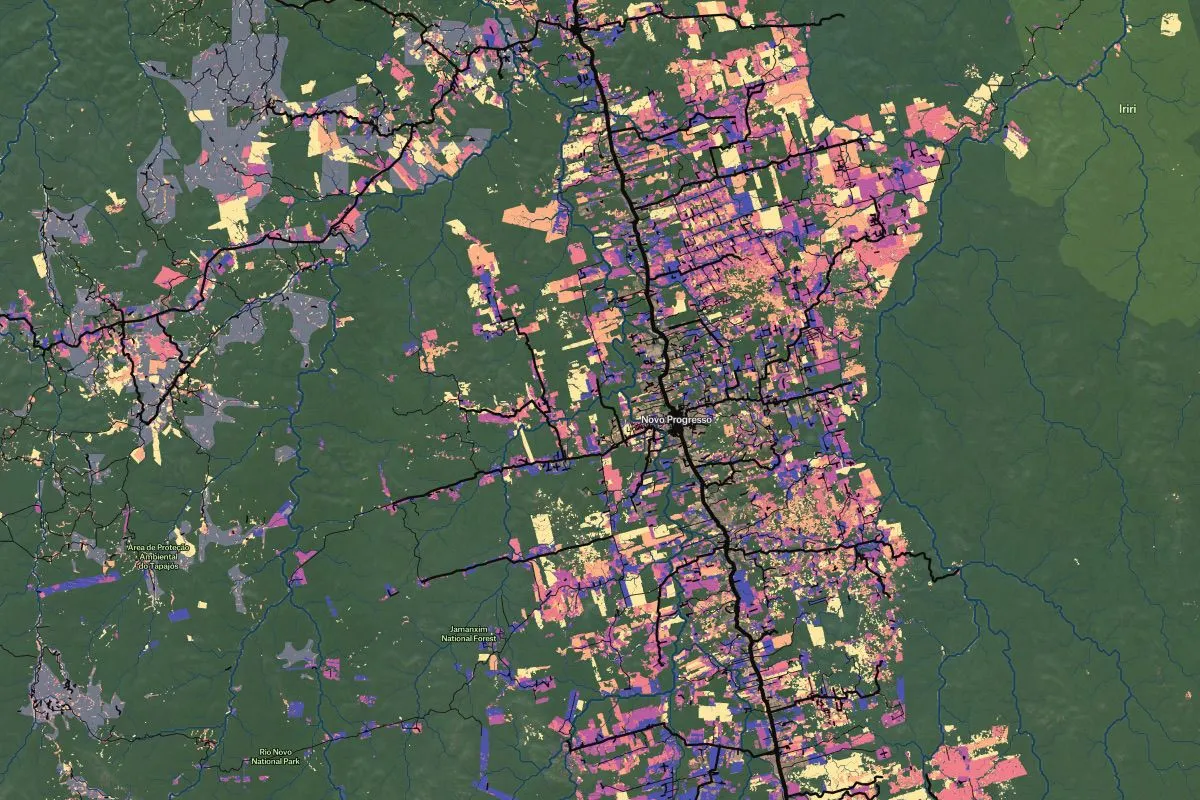
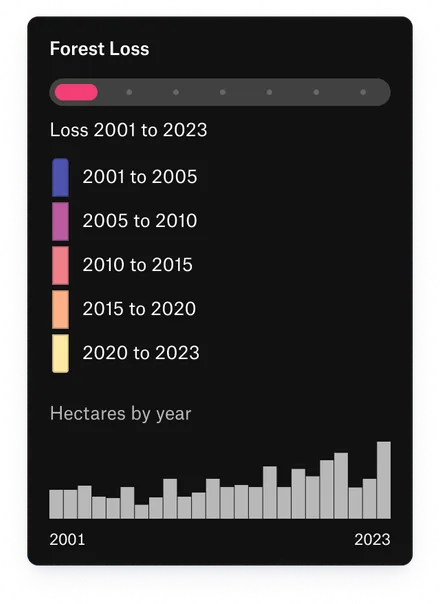
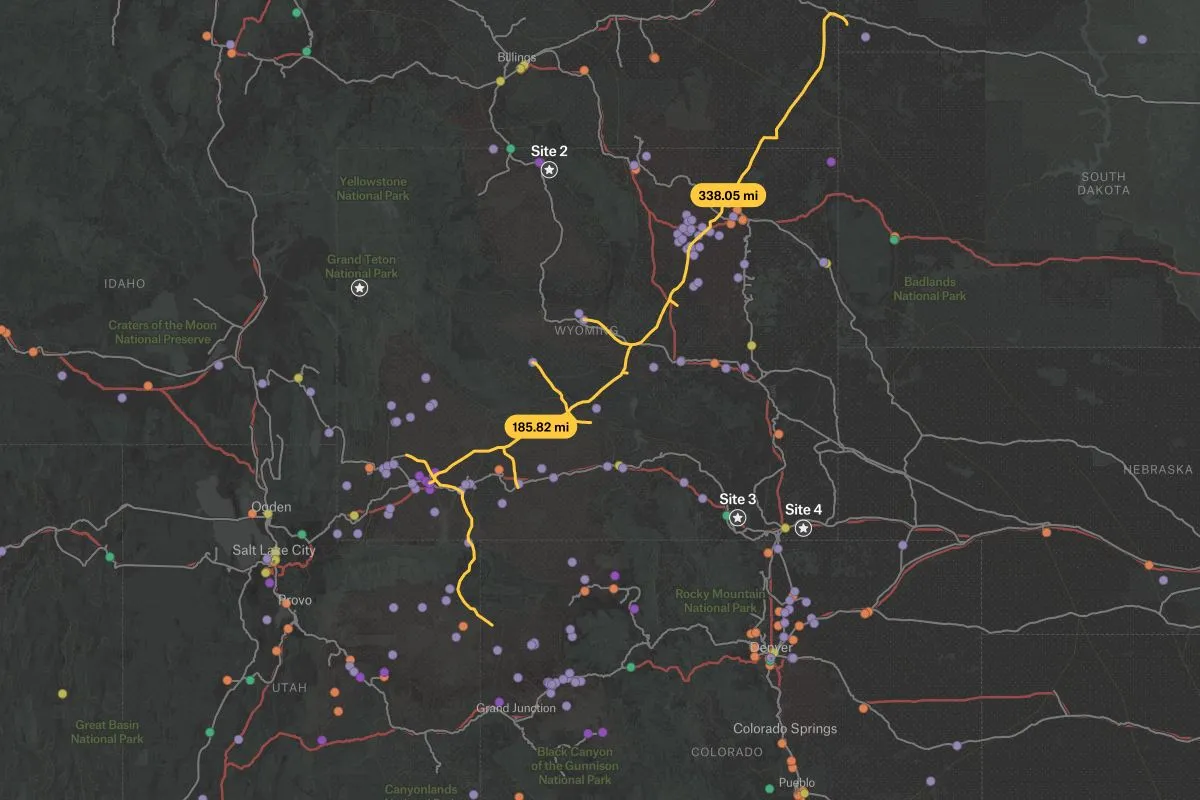
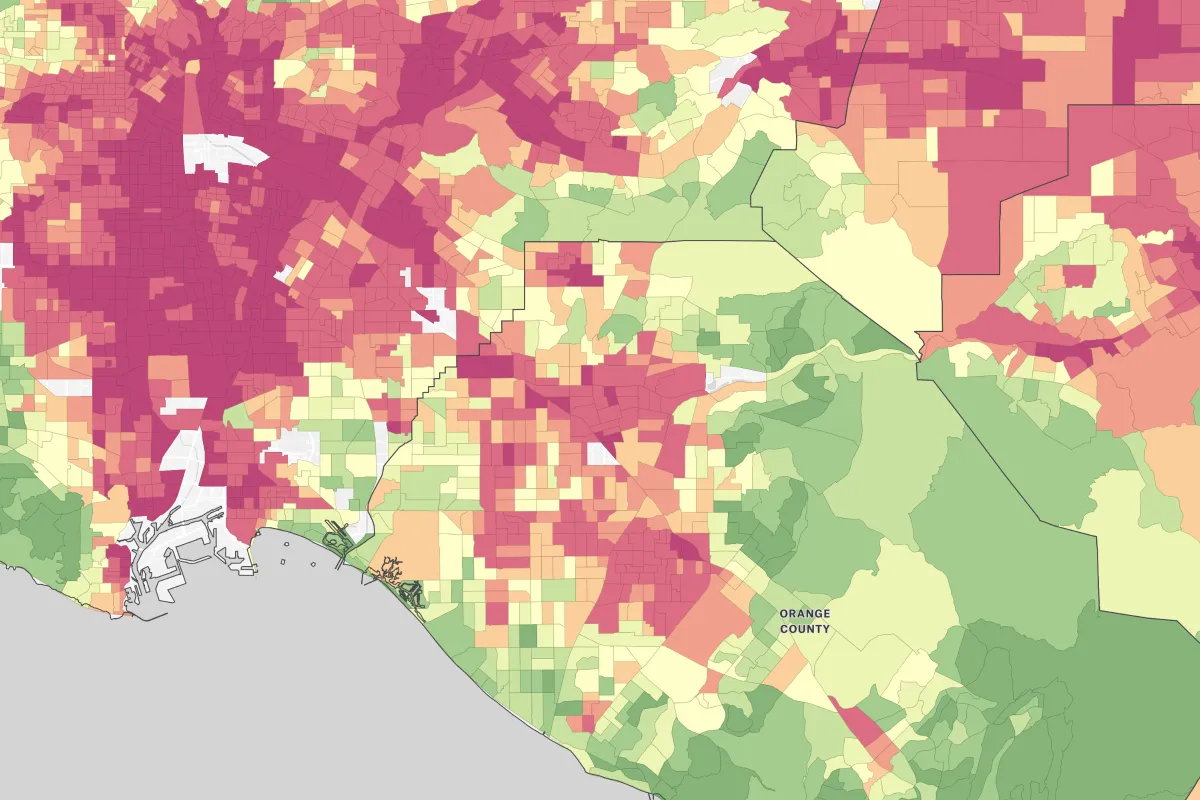
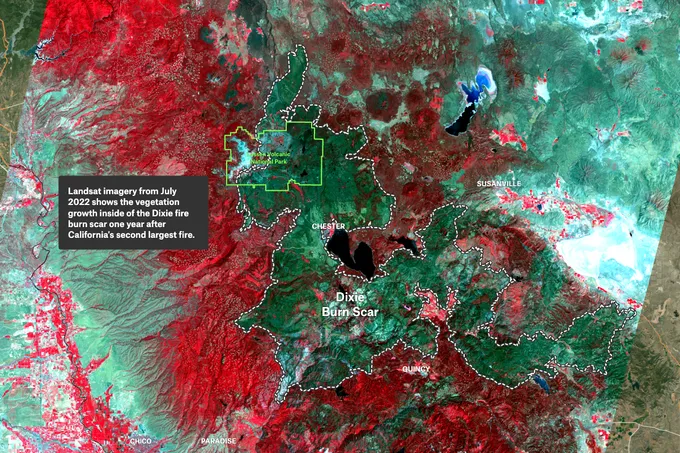
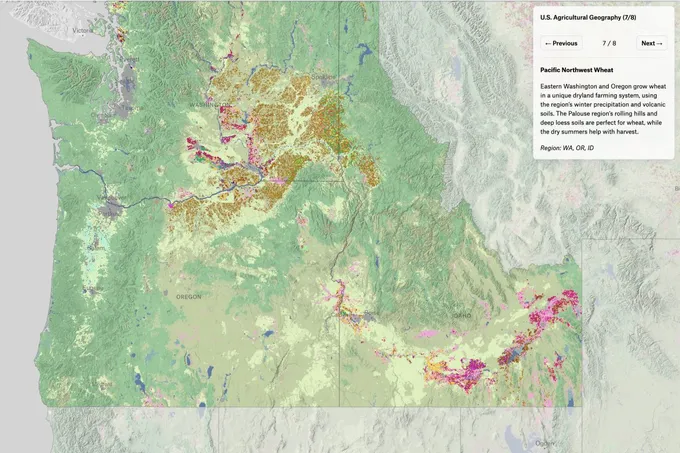
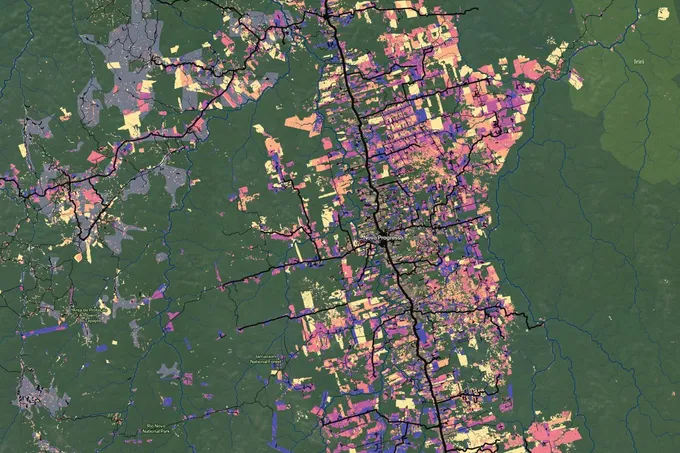
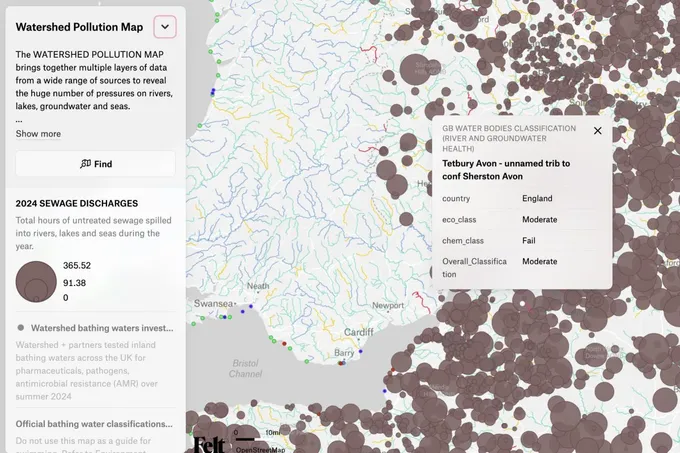
See deforestation, air quality, or flood risk in context. Combine imagery, survey results, and monitoring sites on one map, then build dashboards with connected data that refreshes on a schedule.
Close the loop between the field and the office
Get field findings into the hands of the people who need them. Crews and analysts work on the same maps, with offline observations syncing on reconnect. Publish a Felt Server layer to keep that dataset current everywhere it’s used.
Build monitoring tools around your mission
Give your team a monitoring app built around its work. Use the JavaScript SDK to create custom map experiences, and connect field findings to your existing systems through the REST API and felt-python.
Climate teams that run on Felt

The up front investment to build a custom solution that met our performance standards would have been massive.

With Felt and Databricks, our site acquisition team was able to self-serve insights for the first time.

With Felt AI we can create full blown apps in minutes.
Common questions
- 01Does field data collection work offline?
Yes. Crews can take maps offline in the Felt Field App and record observations, complete forms, and attach photos at remote sites. Findings sync with the office when the device reconnects.
- 02Can I build custom field survey forms like Survey123?
Yes. Create survey forms with dropdowns, required fields, and conditional questions to keep monitoring data consistent across crews and sites. Teams can complete them in a browser or the Felt Field App.
- 03Can several people edit the same map at once?
Yes. Field and office teams see changes as they’re saved. Color-coded outlines show which features teammates are editing, making it easier to coordinate work on the same map.
- 04Can Felt handle data in different coordinate systems?
Yes. Upload Shapefiles, GeoTIFFs, and GeoPackages in their own coordinate systems, and Felt reads each one and lines it up on the map, with no reprojecting first.
Bring your data, see it on the map
Connect a database or drop in a file and see your data live on a map in minutes.