



Felt for Energy
Find viable sites and keep projects moving from development to operations. Bring parcels, constraints, and asset data onto one map your office and field crews can use together.


Keep projects moving at every stage
Connect siting, outreach, construction, and operations on one shared map.
Focus on sites worth pursuing
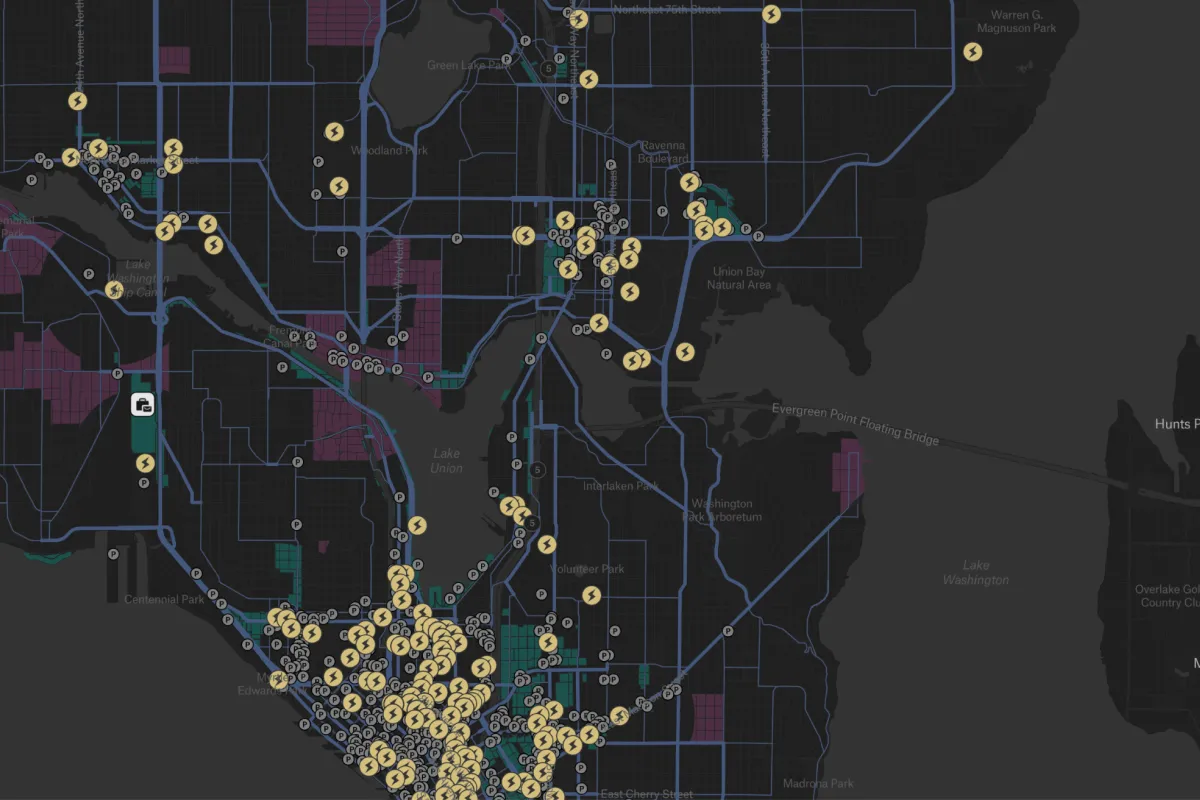
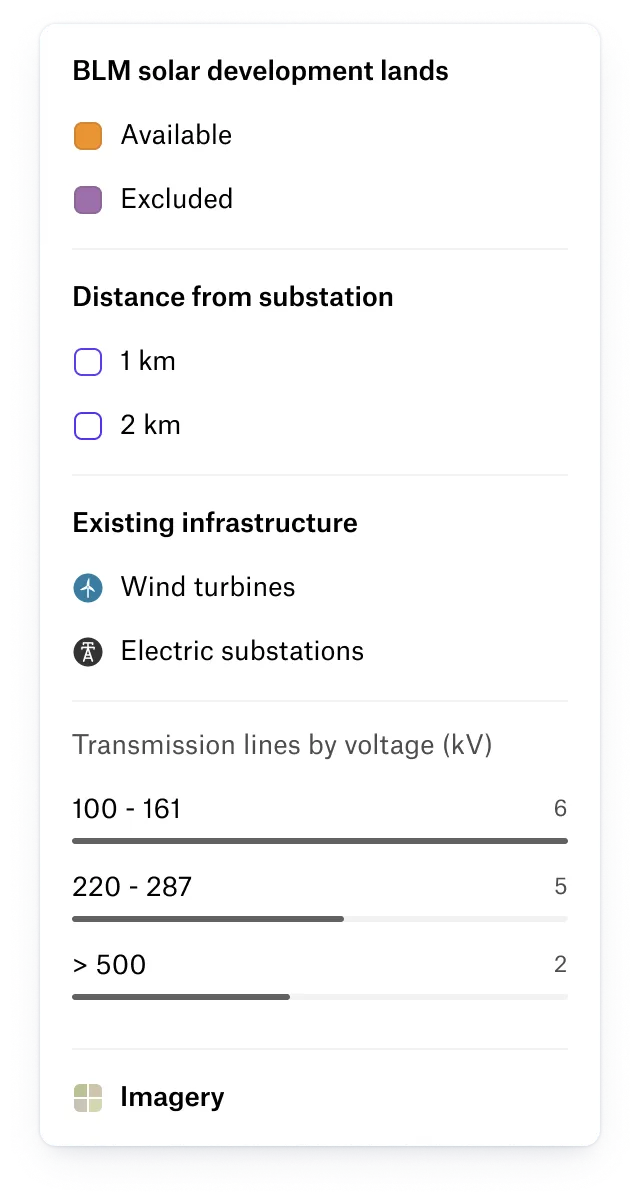
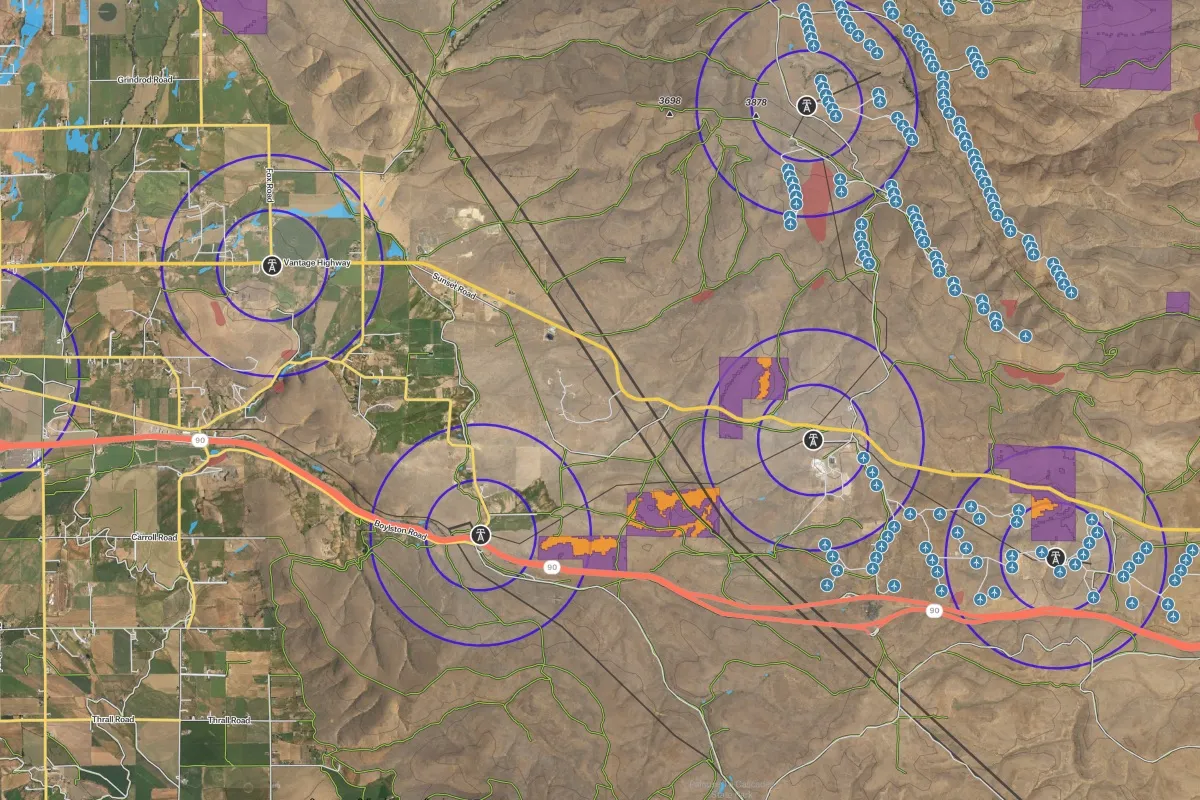
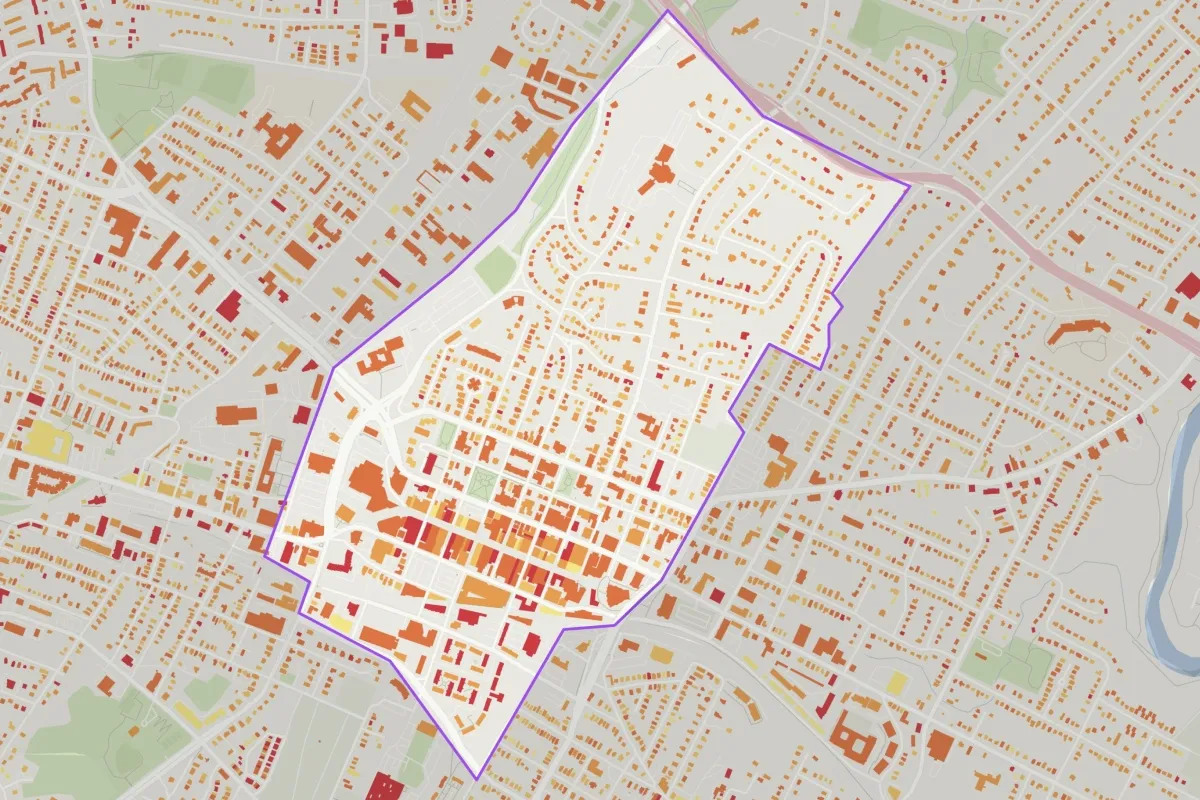
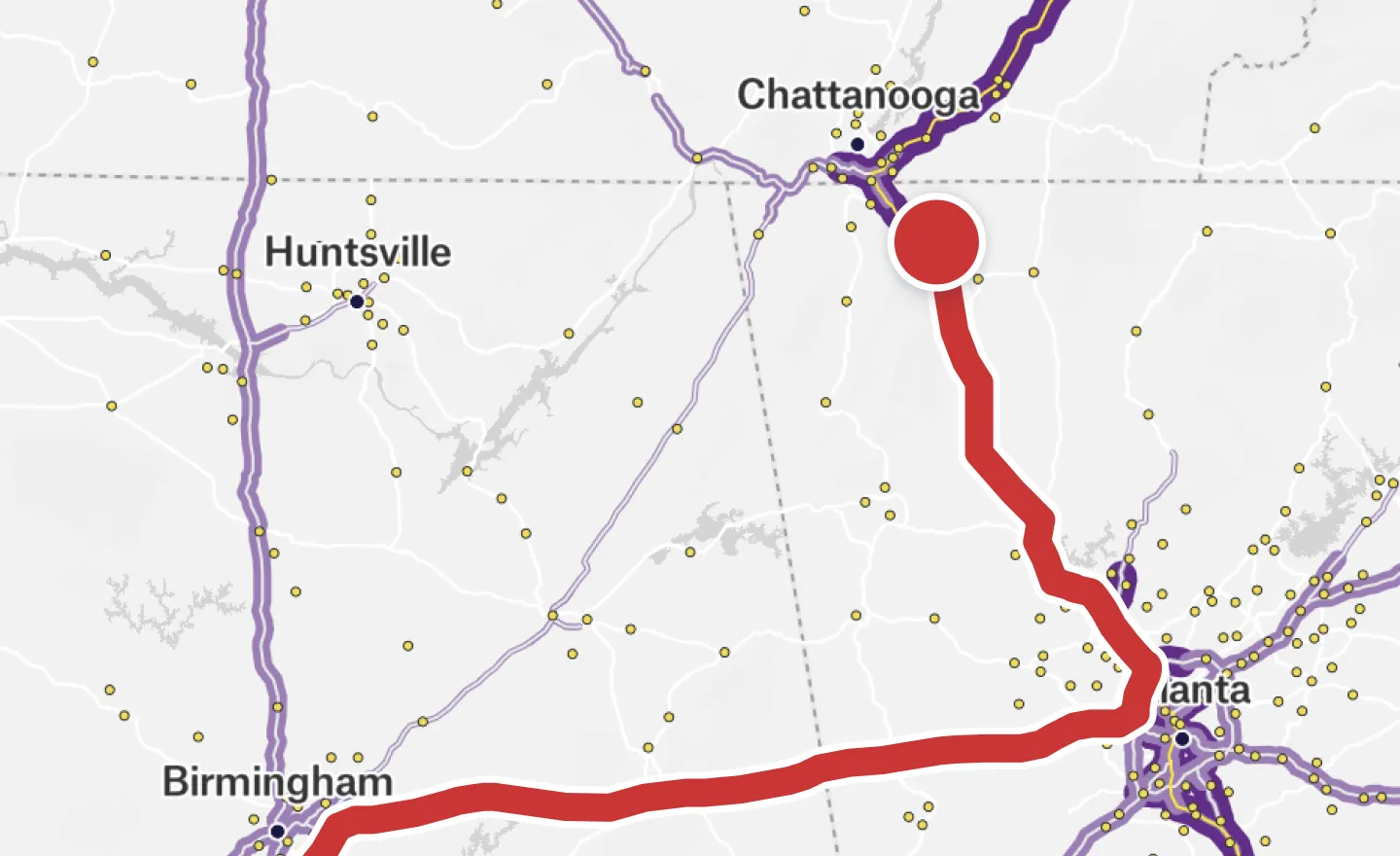
Find promising sites before committing to detailed studies. Compare proximity to transmission, exclude floodplains and protected land, and use Felt AI to calculate and rank buildable acreage, all in the browser.
Keep land outreach moving
Give land agents parcel and constraint data without waiting on a GIS request. Log outreach against each parcel and see teammates’ updates as they happen, so the whole team knows where each opportunity stands.
Connect field inspections to the office
Give crews site and asset information on their phones, with inspection forms that keep reports consistent. As findings sync, the office can see progress and identify work that needs follow-up.
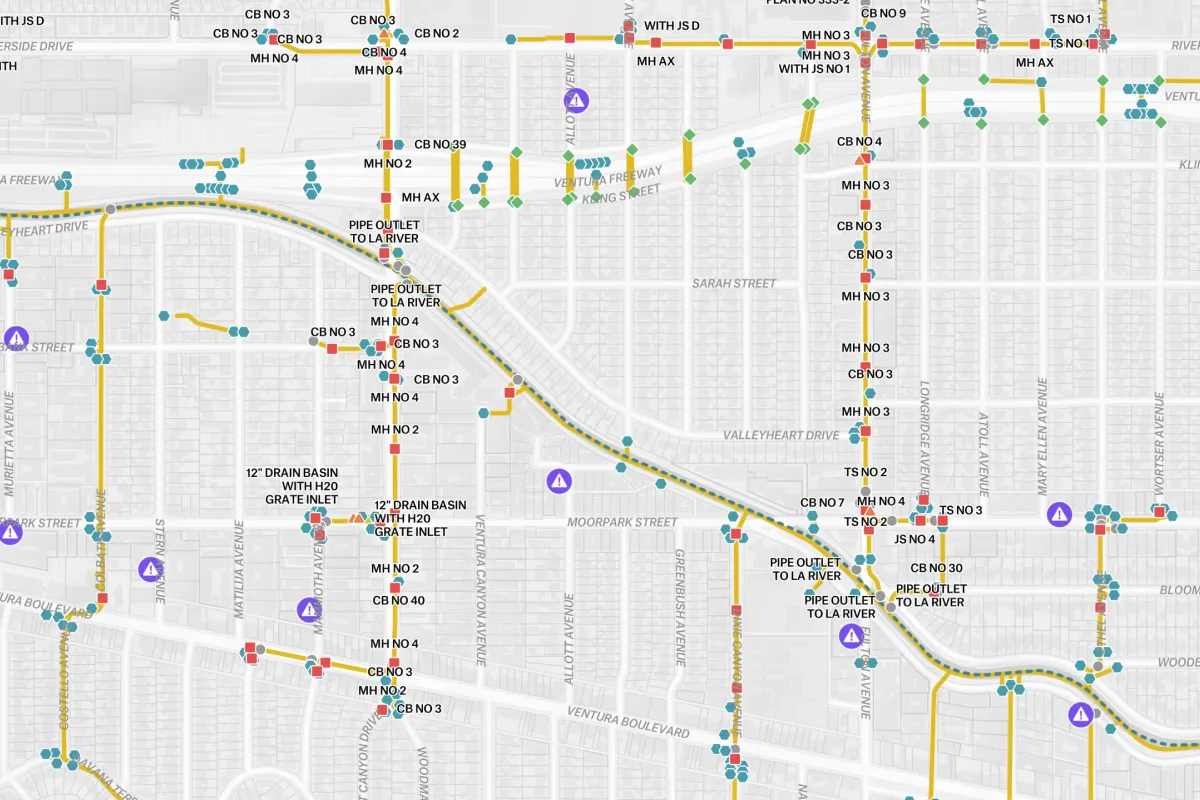
Keep a clear record of asset conditions
Keep patrol findings attached to the assets they describe. See who logged each observation and when, then export the data for reporting without gathering it from scattered messages and files.

Development engineers
Find viable parcels and flag deal-breaking constraints before investing more time.

Land teams
Track landowner outreach, leases, and rights-of-way on the map your development team uses.

GIS leads
Publish shared layers once and keep every connected map up to date.

Construction & ops crews
Keep inspections moving offline, with photos and findings that sync on reconnect.
- Site
- Develop
- Build
- Operate
Two workflows, one platform: see how siting works →
One map from site to operations
Compare parcels with built-in US transmission lines, environmental constraints, and your project data. Connect ArcGIS and your databases to keep teams working from current information.

Parcels and ownership

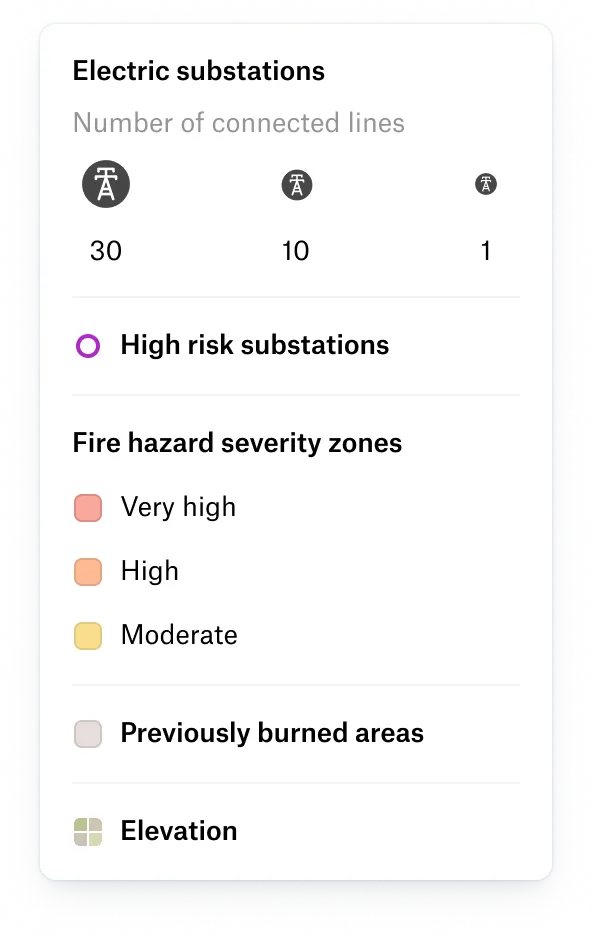
Transmission and substations

Environmental constraints

Interconnection queues

Land contacts and outreach status

Work orders and authorizations

Inspection and patrol captures

Asset registry
Proven results for energy and utilities leaders

With Felt and Databricks, our site acquisition team was able to self-serve insights for the first time.

The up front investment to build a custom solution that met our performance standards would have been massive.

Our GIS analysts and software engineers got 20% of their time back when we moved to Felt – that’s huge.
Keep Esri. Bring everyone else.
Keep your GIS work in ArcGIS and bring it to the people who need it in Felt. Connect existing services so land agents, project managers, and field crews can explore current maps themselves. Your GIS team keeps control of the source and spends less time answering repeat map requests.
Common questions
- 01Does the Field App work offline?
Yes. Crews can download layers and basemaps before heading to remote sites, then record assets, inspections, and photos without a signal. Updates sync when the device reconnects.
- 02Can I upload KML or KMZ files from Google Earth?
Yes. Bring circuit routes and site files from Google Earth into Felt, with folders organized as grouped layers. Export layers back to KML to share with colleagues working in Google Earth.
- 03Does Felt have transmission line and substation data?
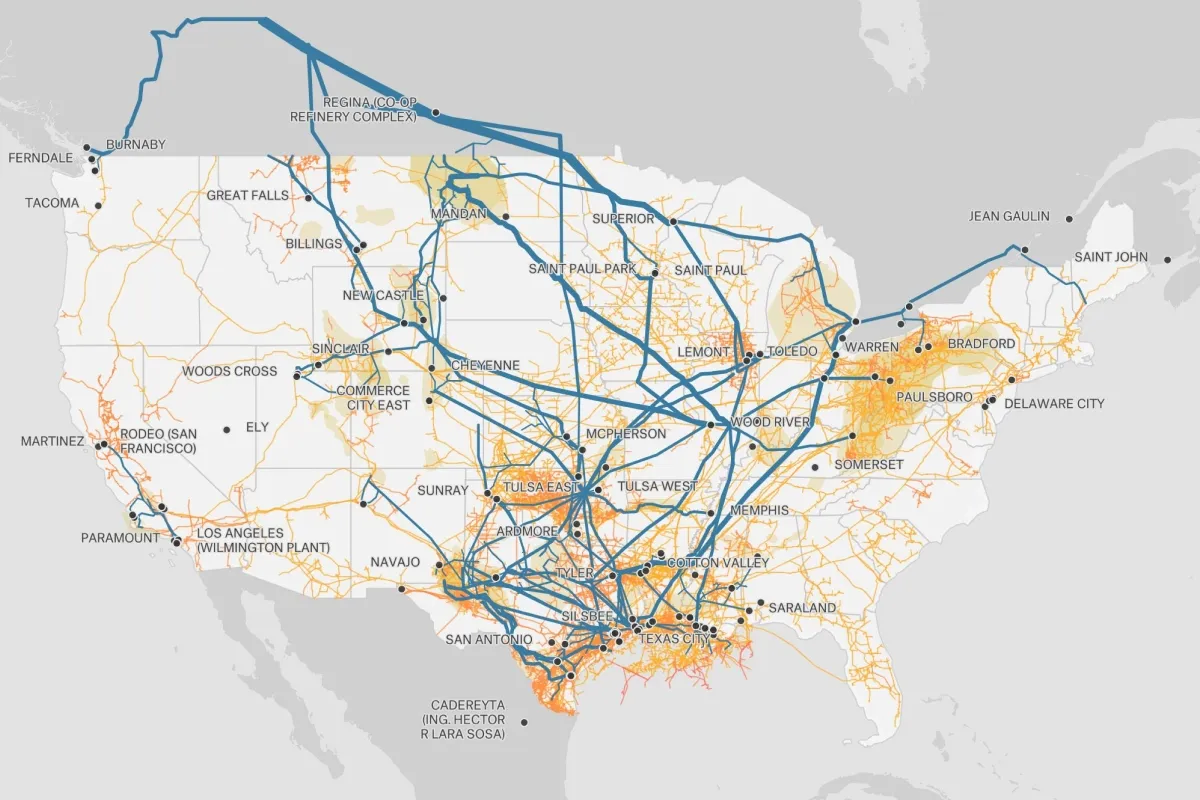
Yes. Start siting with the Global Library’s continental US transmission lines (69 kV to 765 kV) and substations. A global power plant database adds context beyond the US.
- 04Can crews attach photos of assets in the field?
Yes. Crews take photos in the Felt Field App and attach them to the asset they’re inspecting, so the office sees conditions at each site on the same map. Field photos don’t count toward your storage.
Put your sites and assets on one map
From the first parcel screen to the last patrol round.