Felt for Real Estate
Find the right sites and make a stronger case for every deal. Compare parcels against your criteria, track your pipeline, and bring interactive analysis to the investment committee.


From first screening to investment decision
Give acquisition teams one place to find opportunities, coordinate deals, and build the case for investment.
Find the sites worth pursuing
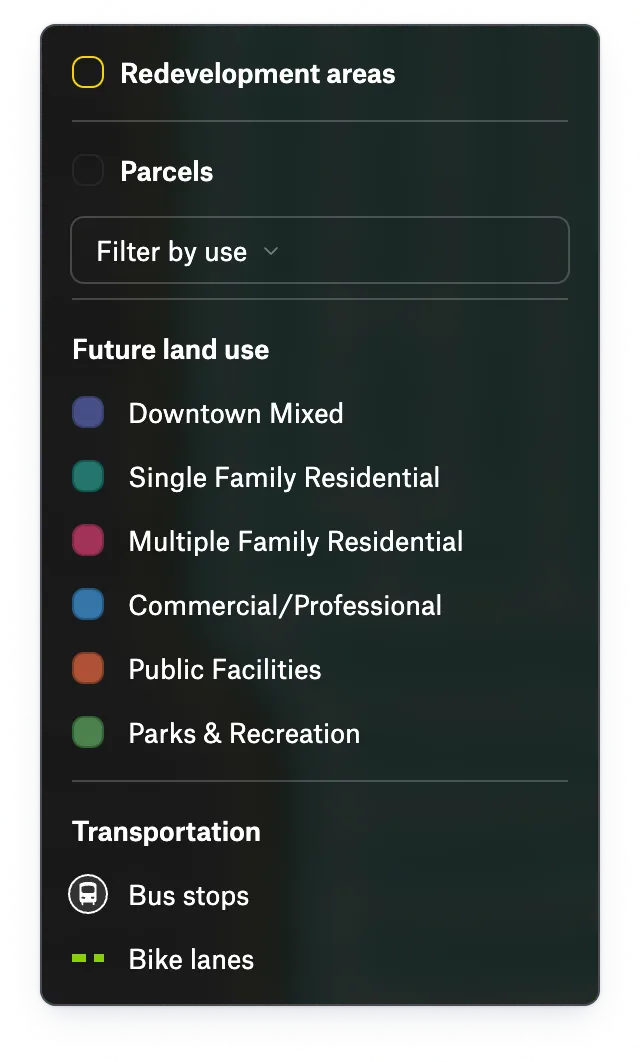
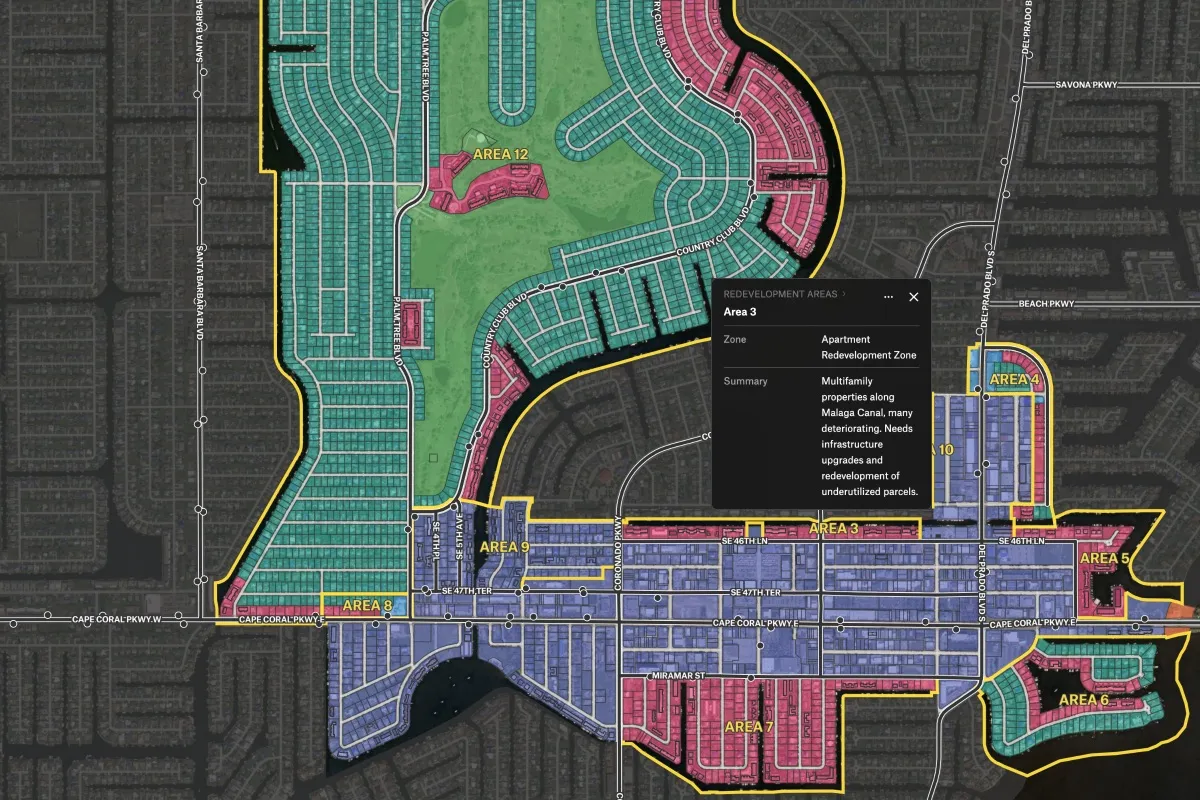
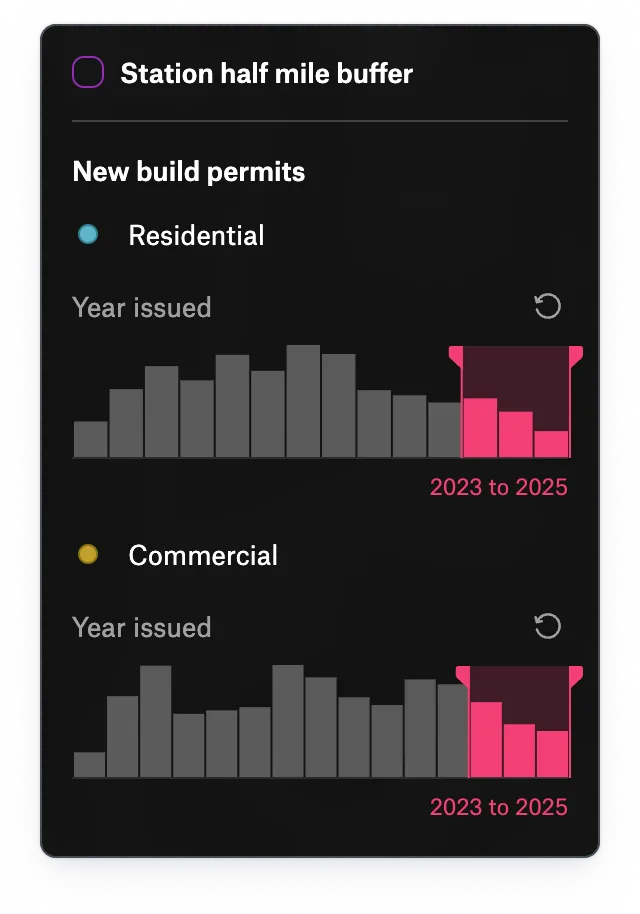
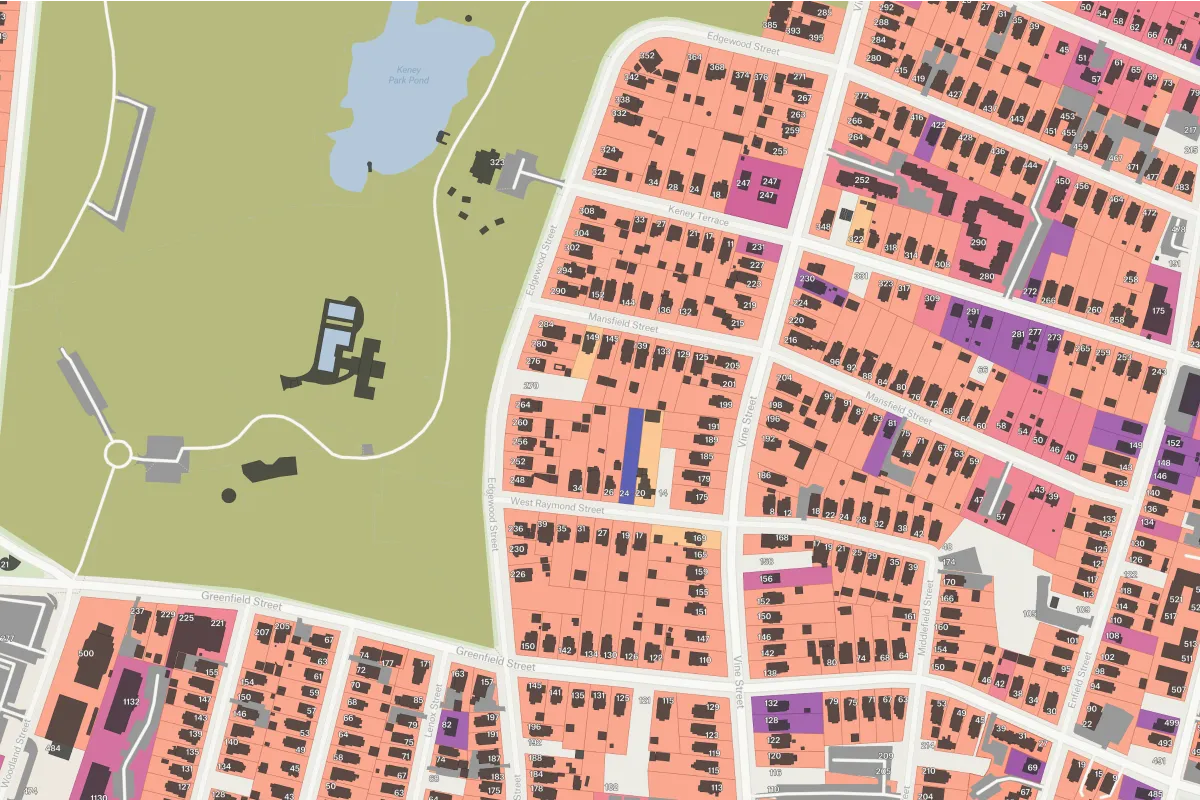
Compare candidate sites with zoning, trade areas, nearby businesses, infrastructure, and your own performance data in view. Score sites against your criteria and focus your team on the strongest opportunities.
A CRM for parcels
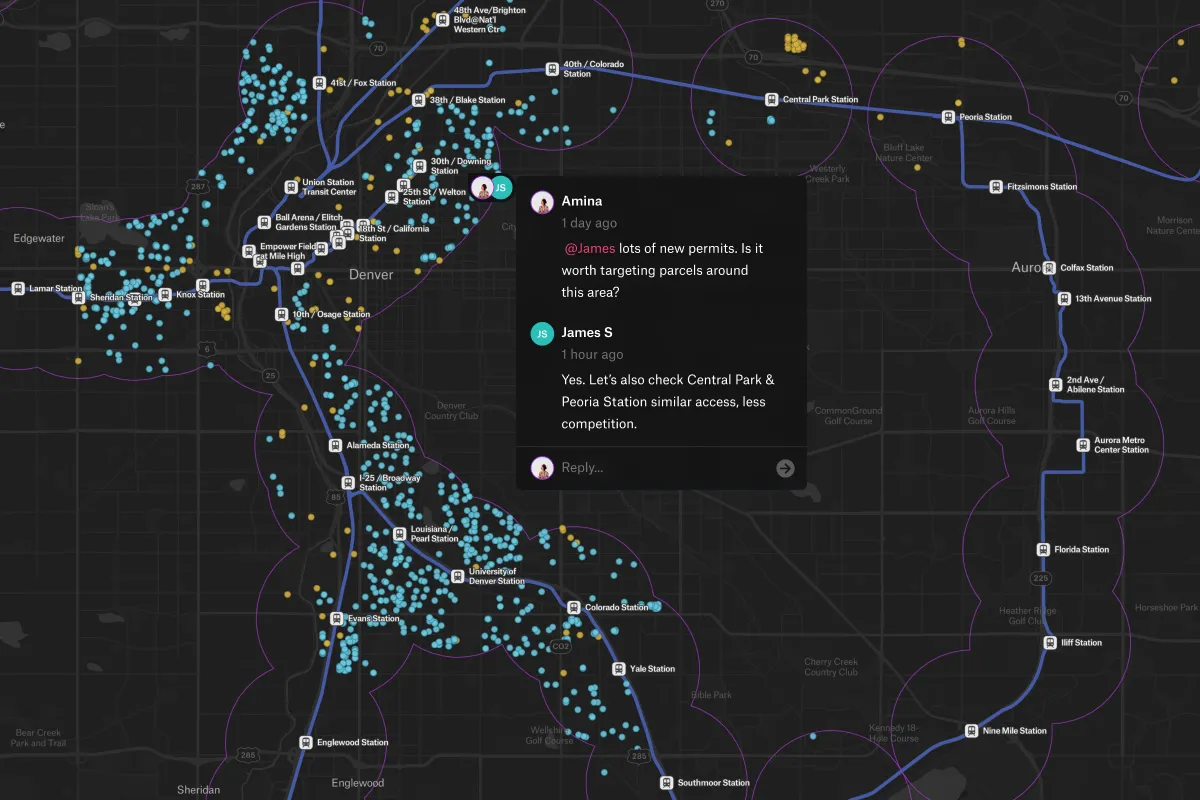
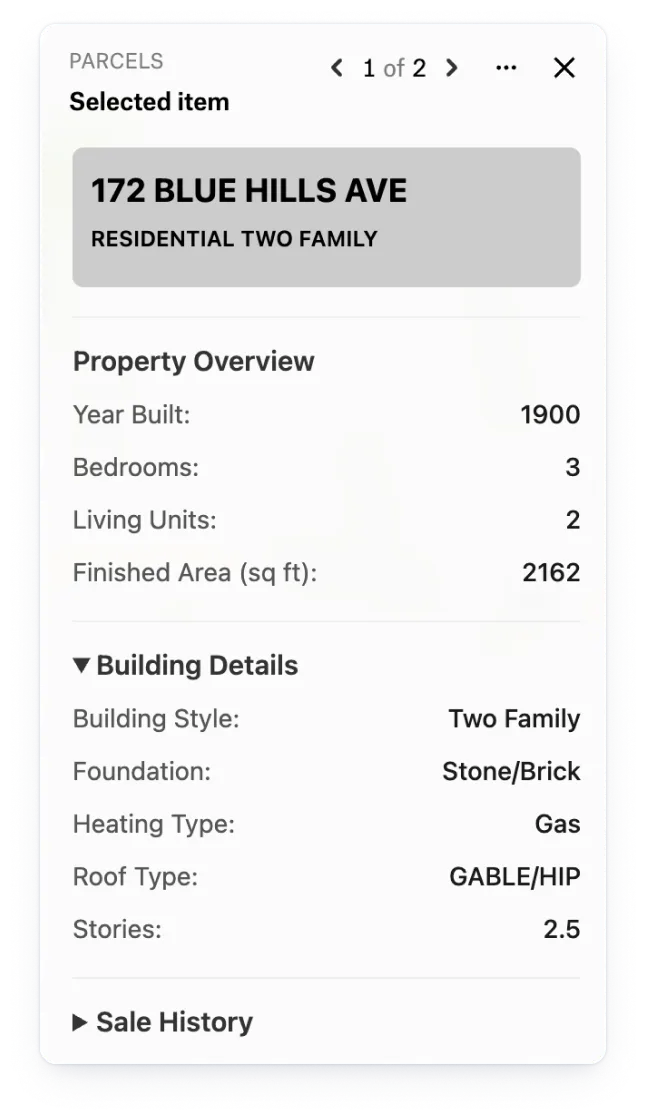
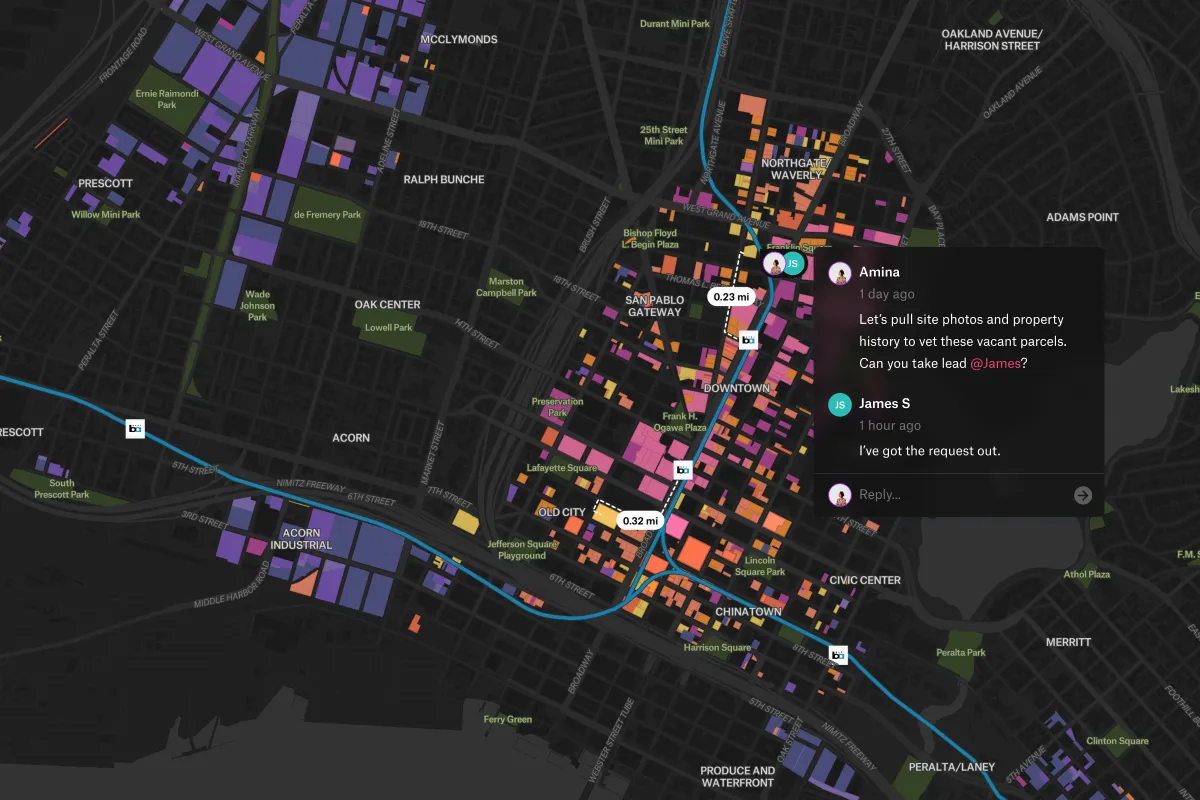
Keep deal status, contacts, and notes attached to each parcel. Your team can see where every opportunity stands, who last updated it, and what needs attention, all on the map.
Make the case for your next acquisition
Bring an interactive map to committee so you can answer questions as they arise. Compare finalists, reveal planned development, and show the evidence behind your recommendation in the room.

Acquisitions teams
Use Felt AI to find parcels that fit your criteria and compare access with drive times.

Brokers
Give buyers and committees a clear view of each site and the evidence behind it.

Asset managers
See your portfolio on one map, kept current from your connected Google Sheet.

Analysts
Give deal teams shared screening maps they can explore and use themselves.
- Screen
- Score
- Decide
- Manage
The full workflow: see site selection in Felt →
The data behind the deal
Compare demographics, foot traffic, parcels, and performance in one place. Combine your provider exports with data from Felt’s Global Library to see what makes a site worth pursuing.

Demographics and income

Foot traffic and mobility

Competitors and co-tenants

Available properties

Parcels and ownership

Store or asset performance

Deal status and contacts
Proven results for land acquisition leaders

The tools we’ve built with Felt have multiplied our impact in Memphis. It has opened doors and brought leads to projects we would not have had otherwise.

Felt allows us to have really productive dialogue remotely.

Once we discovered what we could do with Felt, we implemented it immediately.
Keep CoStar. Bring the exports.
Get more from the data you already pay for. Bring CoStar and Placer exports alongside your deal spreadsheet, and connect them to locations or parcels in Felt. Give decision-makers an interactive map they can explore as questions come up in the room.
Common questions
- 01How does parcel data get into Felt?
Bring licensed parcel data from a Shapefile, spreadsheet, or connected database. Felt AI can also find parcel layers from public GIS services and ArcGIS Online, so you can start screening sites with the data you trust.
- 02Does Felt include boundary and demographic data layers?
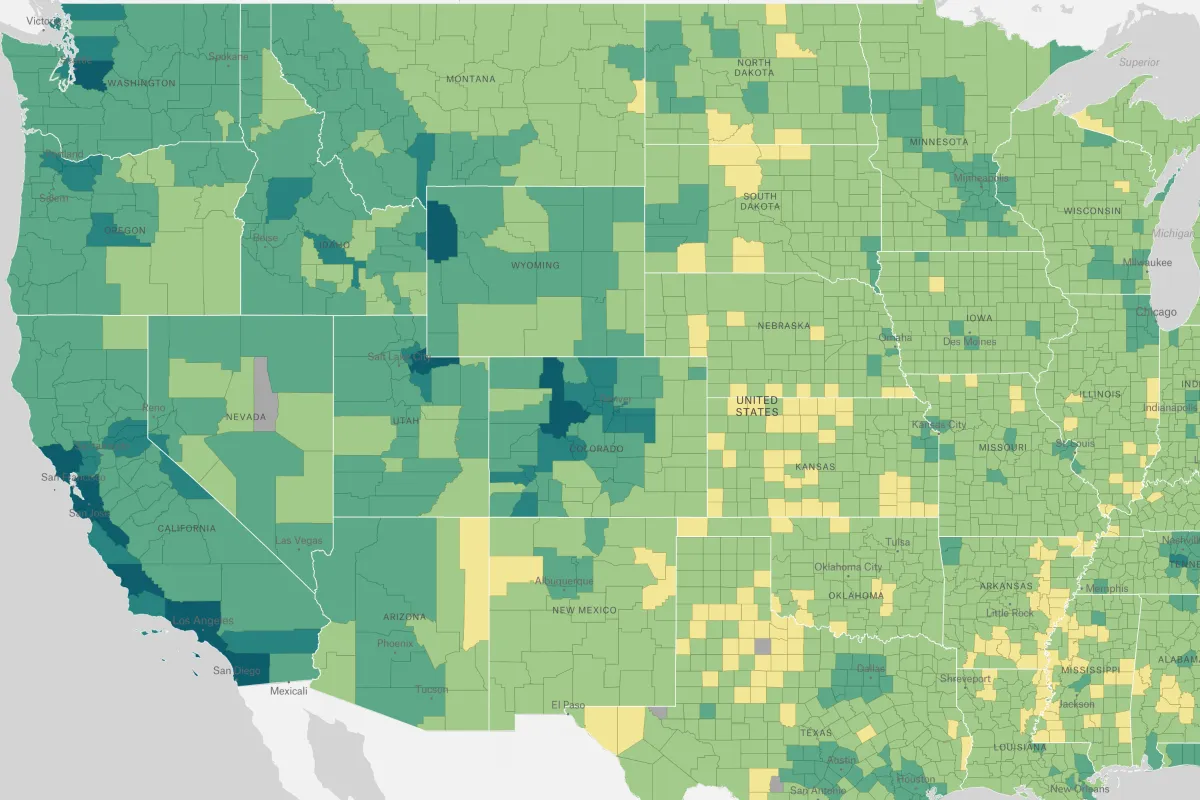
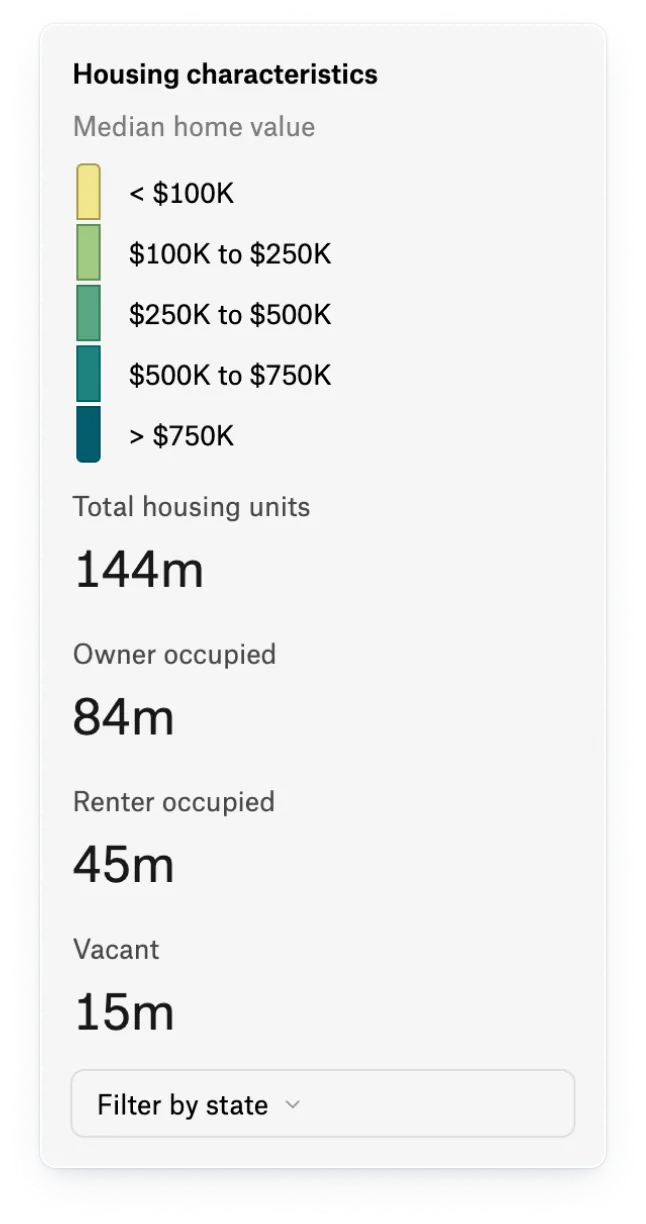
Yes. Felt’s Global Library includes US boundaries, census tract demographics, and flood risk layers, with providers and dates listed. Add context to your site screening and cite the sources behind your recommendations.
- 03Can a Felt map stay synced to a Google Sheet?
Yes. Link the sheet your team works in and Felt refreshes the map on a schedule, placing rows by address or coordinates. The deal pipeline stays current with no re-uploading.
- 04Can Felt integrate with our CRM?
Yes. Your team can build a CRM integration with the Felt REST API and webhooks to connect map activity with your deal pipeline. You can also track status, contacts, and notes directly on each parcel in Felt.
- 05Can Felt do drive-time analysis and isochrones?
Yes. Ask Felt AI for the area reachable by car, bike, or on foot in up to 120 minutes around each candidate site, then compare the result against Global Library demographics.
Put your whole pipeline on one map
Every parcel, every stage, one shared view.