Mapbox vs. Google Maps: Which API fits your app the best?
When you pick a mapping API, you’re choosing the foundation for your app’s map functionality. It defines which features you can access, how complex integration will be, and how smoothly your data flows from source to screen.
The right choice lowers technical barriers, keeps data processing and rendering fast, and makes it easier for your team to collaborate. For many organizations, the decision narrows down to two of the best map APIs: Mapbox or Google Maps.
Read on to learn more about the features, benefits, and differences between Mapbox vs. Google Maps. We’ll also show you how a web GIS platform like Felt fits into your workflow.
Overview of Mapbox and Google Maps
Mapbox is a mapping platform for developers who want detailed control over how maps look and behave. It offers application programming interfaces (APIs) and software development kits (SDKs) for maps and navigation. With Mapbox Studio, you can build your own visual styles and add custom details. On the backend, Mapbox combines commercial and open-source map data for added flexibility.
Google Maps comes under Google’s suite of mapping APIs and SDKs. It lets you add maps, routes, and location data to your web and mobile apps. It provides global basemaps, routing with traffic updates, and Street View. Google’s global location dataset powers these services, which update at a large scale through well-documented developer tools.
Mapbox API
Instead of locking you into a single default basemap or workflow, Mapbox gives developers flexibility to combine map tiles, styles, and navigation into a custom stack. Teams can also add geocoding to extend functionality. This modular approach supports smooth performance even with heavy data visualization. Developers can build customizable maps that remain interactive with large datasets.
Key features
Mapbox offers a range of tools for teams that want to control how maps are built and customized. The following features ensure developers can tailor functionality to specific project needs:
- Modular web mapping services: Mapbox has separate APIs for vector and raster tiles. It also supports static images, styles, and tile queries. Depending on your needs, you can select individual features and add them to your app’s functionality.
- Maps, navigation, and search: Beyond basemaps, Mapbox includes services for routing and geocoding. For example, the directions-based API supports driving, walking, and cycling routes with traffic-aware travel times and even electric vehicle (EV) routing.
- Cross-platform SDK: Mapbox’s API offers native web and mobile SDKs for building interactive maps with client-side rendering and shared styles across platforms.
Use cases
Mapbox’s flexibility makes it useful for the following applications:
- On-demand logistics and fleet tracking: Mapbox’s routing, live traffic, and telemetry tools can optimize route planning and post-trip analysis for delivery companies.
- Analytics dashboards and business intelligence: Companies like Tableau use Mapbox maps and boundaries to power interactive dashboards. They also connect business data to administrative regions, giving users more control over map designs.
- Consumer and travel apps: Travel planners, navigation apps, and outdoor tools use Mapbox to deliver branded maps with offline maps and real-time updates.
Cons
Despite Mapbox’s powerful customization features, it has challenges that must be considered before adopting it:
- Steep learning curve: Familiarizing yourself with Mapbox Studio, style specifications, and the wider APIs can be challenging, especially for non-developers.
- Integration and maintenance efforts: While advanced customization makes Mapbox an appealing API option, it can mean more upfront work to integrate and maintain styles and keep map data in sync over time.
- Cost management at scale: Costs can climb quickly for high-traffic maps and spikes in usage if you don’t actively manage map loads.
If you already experience these pain points or you’re worried about facing them later, you can explore alternatives to Mapbox to enjoy similar functionality without a complex mapping stack.
Pricing model
Mapbox uses a pay-as-you-go model with usage-based billing. Free map API tiers are available, but they depend on map loads, active users, and per-trip usage. Costs increase with higher traffic, though discounts apply at larger scales.
Google Maps API
Google Maps offers a collection of APIs and SDKs for embedding maps, routes, and locations into web and mobile applications. It offers global coverage and frequently updated data, all backed by Google’s infrastructure. Many developers choose Google Maps for its familiar user experience and extensive ecosystem.
Key features
Google Maps provides a broad set of tools that make it easy to integrate mapping into applications. Here’s a look at its top features:
- Vast set of location services: Google Maps Platform groups its products into categories like Maps, Routes, and Places. These services help developers render interactive maps and calculate travel distances and times. They also validate addresses and access environmental and aerial data.
- Rich location and address data: The Places API lets you search for businesses and points of interest, look up details like opening hours or ratings, and autocomplete addresses when users type.
- Routing and distance calculations: The Routes and Distance Matrix APIs help you find optimal routes between locations, estimate travel times, and provide features like estimated times of arrival (ETAs) or multi-stop trip planning into your app.
- Cross-platform tooling: Google Maps’ API offers JavaScript libraries for the web with native SDKs for Android and iOS, keeping user experiences consistent across operating systems while using platform-specific functionalities.
Use cases
Google Maps is especially effective in the following industries and applications:
- Transportation and logistics: Fleet tracking and delivery companies use Google Maps’ road network, real-time traffic data, and routing APIs to improve the driver experience and save time.
- Retail and e-commerce: Retailers use store locators, address autocomplete features, and geocoding to improve the checkout experience and match people to the right locations.
- Customer-facing user experience: Many apps embed maps within their user interface for search, discovery, and navigation. Google Maps has familiar visuals that people already recognize and trust, making it an easy choice to help consumers enjoy the user experience.
Cons
Weigh the following drawbacks before committing to Google Maps:
- Complex pricing and scaling costs: Pricing is complicated, and Google Maps becomes expensive with heavy use, especially for startups and smaller businesses.
- Quota management and overhead billing: If you exceed quota limits or misconfigure your projects, calls may fail or Google might temporarily block your service.
- Limited flexibility: While you can style maps, the overall look and feel is still rooted in Google's familiar UI. If these limitations impact your app-building experience, you can consider Google Maps alternatives to find a more suitable API, including several free options.
Pricing model
Google Maps offers two pricing models. The pay-as-you-go model charges based on actual API usage, making it flexible for projects that scale gradually or have unpredictable traffic. The subscription-based model is a better fit for organizations that want stable budgeting and guaranteed access to higher usage tiers. Here are the starting costs for each tier:
- Starter plan: $100 per month
- Essentials plan: $275 per month
- Pro plan: $1,200 per month
What are the differences between Google Maps and Mapbox?
While both platforms deliver strong mapping services, they each have different strengths. The table below highlights key differences to help you decide which option best fits your needs.
How to choose the right tool based on your needs?
The mapping API you choose depends on what you’re building, how much control you want over customization, and how much time and money you can afford to spend on maintenance.
When is Mapbox the stronger choice?
Mapbox suits companies that treat the map itself as a core product and are happy to manage more of the stack themselves. For example, if you’ve already tried building with OpenStreetMap data and now need more advanced styling and support. It’s a good match if you:
- Need a highly customizable, brand-specific map UI.
- Are comfortable investing time in fine-tuning map styles, data layers, and behavior.
- Prefer low-level control over tiles, rendering, and interactions.
When is Google Maps the stronger choice?
Google Maps is a suitable option if you want a familiar interface and quick deployment. It’s a safe option for apps where people need to find places, see routes, or understand where things are on a standard map. Choose Google Maps when you:
- Want users to immediately recognize the map.
- Rely heavily on addresses, store locations, or directions.
- Use other Google services and want to keep products under one roof.
When is Felt the stronger choice?
Felt is useful when you want to build maps with geospatial data instead of just embedding a map widget. It makes the most sense when:
You want to create interactive maps, internal tools, or dashboards quickly using no-code spatial workflows without moving every tile or layer manually, improving development speed and adoption across teams.
You want to quickly collaborate on maps and share geospatial data with analysts, project managers, and non-technical team members while allowing multiple users to edit layers in real time, enabling stronger collaboration and faster, more reliable decisions.
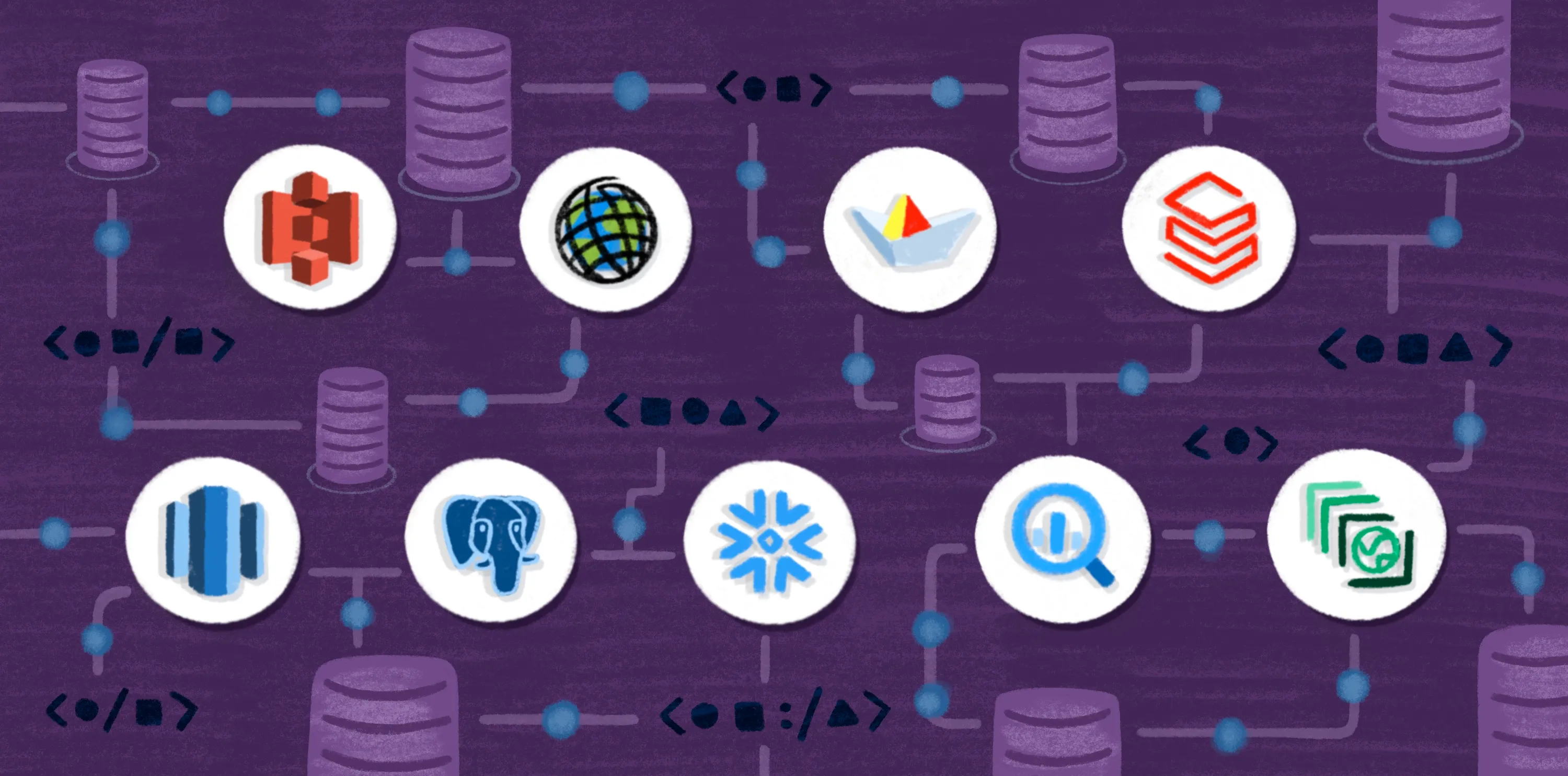
You prefer connecting your map data to a web GIS platform that handles data, styling, and collaboration while connecting directly to cloud data sources like Postgres, Snowflake, and Databricks, so you can focus on product logic and the overall user experience.
Build better, faster maps with Felt
Choosing the right mapping tools shapes how quickly ideas become working features. Mapbox and Google Maps have their own strengths, but they still treat maps as components you embed and manage on your own. Felt offers a different path: It's a cloud-based GIS platform designed for collaborative web mapping and fast exploration of spatial data, with instant rendering across millions of features and real-time collaboration in the browser. It enables end-to-end spatial workflows, including advanced geoprocessing and no-code spatial analysis, and supports enterprise-level use cases with enterprise security, cloud data integrations, and scalable infrastructure, allowing teams to analyze spatial data efficiently.
Compare Felt using AI



.jpg)