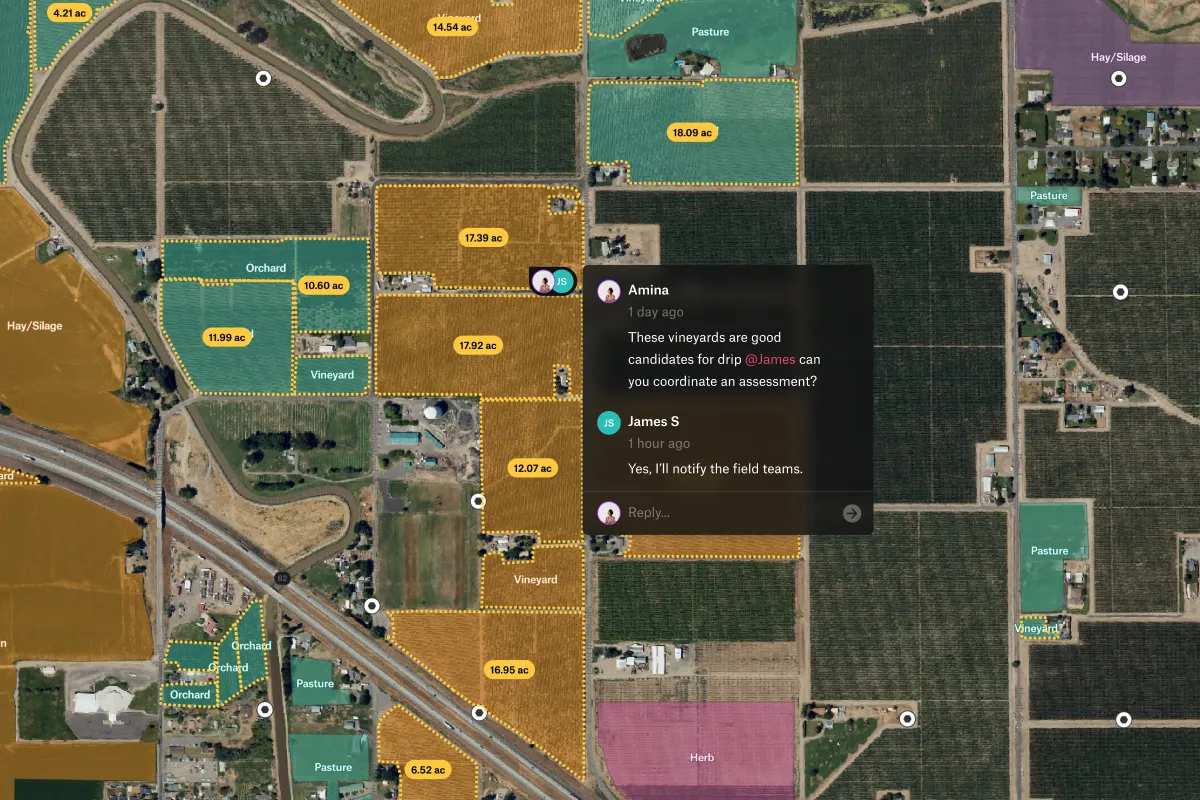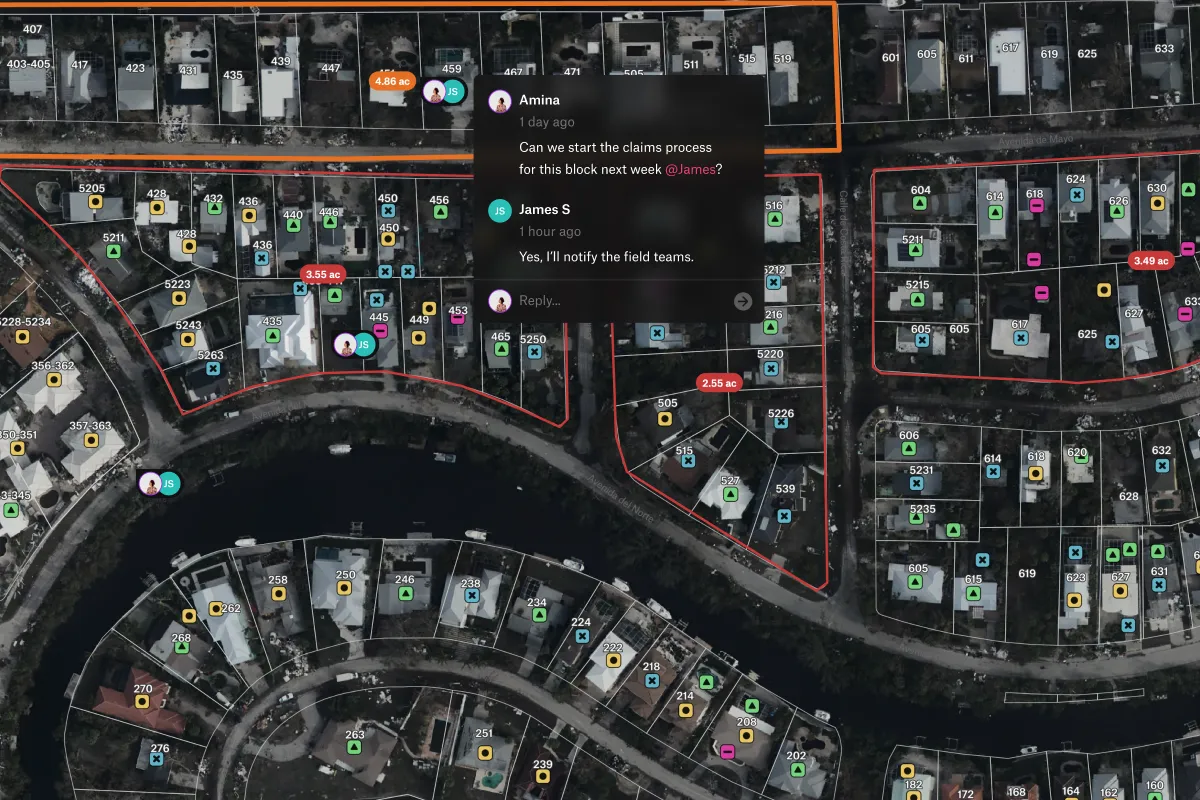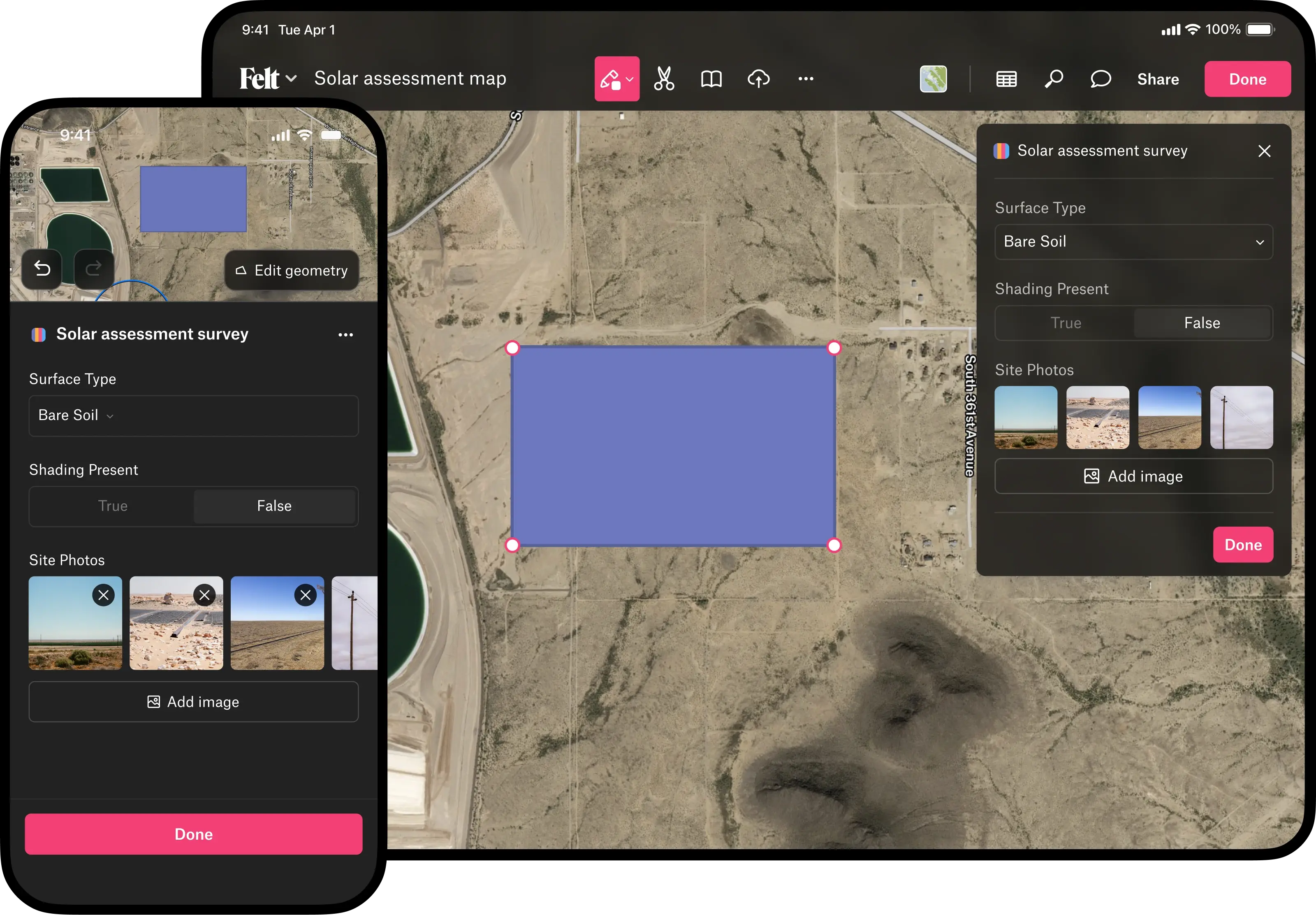






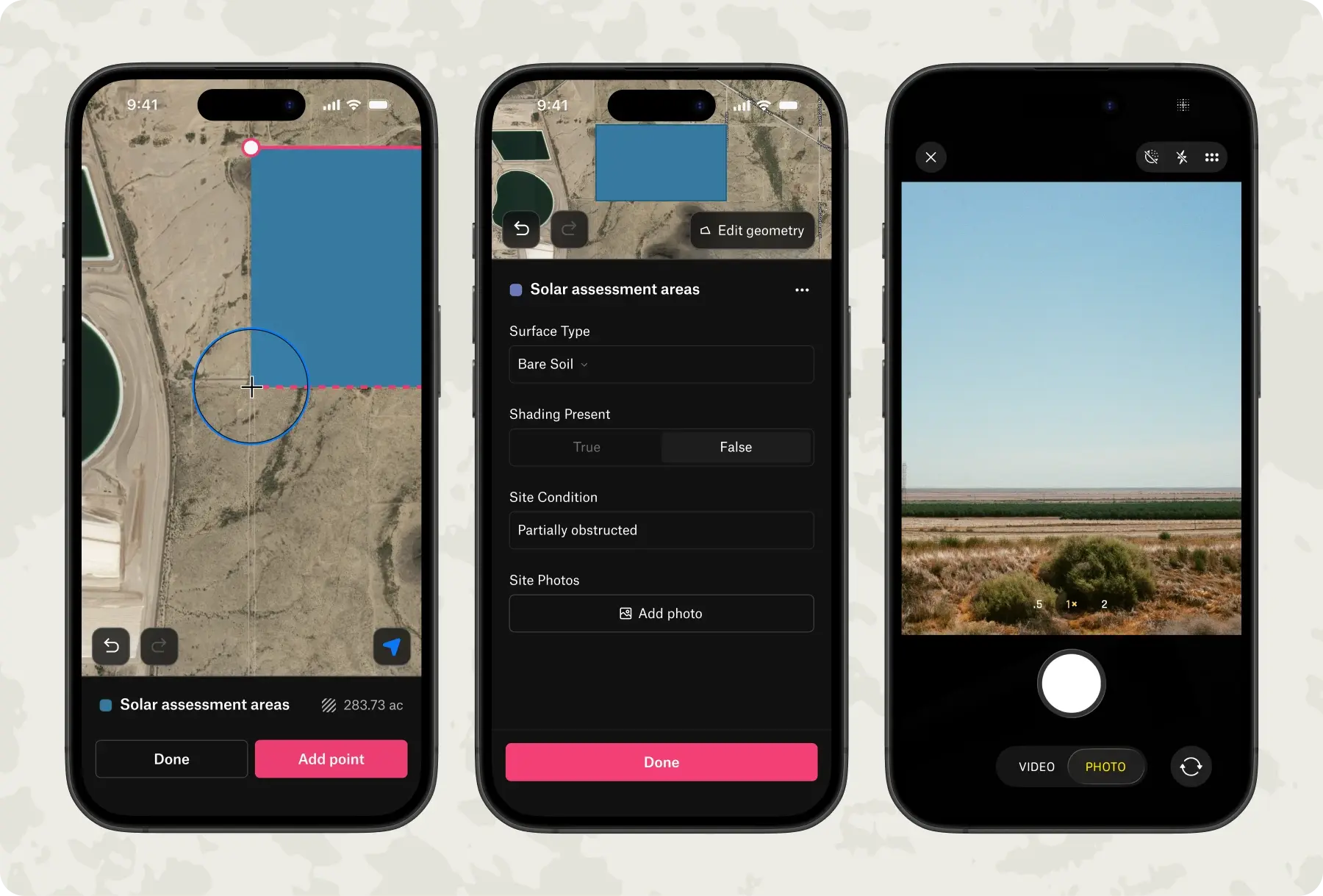
Felt's mobile app turns any device into a complete field collection tool, with no configuration or training required.
Eliminate delays between fieldwork and decision-making with automatic data sync.
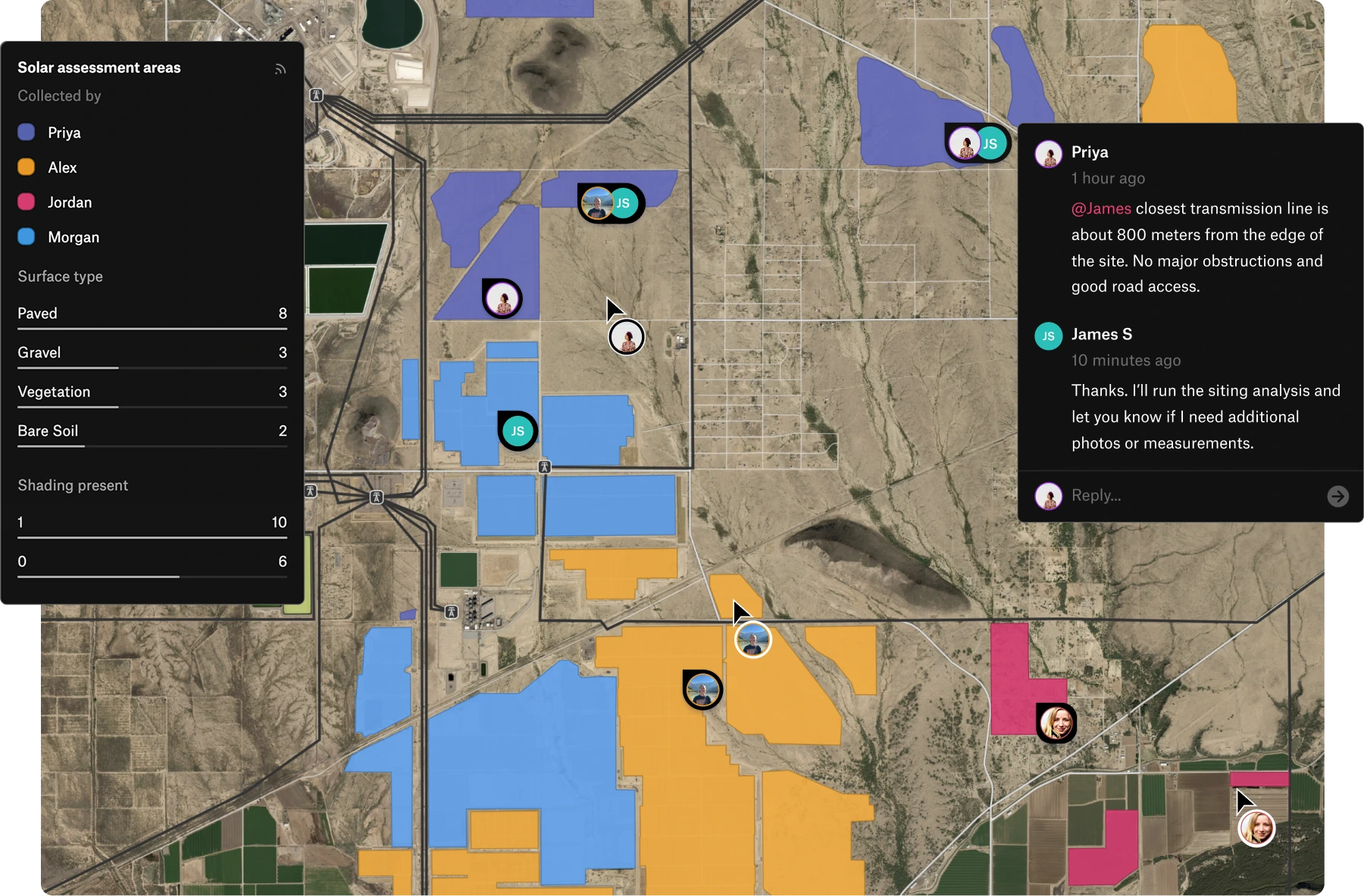
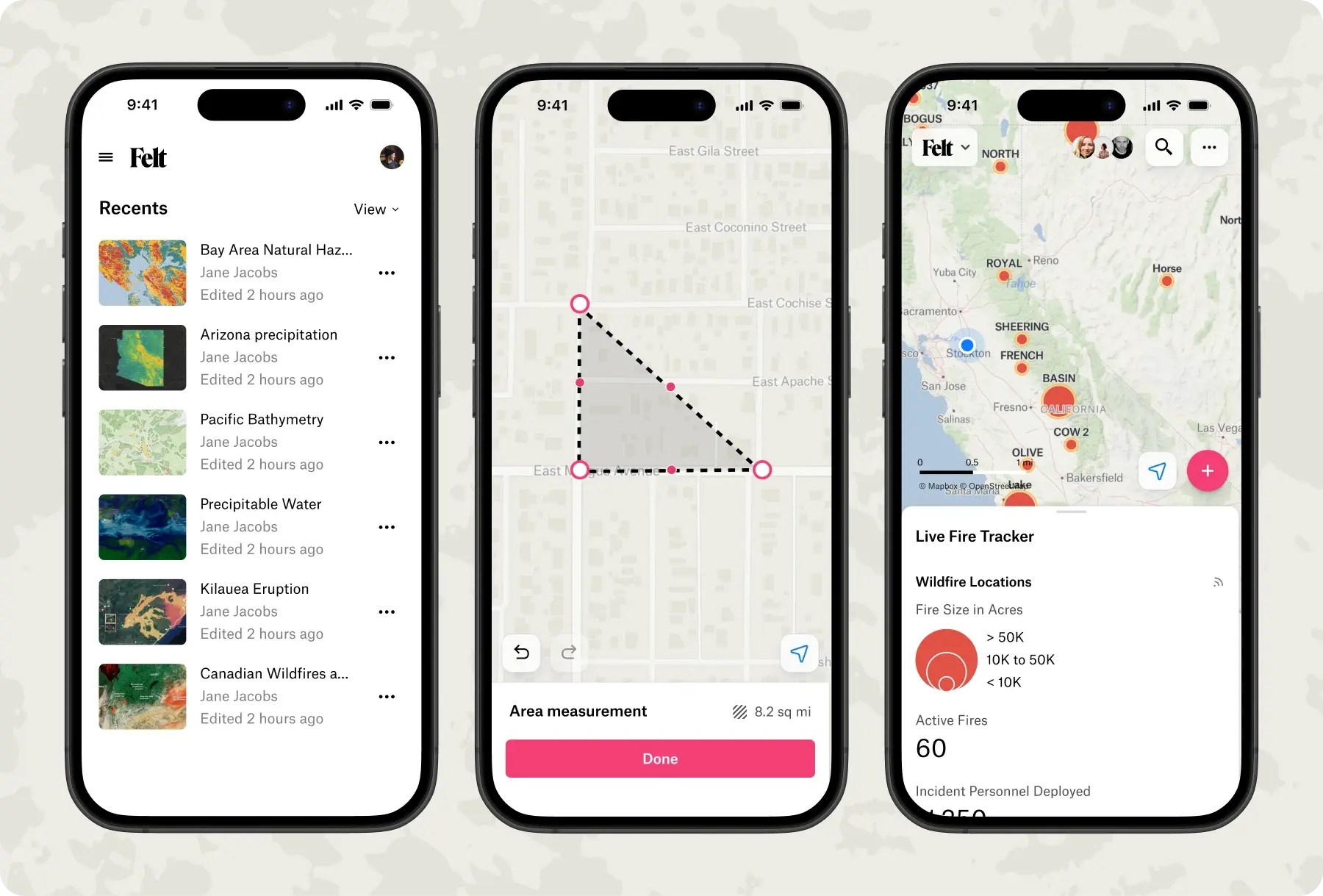
Make decisions anywhere with full GIS capabilities.
Keep field operations running regardless of network conditions with complete offline functionality.
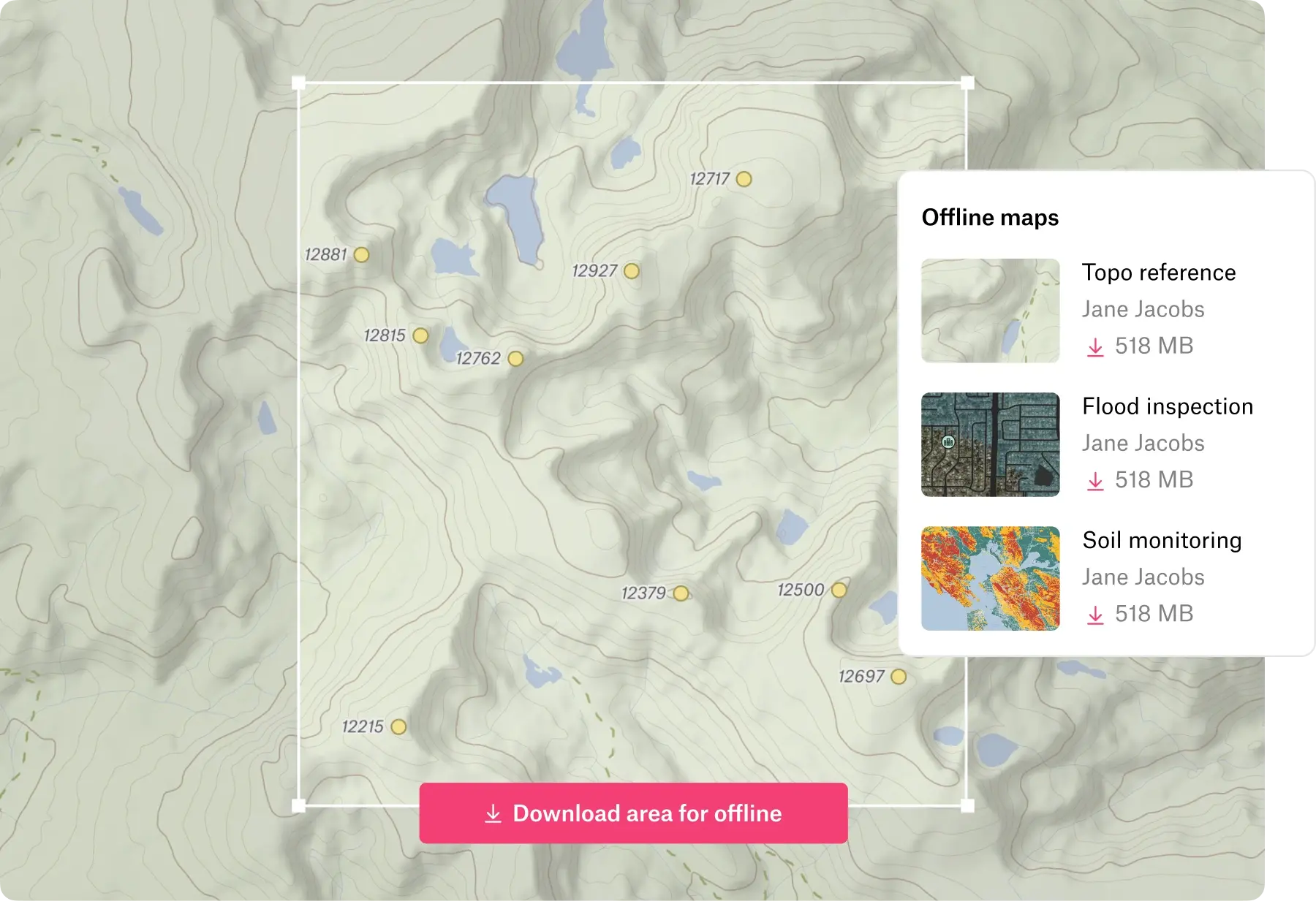


Mobile data collection lets field teams capture observations, measurements, and photos directly on their devices with GPS accuracy automatically recording precise locations. Data collection tools with offline capability work anywhere without cell coverage, syncing automatically when connectivity returns.
This approach delivers cleaner, more accurate field data collection that's immediately ready to map and analyze, while giving teams real-time visibility into operations.
The four most common types of data collection are surveys, observations, interviews, and document review, all enhanced by modern mobile data collection. Surveys gather structured responses, observations capture real-world conditions through field data collection with high GPS accuracy, interviews collect detailed qualitative insights, and document review compiles information from existing records.
Today’s data collection tools support field data collection with built-in GPS accuracy to capture precise locations and offline capability so teams can work anywhere. These advances make it easier to gather standardized inputs, record real-time observations, and organize information without manual workflows.
Field-based data collection is used in environmental surveys to record habitat conditions, in infrastructure inspections to document road or utility asset issues, and in public health assessments to track conditions across communities using mobile data collection tools. Emergency responders also rely on field data collection to map damage after storms or fires with high GPS accuracy, while real estate and land teams capture property details and site features in the field.
Modern data collection tools with offline capability support all these use cases by allowing teams to work reliably in remote or low-connectivity areas.


.svg)