Felt’s new pricing: start with what you need, grow at your own pace
New Felt plans are live. Start small, add one person at a time, pay monthly if you like, and share with as many people as you need.

Over the past year, we’ve heard the same thing from hundreds of teams. A map starts with one job, then grows. Our old plans didn’t grow with it. Adding one more editor could mean jumping to a much bigger plan. Paying for the year upfront didn’t fit work that comes in seasons or projects. And sharing a map with clients shouldn’t cost a seat per client.
So we rebuilt pricing around how teams actually grow:
- Add one person at a time. Every paid plan lets you add seats for $49 a month, without changing plans. Larger teams get volume seat pricing on Enterprise. Seats belong to the workspace, so an admin can hand one to whoever needs it next.
- Felt AI on every paid plan. Ask your maps a question in plain language and get an answer from your own data. Team includes 250 credits a month, Business 1,000, and Enterprise 2,500, with MCP on Business and Enterprise.
- A plan for the middle. Business sits between Team and Enterprise, for teams that connect live data and build workflows but don’t need enterprise administration.
- Pay monthly or annually. Team and Business can be billed monthly and canceled anytime.
- Share without seats. Anyone can open a public map without logging in. Colleagues and clients who log in can view and comment on private maps, up to your plan’s viewer limit, without taking a seat.
- Usage you control. Every plan includes monthly map views, and paid plans include processing. Need more? Add 1 GB of processing, 1,000 map views, or 50 Felt AI credits for $5 a month each. We warn you when you reach 80% and 100% of each limit, and we never charge you for going over.
Team: bring your spatial data together
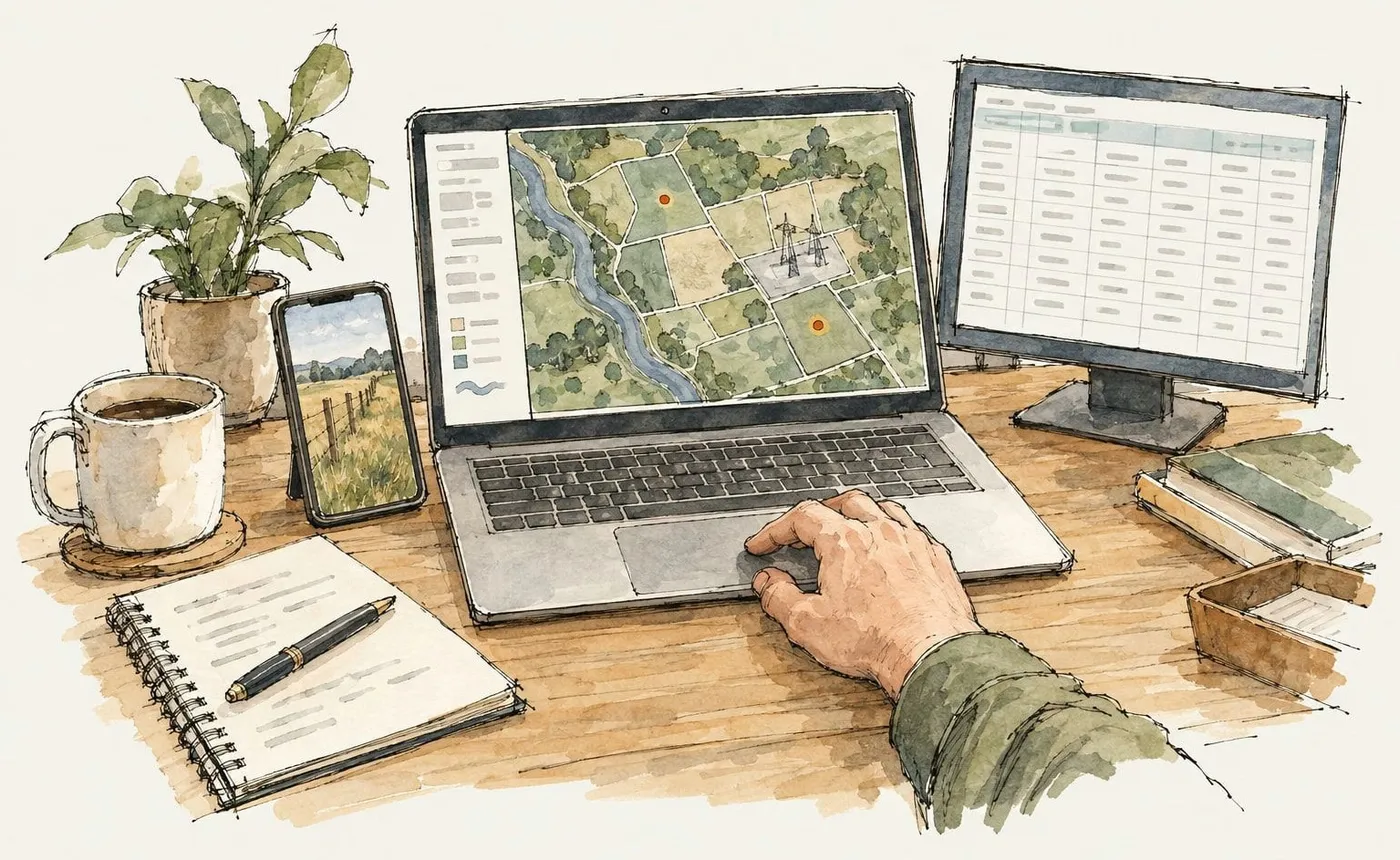
A solar developer’s siting lead has parcels in a shapefile, landowner contacts in a Google Sheet, and a review with the VP on Friday. On Team, she puts both on one map Monday morning, and an analyst joins her that afternoon. The sheet refreshes daily, and the land agent’s field photos land on the parcels he visits.
Friday’s review happens on the map, not in a deck. When the VP asks how many acres sit near a substation, Felt AI answers from the map. When a second agent joins for the summer, she adds a seat that day.
Team includes:
- Upload, style, and analyze data. Bring in CSV, Excel, Shapefile, GeoJSON, GeoTIFF, and more. Style it, filter it, run spatial analysis, and edit features right on the map.
- Sheets, ArcGIS, and SharePoint with daily refresh. Connect Google Sheets, Airtable, ArcGIS, WMS/WFS, SharePoint, or a URL, and your maps stay current without anyone re-uploading.
- Embeds and exports. Embed live maps on your website, wiki, or client portal, and export your data and maps when you need them elsewhere.
- Field capture with forms and photos. Collect records from a phone, with photos placed where they were taken.
- Felt AI, 250 credits a month. Enough for about 50 quick questions or 15 more involved requests.
- 3 seats and 25 viewers. Add seats for $49 a month as you grow. Includes 5 GB of processing and 25,000 map views a month.
Business: connect your systems and workflows

Six months later, the interconnection queue lives in Snowflake, and someone pastes in a fresh export every Monday. A stale export can cost the company a site. Business connects the map to the warehouse and refreshes it hourly.
The pipeline review gets a dashboard instead of slides. Land agents capture offline in ranch country, with every edit tracked. A developer uses the API to push every closed deal from the map into the CRM, so land and finance work from the same pipeline. And the questions that used to wait for the analyst, the team now asks Felt AI.
Business includes everything in Team, plus:
- One database or bucket, refreshed hourly. Connect Postgres, Snowflake, BigQuery, Databricks, SQL Server, or a private cloud bucket, so maps read from your system of record. Imagery in your bucket streams straight to the browser.
- Dashboards, SQL, and drive times. Add charts, statistics, and time sliders to a map, query your layers with SQL, and analyze drive times. Print layouts and custom HTML popups are included too.
- Offline maps and advanced forms. Field crews keep working without signal, with conditional logic, validation, and a record of who changed what.
- REST API and extensions. Push data in, pull results out, and add your own tools to the editor. Webhooks let other systems react when a map changes.
- Felt AI, 1,000 credits a month, with MCP. Four times Team’s credits, and Claude, ChatGPT, and your other AI tools can work with your Felt data directly.
- 5 seats and 100 viewers. Add seats for $49 a month. Includes 25 GB of processing and 100,000 map views a month.
Enterprise: security, scale, and support for your team
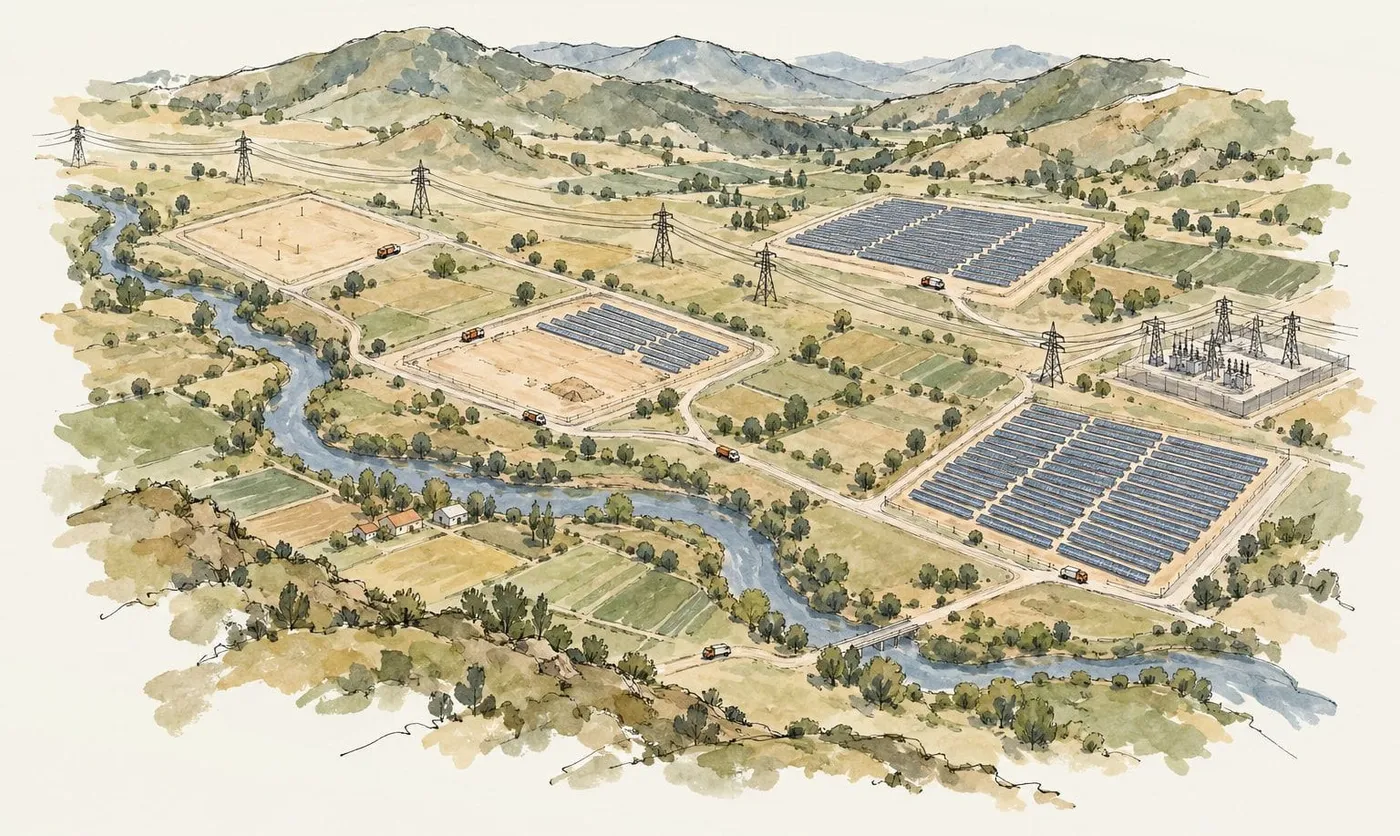
A year in, IT requires SSO for any tool that holds land data. The siting data now spans two warehouses and a private bucket, and the field crew has grown to dozens. The siting team moves to Enterprise on its own; no company-wide rollout required.
As the crew keeps growing, each new seat costs a little less than the last. And the maps have a bigger audience now: finance and the executive team follow the portfolio on the same maps the crew works in, and nobody has to count viewers.
Enterprise includes everything in Business, plus:
- Unlimited databases, refreshed every 15 minutes. Connect as many databases, warehouses, and buckets as you need, with as many Felt Servers as your teams use.
- SSO/SAML, admin controls, and an SLA. Log in through your identity provider, set access at a finer level, and reassign a person’s work when they leave.
- Regional or self-hosted deployment. Keep data in the US, EU, UK, Canada, or Australia, or run Felt in your own AWS VPC as an add-on.
- Premium technical support available. Add Premium Technical Support for a designated technical contact and faster escalation, and professional services for implementation and training.
- Felt AI, 2,500 credits a month, with MCP. The most credits of any plan, for teams putting AI to work across many maps.
- 10 seats, unlimited viewers, and volume seat pricing. Seats cost less as your team grows. Includes 100 GB of processing and 250,000 map views a month.
Already on Felt?
We built these plans with you in mind, and we’re excited to give you more. Every workspace moves to the new plans this week, and for most teams that means a major upgrade at the same price, including Felt AI, embeds, field capture, and the REST API.
What’s new depends on your plan, so we’ll email you the details for your team when your workspace moves.
Every plan at a glance
Prices are per workspace. Extra seats are $49 a month on annual plans and $59 on monthly. Enterprise includes volume pricing for larger teams. Compare every plan and feature on the pricing page.
Buying on your terms
- Monthly or annual. Team and Business are available monthly or annually. Cancel a monthly plan anytime, and it ends at the next billing cycle.
- Invoices and purchase orders. Business annual and Enterprise can be invoiced or paid by PO.
- Nonprofits and education. US 501(c)(3) organizations get 30% off plans, seats, and Platform. The Classroom plan is free for teaching in higher education.
- Upgrades anytime. Upgrades take effect the day you make them, prorated for the rest of your term.
For developers
The Platform add-on puts the maps you build in Felt inside your own product, behind your own login. One JavaScript SDK call embeds the finished map. Felt runs the tiling, data refresh, and permissions, so you never stand up a tile server or keep a second user model in sync.
Your end users don’t need Felt accounts, and they never count as seats or viewers. There’s no per-user fee at any volume: usage is metered on map views, not people. Platform works with any paid plan, including Team, and the first three months are free.
Learn more in the developer blog post.
Pull up a chair
Pricing should never be the reason a map stays smaller than the work. Start with the people and data you have today, add the next person the day they join, and share with everyone else for free. When the work grows, your plan grows with it.