10 types of maps: When to use each and how to build them collaboratively
Explore 10 types of maps and learn how platforms like Felt support smart collaboration and clear insights.
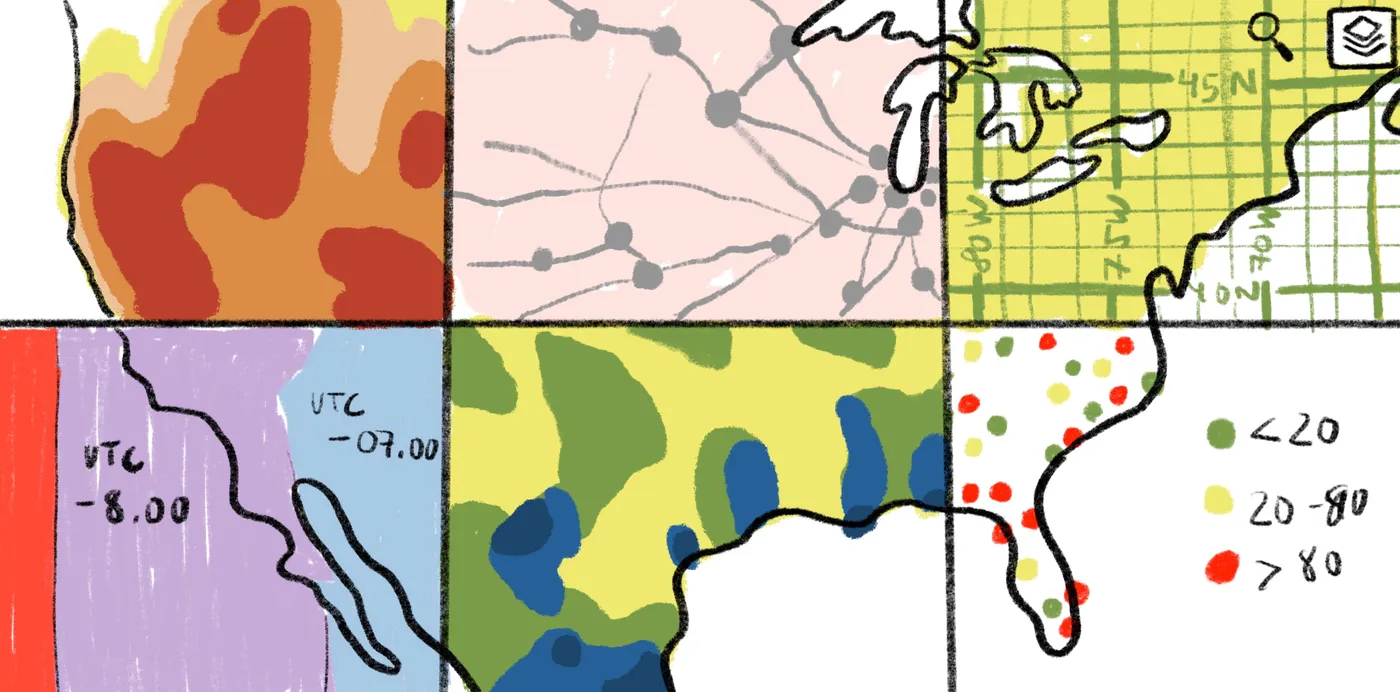
Explore 10 types of maps and see how platforms like Felt enable smart collaboration, better workflows, and clearer geographic insight.
Maps do more than show cities or the shape of the land. Every type of world map tells a different story. They can illustrate voting in a particular region, how weather moves, or where resources are located. Choosing the right map projection helps reduce distortion and match your message to the data.
Read on to learn about 10 different types of maps, what each one highlights, and how Felt makes creating and sharing easier.
What are the main types of maps?
Maps organize and represent spatial information in different ways. A single location can look completely different depending on the type used. Imagine a coastal city like San Francisco. A topographic map might show coastlines and mountain ranges, while a political map might highlight voting districts and housing trends. Each changes how Earth’s surface is displayed and has its own particular style, helping viewers understand where things are and how they change or relate to one another.
Below, we’ll take a closer look at the following 10 different types of maps:
- Political maps: Show how governance and political identity connect to place.
- Physical maps: Highlight landforms like mountain ranges, rivers, and coastlines, helping us understand the natural shape of the world.
- Topographic maps: Illustrate Earth’s geographic features with contour lines and shades that represent varying elevations.
- Thematic maps: Visualize a specific dataset, including median income, crop types, and real estate development, to reveal patterns across space.
- Climate maps: Demonstrate long-term weather and environmental patterns.
- Economic or resource maps: Detail where goods and services are produced, like timber, oil fields, and manufacturing hubs.
- Population maps: Chart how people disperse across space, supporting demographic analysis, urban planning, and public services development.
- Road or navigation maps: Show roads, transit routes, and distances to help with travel logistics, whether navigating a city or coordinating fleet operations.
- Weather maps: Visualize real-time and forecasted weather conditions for quick interpretations of temperature, rainfall, and wind patterns.
- Historical maps: Reveal how space changes over time, like shifting borders, land usage, and deforestation.
The 10 map types and when to use each
The following types of maps help determine what your viewers notice first — whether you want to clarify geographic borders, surface elevation changes, or how trends shift across space. Understanding what each represents helps you choose the right format for your message.
1. Political maps
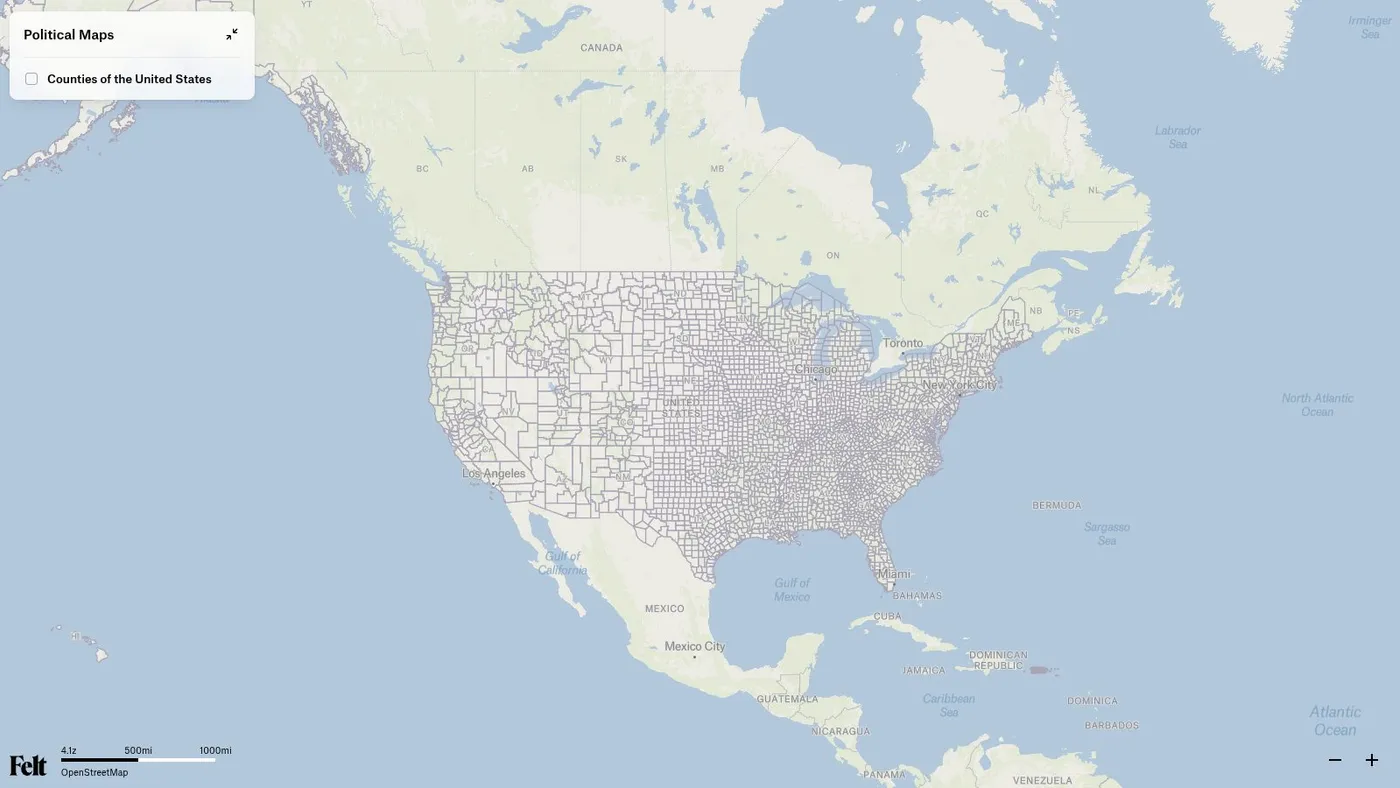
People use boundaries to mark territory, organize governments, and decide who makes decisions where. A political map identifies areas like countries, states, and cities. It helps explain jurisdiction and governance.
Take a detailed visual of a county’s school district. A planning committee uses this type of political map to understand what neighborhoods fall under specific school districts. This is helpful for enrollment projections or proposing new zone policies.
2. Physical maps
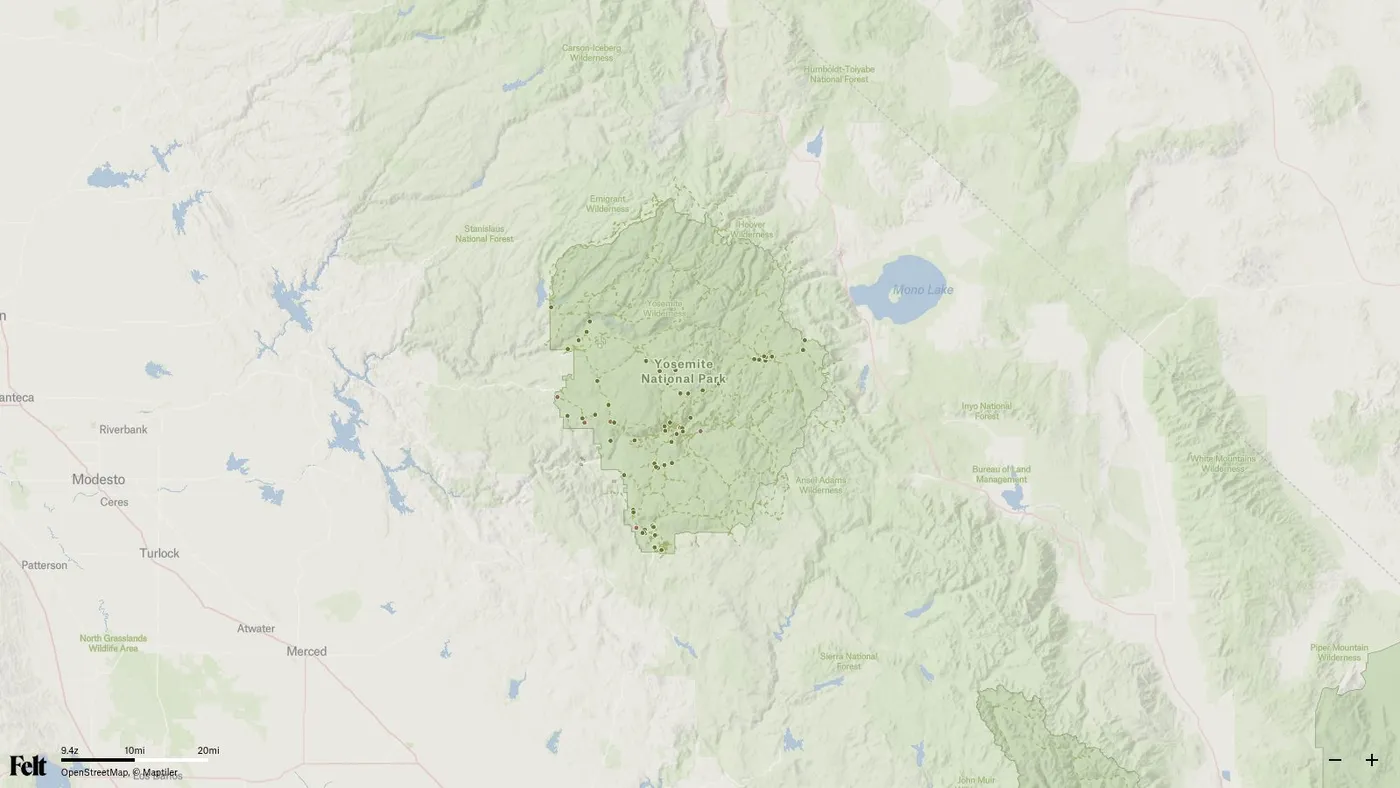
Before you can build boundaries or policies, you have to understand the land. Physical maps — or reference maps — focus on natural landforms like mountains, valleys, and coastlines. You use these when you want to understand the shape and texture of the Earth’s surface. For example, state planners might use a reference map to highlight national parks.
3. Topographic maps
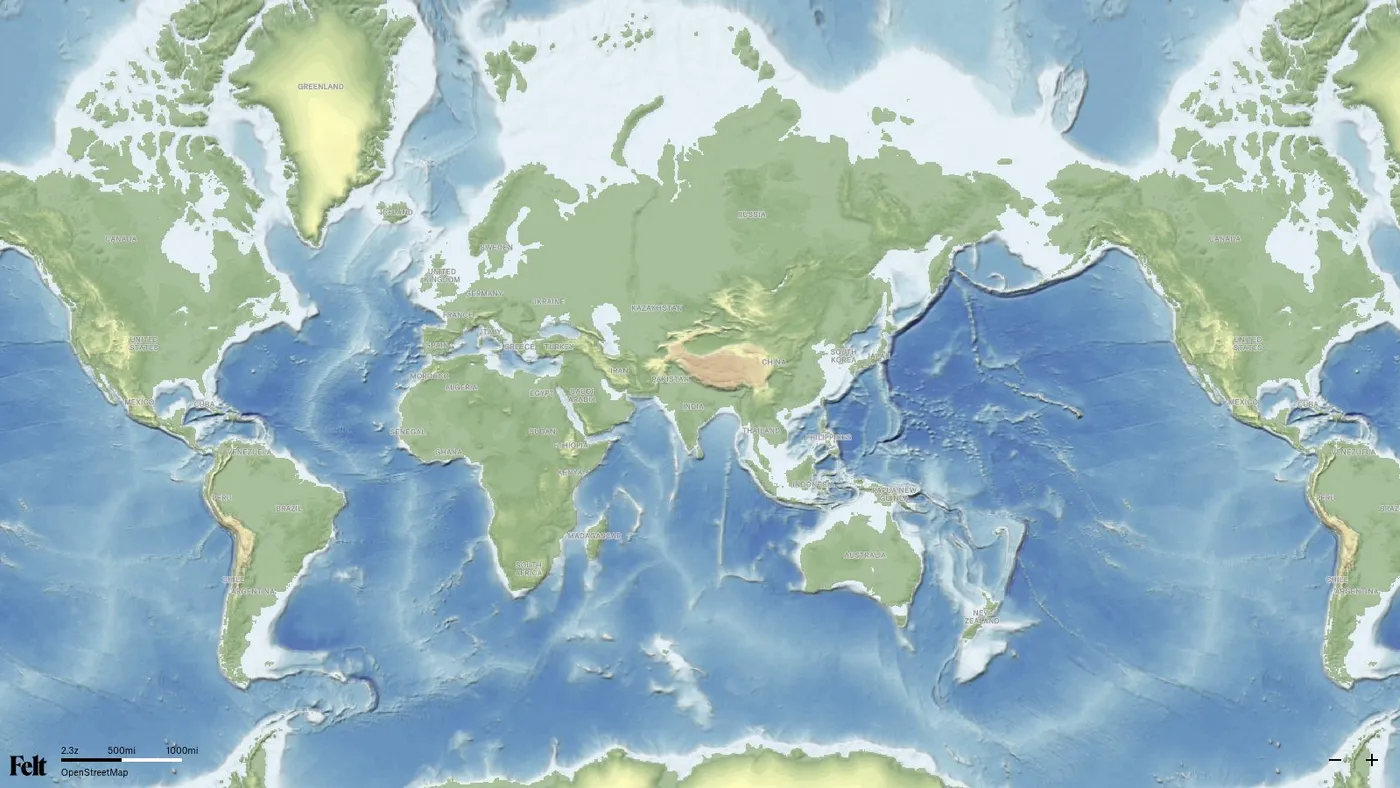
Topographic maps display land shape, elevation, and terrain across a specific latitude and longitude. Cartographers use contour lines and gradient shading to represent features like ridges and valleys.
For example, geologists use topographic maps to conduct field investigations. They help identify ridgelines and drainage basins for surveys in a landslide area. Slopes can help them predict where terrain might shift during heavy rainfall.
4. Thematic maps
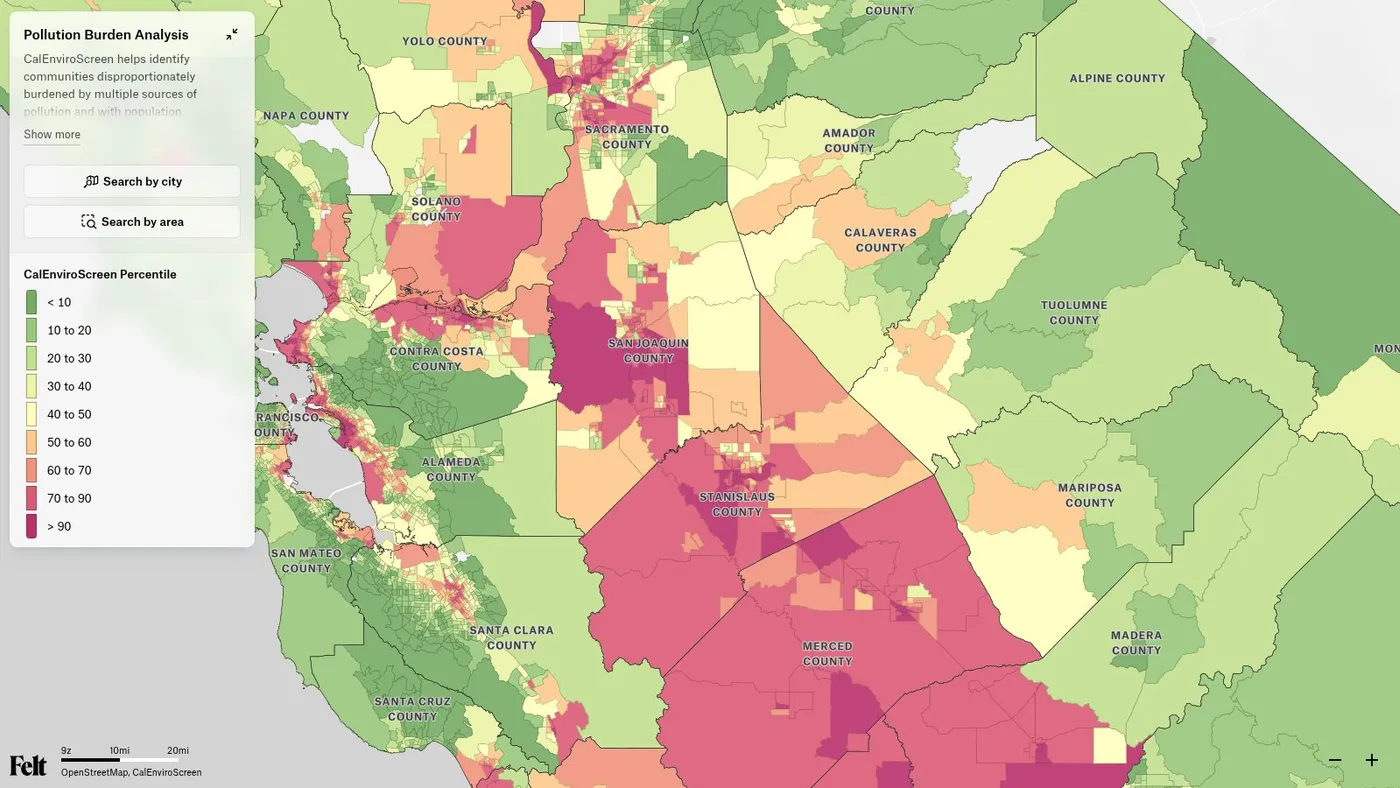
Cartographers use thematic maps to visualize a single dataset across space. These show patterns like income, crop types, and health issues, revealing trends and relationships that aren’t obvious from raw numbers alone.
For example, a public health team might track cases of heat stroke across the city. When layered with green spaces and tree coverage, the map reveals a pattern where fewer trees have high instances of heat stroke.
5. Climate maps
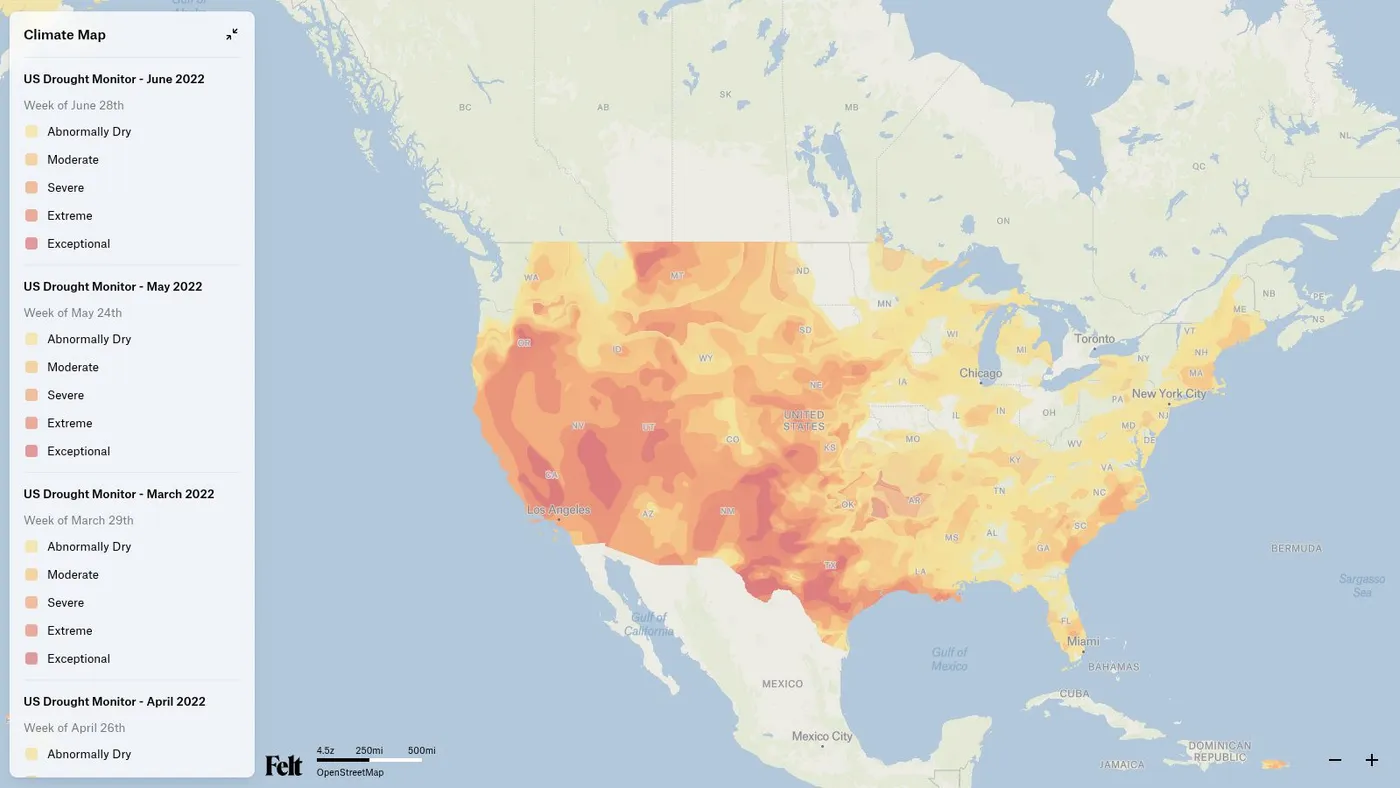
Climate maps help visualize how weather behaves across geographic regions over extended periods. They show patterns that influence how people farm, build, and conserve land. They’re especially useful when comparing conditions between locations or planning for seasonal changes. For example, a farming community might review a climate map to understand how rainfall varies across nearby fields. This helps determine which areas are better suited for planting and when to expect dry spells or heavy moisture.
6. Economic or resource maps
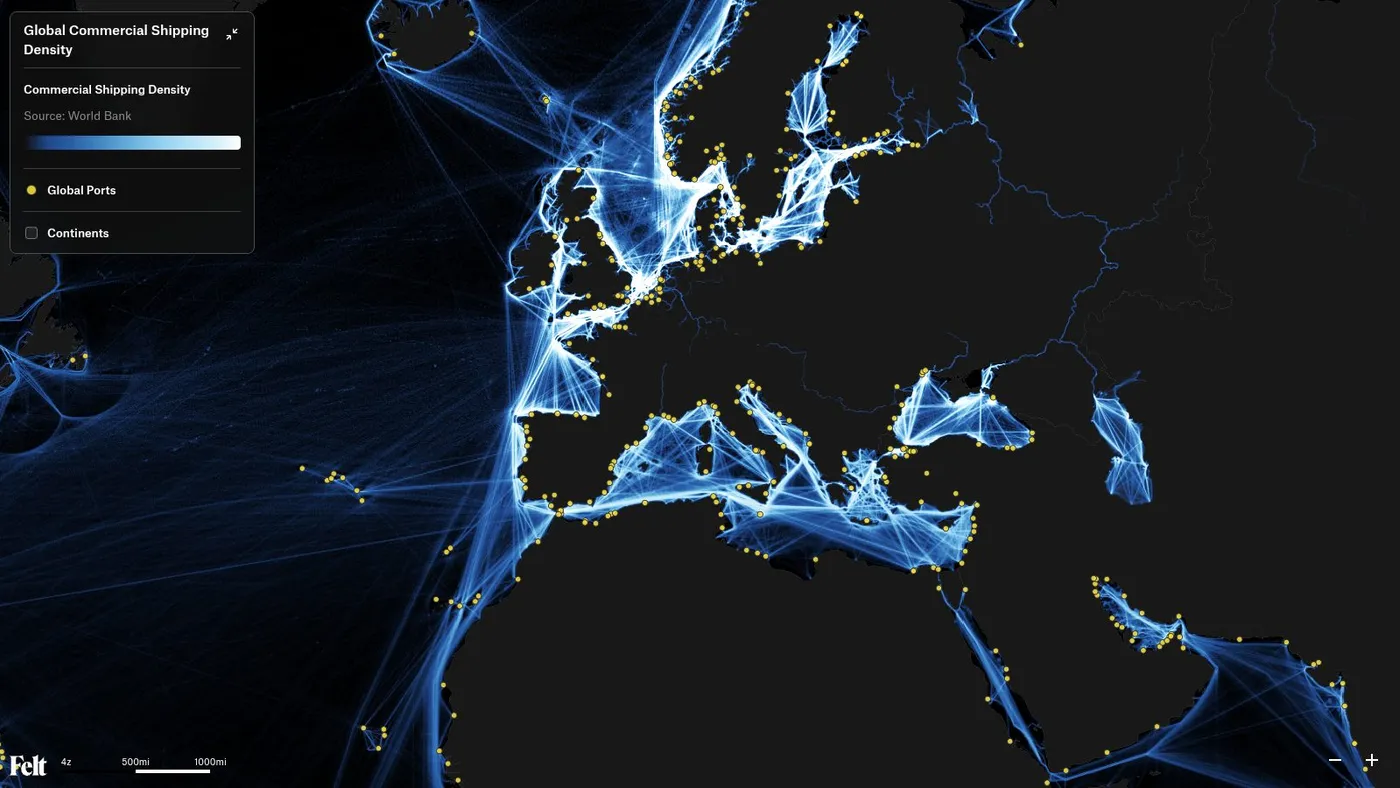
Resource maps show where goods and services originate. They highlight industries like fisheries along a coastline, mining in the mountains, and business hubs in a city center. Resource maps help countries and municipalities understand why certain regions develop and how geography shapes local and national economies.
When used strategically, planners can visualize production across certain areas. For example, a development committee might review a resource map of agricultural zones to plan better transportation routes that support the local economy.
7. Population maps
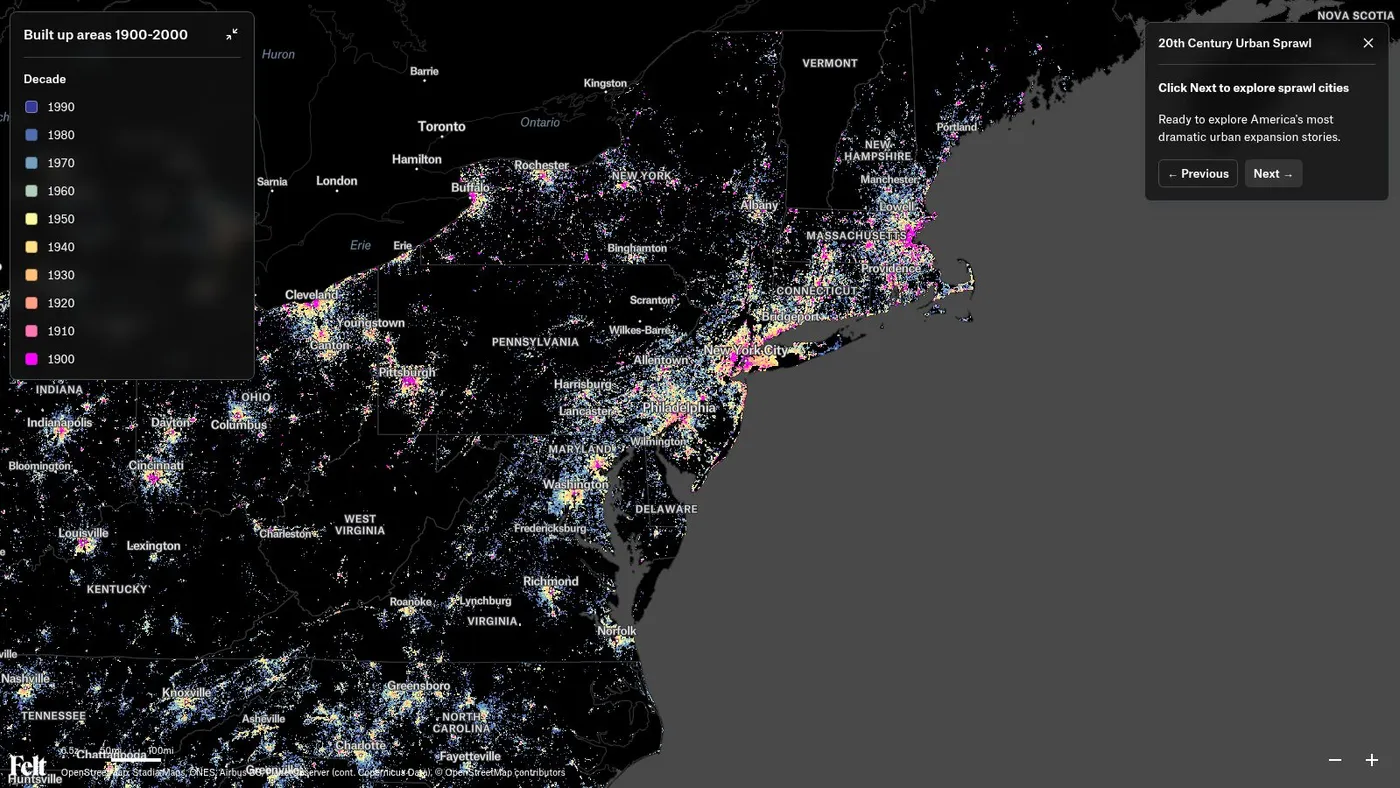
Population maps show how people live across a region. They highlight areas with accelerating growth or limited access to essential services. Planners rely on these to make decisions about infrastructure and community support. For example, a city planning team will turn to a population map to decide where new transportation routes will have the highest impact for commuters.
8. Road or navigation maps
Navigation maps show how people move, identifying highways, streets, and transit routes. They help you understand how to get from point A to point B, making them ideal for logistics and travel planning. Imagine a delivery business that uses navigation maps for multi-stop route planning to avoid traffic and save fuel.
9. Weather maps
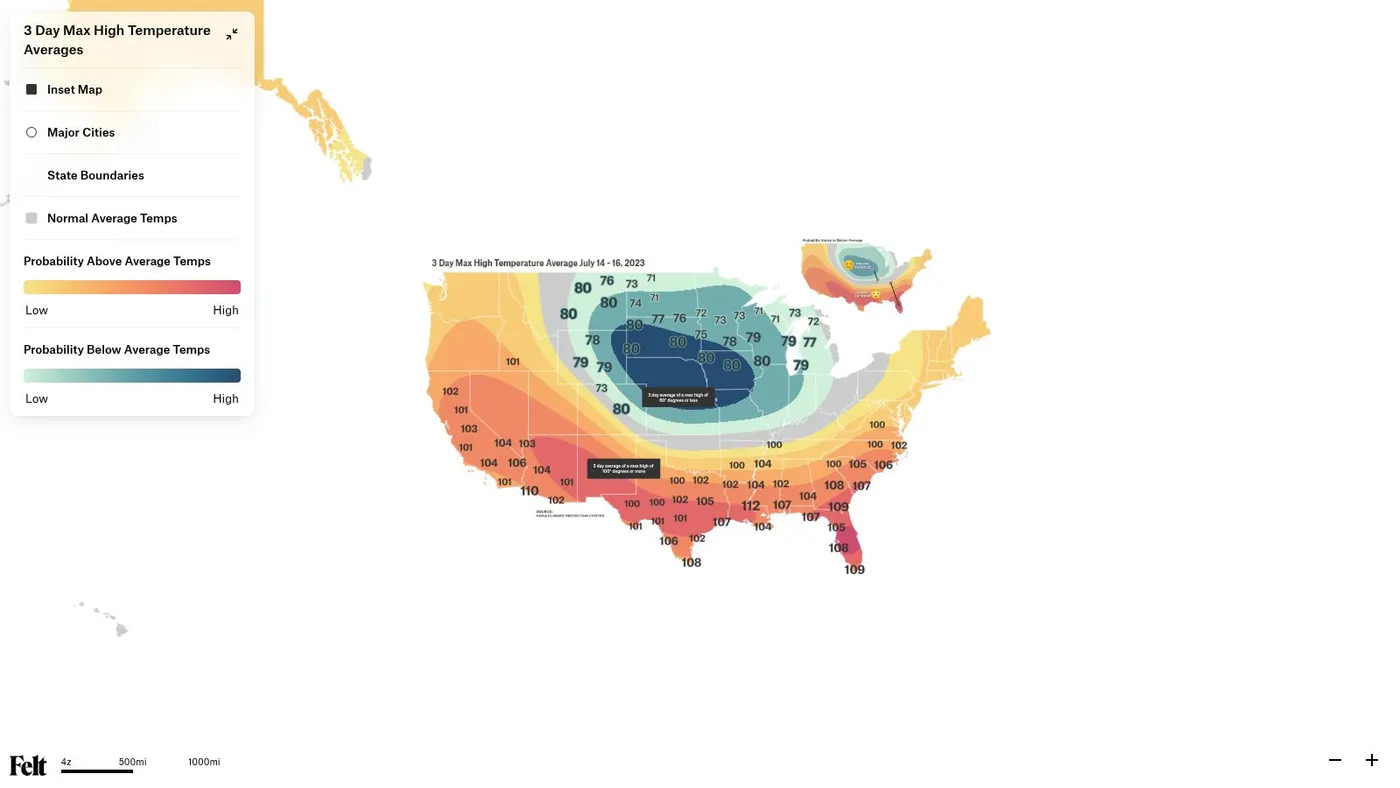
We’ve all seen a weather map on the morning news. These show current and forecasted conditions, including temperature, storm systems, and precipitation. They’re great for quick analysis to prepare for changing weather. A city might use them to monitor an impending storm and issue alerts to protect drivers and residents.
10. Historical maps
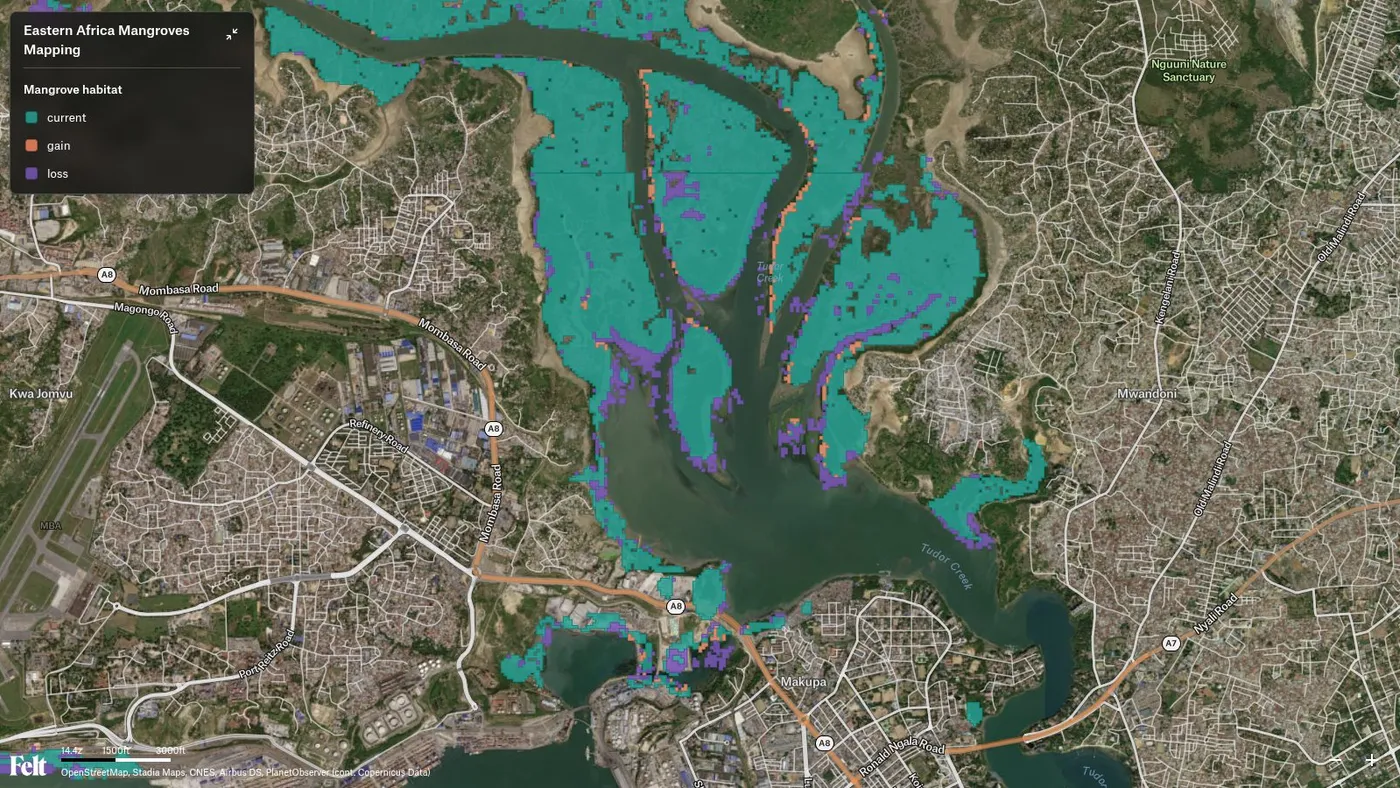
Historical maps reveal how a place changes over time — such as shifting country borders, redirected rivers, and trade routes that grow and disappear. They provide a broad view of a landscape and why it looks the way it does today. A researcher might study historical maps of a coastal district. Comparing them with modern maps reveals how port development reshaped the shoreline.
How to make each type of map in Felt
Felt is a GIS that runs in your browser, so you can make any of these maps without installing software or learning a desktop tool. Most of them start from data you already have, or from layers in Felt’s built-in library.
- Political maps: Add country, state, county, city, ZIP code, and legislative district boundaries from Felt’s Global Library, then color or label them however you need.
- Physical and topographic maps: Switch to the satellite basemap, or add elevation, water bodies, and land cover layers from the library.
- Thematic maps: Upload a spreadsheet with a column of states, counties, or ZIP codes. Felt draws each boundary for you, and you color it by any number in your data.
- Climate maps: Add flood and drought risk layers from the library, or bring your own climate rasters as GeoTIFFs.
- Economic and resource maps: Upload site locations from a spreadsheet of addresses, and add airports, power plants, and land use from the library for context.
- Population maps: Add population density, income, and age by census tract from the library, or turn millions of points into H3 hexagons to show where people concentrate.
- Road and navigation maps: Add roads from the library, and ask Felt AI for drive-time areas around any set of locations.
- Historical maps: Upload a scanned map you’ve georeferenced in QGIS, then drag the Compare divider to swipe between then and now.
Every map is a live link. Share it with your class, your team, or the public: anyone can explore it in the browser without an account, and comment with a free one.
Make your first map with Felt
The right type of map depends on the story you need to tell. Whichever one you pick, Felt lets you build it from your own data, layer it with ready-made context, and share it in minutes.