Supercharged Security at Scale: SSO, Authenticated Embeds & Self-Hosted VPC
Modern teams need unfettered access to best-in-class GIS tools without compromising security.

Modern teams need unfettered access to best-in-class GIS tools without compromising security.
Felt is redefining the enterprise GIS landscape by providing a comprehensive cloud-native solution that doesn’t compromise on security. Today we are excited to announce even more ways to work with your data securely: SSO, self-hosted VPC and authenticated embeds. Our latest release represents a giant leap in how organizations can securely collaborate, visualize, and derive insights from spatial data.
Single Sign-On (SSO): Simplifying Access, Enhancing Control
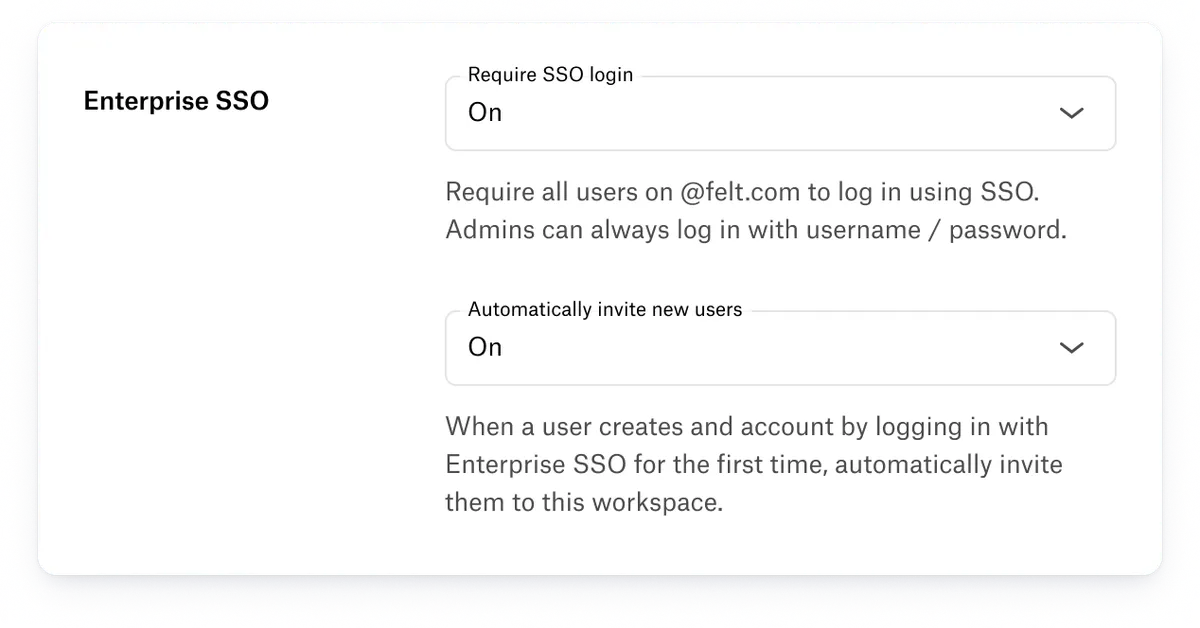
In today’s distributed technology landscape, managing user credentials across hundreds of applications is a critical challenge. Our new Single Sign-On capability transforms this complexity into a streamlined, secure authentication experience.
Key benefits include:
- Centralized identity management across your entire organization, through SAML 2.0
- Setup guides for Okta, Google, Microsoft Entra ID, OneLogin, JumpCloud, Duo, and Rippling, plus any other SAML 2.0 identity provider
- Two-factor authentication and other login policies enforced by your identity provider
- An option to require SSO for everyone on your domain, and to add new people to your workspace automatically on their first login
Setting up SSO takes an admin in your identity provider and a few minutes in Felt’s workspace settings. SSO is part of the Enterprise plan. Talk to our team to enable it for your workspace.
Authenticated Embeds: Precision Access Control for Maps, Apps & Dashboards
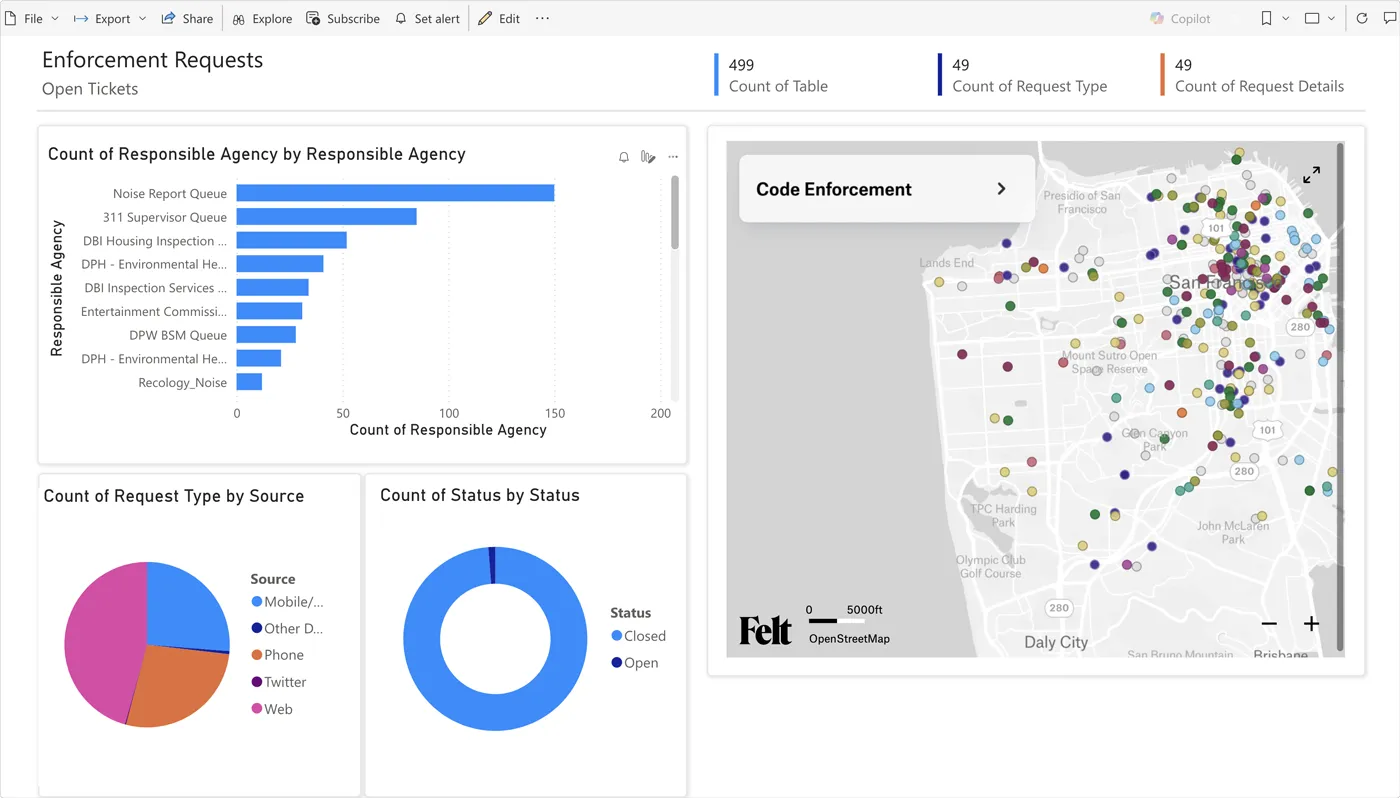
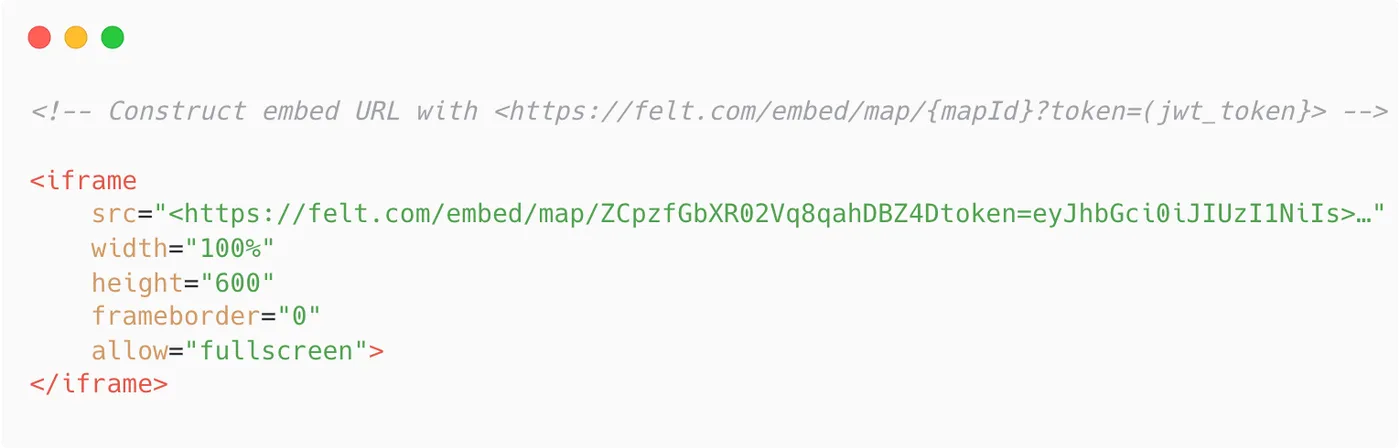
Felt embeds play a key role unlocking location intelligence insights for teams across the world, and now they are more secure than ever. With authenticated embeds, you control exactly who has access to your embedded map on PowerBI or other company web portals, and custom mapping apps built with our JavaScript SDK. While traditional embedding methods often create invisible security gaps, authenticated embeds use secure tokens to provide unprecedented control over who can gain access.
Our solution ensures that:
- Every embedded map respects the original map’s permissions
- Your customers and colleagues open private maps without a Felt account, for as long as their token is valid
- Data stays protected, wherever the map is displayed
- Maps embed in the portals and tools you already use, such as Power BI
Ultimate Data Sovereignty with Self-Hosted Virtual Private Cloud (VPC)
For organizations with the most stringent data residency and compliance requirements, we’ve got you covered with self-hosted VPC. Now you can run the entire Felt infrastructure within your own cloud, fulfilling your own strict requirements and gaining performance benefits.
Enterprise-grade capabilities include:
- A single-tenant instance of Felt in your own AWS account, including GovCloud
- Maps, data, and user activity that stay in your infrastructure, where Felt has no access to data at rest or in transit
- Full control over the region, the network, and when you apply updates
- Support for frameworks such as CMMC and FedRAMP, and contracts that require data isolation
Contact our team to explore Felt’s self-hosted VPC solution today.
Security that doesn’t slow teams down
Teams pick Felt because it’s fast to use and easy to share. SSO, authenticated embeds and self-hosted deployment keep it that way inside organizations with strict security requirements, so the people who need a map can open it without anyone working around IT.