.jpg)
Digital geological mapping in GIS: Definition, workflow, and advantages
Geological mapping has changed significantly over the last few decades. What once relied on hand-drawn sketches and compass clinometers now uses location-enabled devices and advanced geographic information systems (GIS) platforms.
The shift to digital geological mapping (DGM) has transformed how organizations manage data and build geological maps at scale. Modern workflows connect field observations to centralized systems, integrate multiple data layers, and share updates instantly across departments and project sites.
Let’s take a closer look at what DGM is and how U.S. geo maps move from field collection to final visualization.
Definition: What digital geological mapping means
DGM is the process of gathering, analyzing, and distributing geological information using digital tools and GIS. Rather than recording field observations on paper maps and notebooks, teams capture georeferenced data on mobile devices. These systems collect location-linked data in real time and store that information in a geologic database for future analysis and reporting.
DGM typically includes:
- Field observation and sampling
- GPS-based location tracking
- Georeferenced data capture
- Database management
- Map and report production
For example, a geologic consultant might log rock types, structural measurements, and sample locations on a tablet or other mobile device. That information links to geographic coordinates and syncs with a GIS database so it’s immediately available for interpretation without manual transcription.
Compared with paper methods, DGM reduces transcription errors and improves data quality. It also changes how teams manage geological information. Instead of static physical maps, they work with connected spatial records that continuously update as new data comes in.
How digital geological mapping works
Each stage of DGM builds on the previous one to create a continuous flow of spatial data used by field crews and project teams.
Fieldwork preparation
Before entering the field, teams assemble the base data sets and mapping layers they’ll use during data collection. These layers include:
- Existing geologic maps
- Topographic basemaps
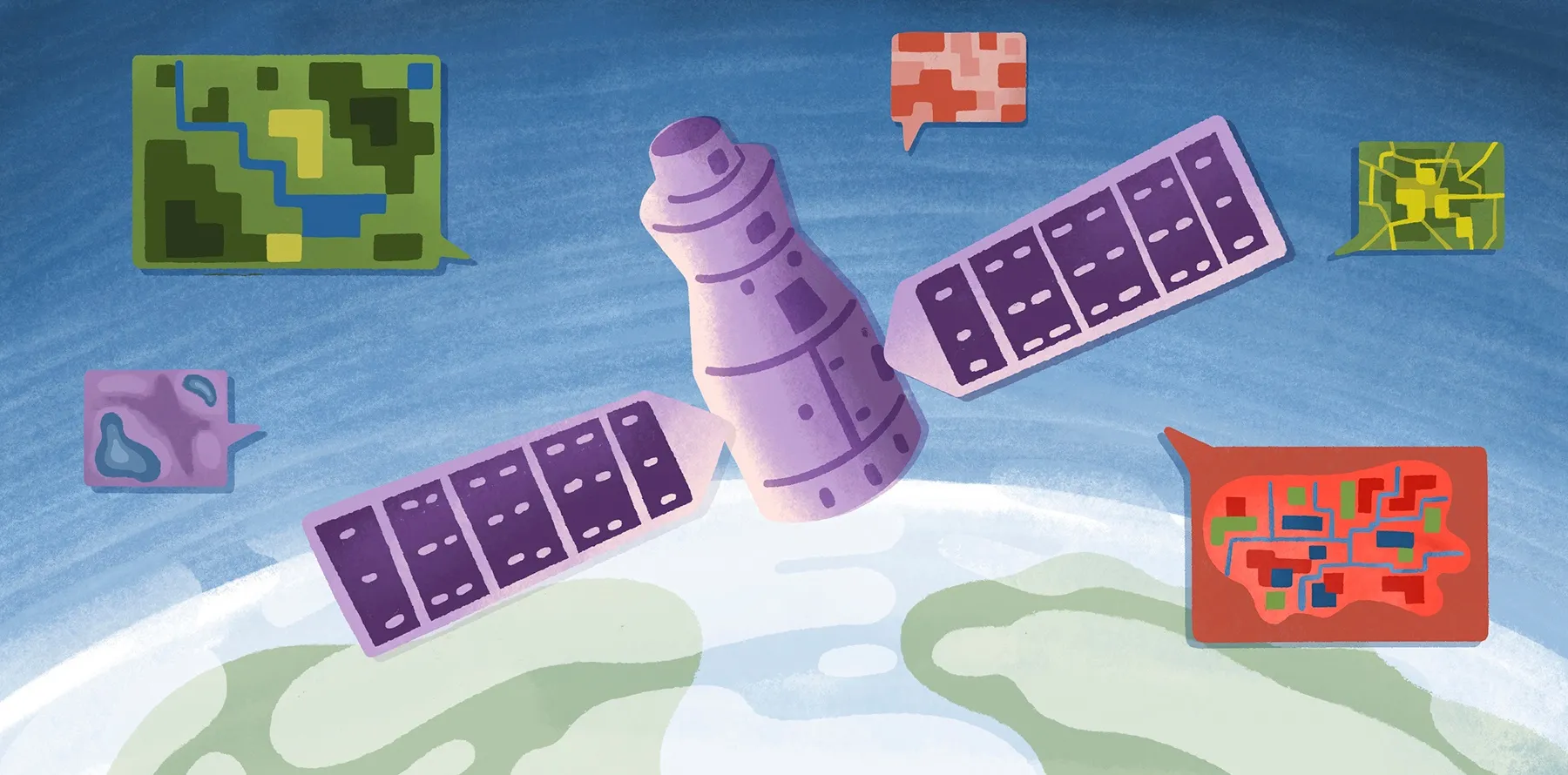
- Satellite imagery
- Historical survey data
GIS platforms organize these layers so teams can configure attribute forms, establish naming standards, and define data collection rules in a unified workspace.
Field data collection
Data collection is where DGM differs most visibly from traditional workflows. Geologists today use GPS-enabled tablets, phones, and rugged field devices to record observations directly into GIS platforms, eliminating the need for paper maps.
Because each observation automatically links to geographic coordinates, there’s less reliance on manual georeferencing. Digital forms also improve standardization through required fields and predefined classifications. These features keep information uniform across large geological surveys. This leads to a faster, more accurate data collection process.
Data integration
GIS platforms combine field observations and other spatial data sets for interpretation and analysis. Geologists can overlay structural measurements on terrain models and compare field notes against historical regional maps. They can also merge geophysical and geochemical data in the same environment. Even better, centralized databases support collaboration so specialists can work on data sets simultaneously without duplicating files.
Visualization and sharing
Using GIS, you can create an interactive map view and explore spatial data through 3D terrain, stratigraphic layers, and real-time field updates. Cloud-based GIS also makes sharing easier than with desktop workflows by giving stakeholders secure access to live maps. This enhances communication between field crews and project managers, helping them identify spatial patterns or spot gaps in mapping coverage.
Why teams switch to digital geological mapping
DGM fundamentally changes what geological teams can collect, how accurately they record information, and how effectively they use that data when fieldwork ends.
GPS precision vs. paper scale limitations
Traditional mapping depends on map scale and manual positioning. This can introduce geologic location errors when field notes are later transferred onto paper topographic maps. Digital workflows reduce mistakes by using GPS-enabled devices and georeferenced data captured in the field. This digitization leads to clearer, more accurate inputs for downstream spatial analysis.
Standardized data collection
Paper workflows can create inconsistencies. Differences in note-taking styles and classifications make data difficult to compare across teams. Digital mapping solves this by incorporating standardized forms and vocabularies. This keeps data uniform across multiple projects and time periods. That consistency is especially important for distributed teams lacking in-person coordination.
Reduced post-field processing time
Traditional geology workflows require substantial office processing because teams have to digitize notes and organize files before analysis can begin. Digital collection removes much of this bottleneck by logging field observations in online databases. This allows teams to quickly move into interpretation and analysis. Automated syncing and cloud storage improve post-field processing time even further by eliminating manual file transfers and version control issues.
Multi-layer data integration
Geology projects rarely rely on a single data set. Most teams need to combine geological survey information with topographic models, satellite imagery, and hydrology layers to get a better understanding of subsurface and surface conditions.
GIS platforms layer data sets in a digital environment so teams gain insight into spatial relationships and geological context. This integrated approach supports long-term infrastructure development and environmental management.
Scalability for distributed teams
Large-scale geological projects usually involve multiple field crews, consultants, and decision-makers spread out in different regions. Traditional workflows can’t support this type of broad collaboration, but cloud-based systems can. They help distributed teams work from a central database and access real-time updates so everyone is aligned around the same data.
Legacy data reusability
Some organizations have decades of historical geology data stored in paper archives and disconnected file systems. Digital mapping workflows make it easier to preserve and reuse this information. Teams can georeference legacy maps, digitize records, and integrate older data sets into modern GIS databases. This creates long-term value from existing information and maintains continuity between historical and current geologic surveys.
Digital geological mapping with Felt
When enterprise teams make the move to DGM, they often start by upgrading field data collection. The challenge with this emerges when it’s time to share, manage, and collaborate around that information across departments and project teams. And that’s exactly where many traditional GIS workflows break down.
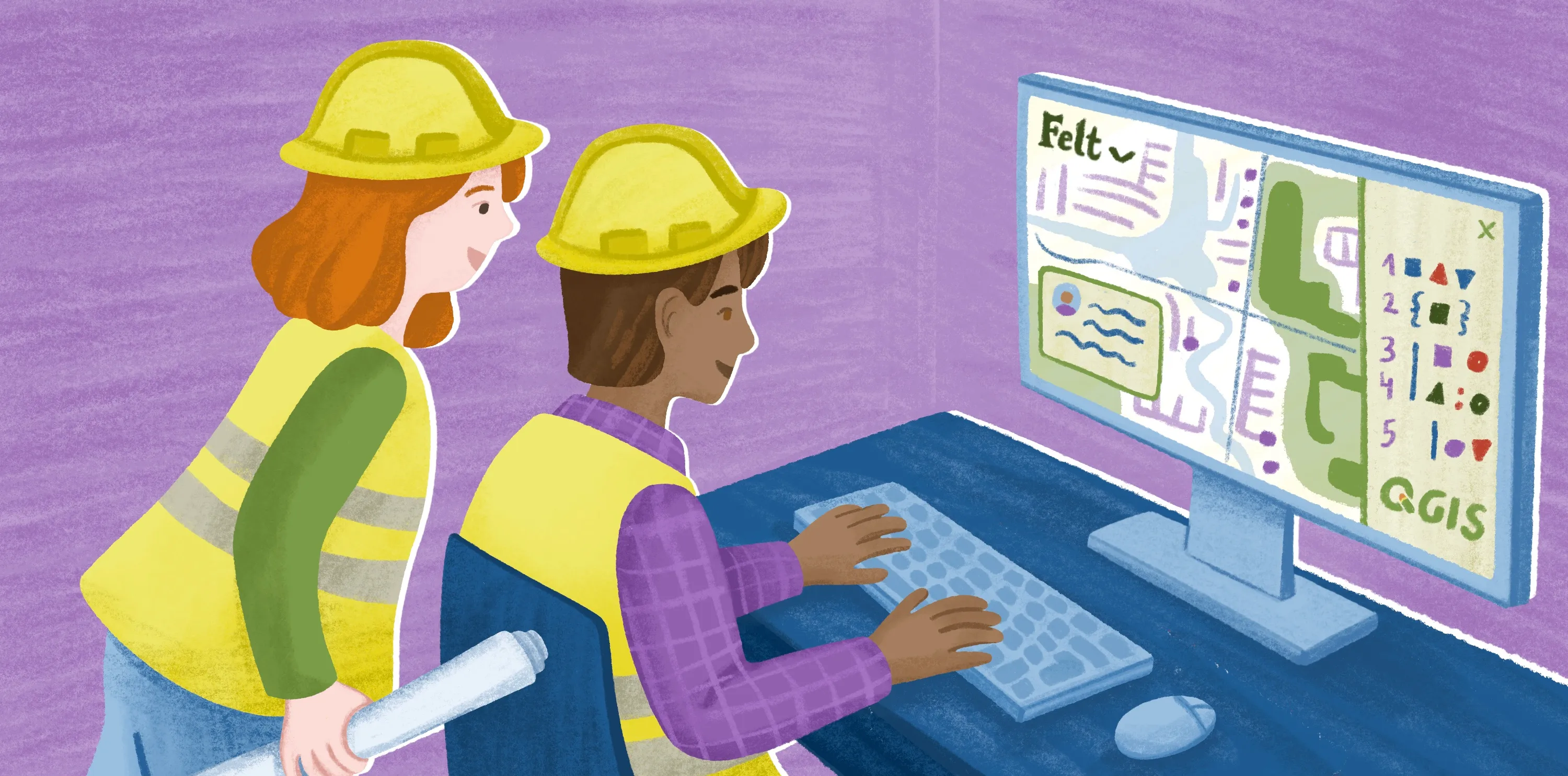
Felt is a cloud-native, enterprise GIS platform designed to bring powerful spatial analysis into one place. Instead of relying on isolated desktop tools or heavily managed infrastructure, teams work from shared live maps linked to cloud databases. Field observations sync back into centralized systems, while satellite imagery, terrain layers, and operational data sets are accessible within the same collaborative environment. GIS teams already using QGIS for geological survey work can add Felt layers directly via the Felt QGIS plugin.
Brimstone’s engineering team is a strong example of how Felt improves complex spatial workflows. Before adopting Felt, Brimstone’s internal tools struggled with large data sets, and the team had to build time-consuming custom solutions. Felt replaced that setup with a fast, cloud-native environment that handled their full data catalog without slowing down. Enterprise teams can also use Felt AI to query geological datasets in natural language, filtering by formation type, sample location, or survey date against connected warehouse data without writing SQL.
Once the team connected their PostgreSQL database to Felt, they no longer needed to maintain custom code or manage infrastructure for mapping tools. Engineers, data scientists, and business teams now use Felt multiple times a week as a self-serve BI resource that requires zero maintenance.
Enterprise teams can also use Felt AI to query geological datasets in natural language, filtering by formation type, sample location, or survey date against connected warehouse data without writing SQL.
Although Brimstone’s use case focuses on industrial sites rather than geological surveying, the results apply broadly. Modern GIS infrastructure supports high-performance collaboration. These platforms provide a shared source of truth and a connected workflow. This gives geological teams managing interactive maps and cloud databases the same advantage: faster decisions with far less operational friction.
See for yourself how Felt helps teams work together on geological mapping using live maps and unique data sets.
FAQ
How do teams access and manage geologic databases?
Many teams manage geological databases through GIS platforms connected to centralized cloud or enterprise storage systems. These store field observations, sample information, and map layers in structured formats. The leading systems support live synchronization between field devices and office environments so it’s easier for distributed teams to access current data without relying on manual file transfers.
Where do geological teams source geologic maps?
For the most part, teams source geologic maps from government agencies like the United States Geological Survey (USGS). They also use university libraries, internal company archives, and commercial GIS providers. Some teams build their own geological maps online by combining field observations with satellite imagery and historical survey records in GIS.
Compare Felt using AI



.webp)