SUMMARY
QGIS and ArcGIS are two of the most widely used GIS platforms for managing vector and raster data, supporting tasks such as mapping, data management, and spatial analysis.
QGIS, an open source GIS, offers flexibility through plugins, scripting, and customizable workflows for geospatial data and geoprocessing.
ArcGIS, developed by Esri, provides an enterprise ecosystem including ArcGIS Pro, ArcGIS Online, and datasets like Living Atlas for structured geospatial workflows.
Modern collaborative end-to-end platforms such as Felt complement traditional GIS tools by enabling browser-based sharing and collaboration around geospatial projects created in QGIS or ArcGIS.
The ultimate QGIS vs ArcGIS vs Felt comparison for modern GIS workflows
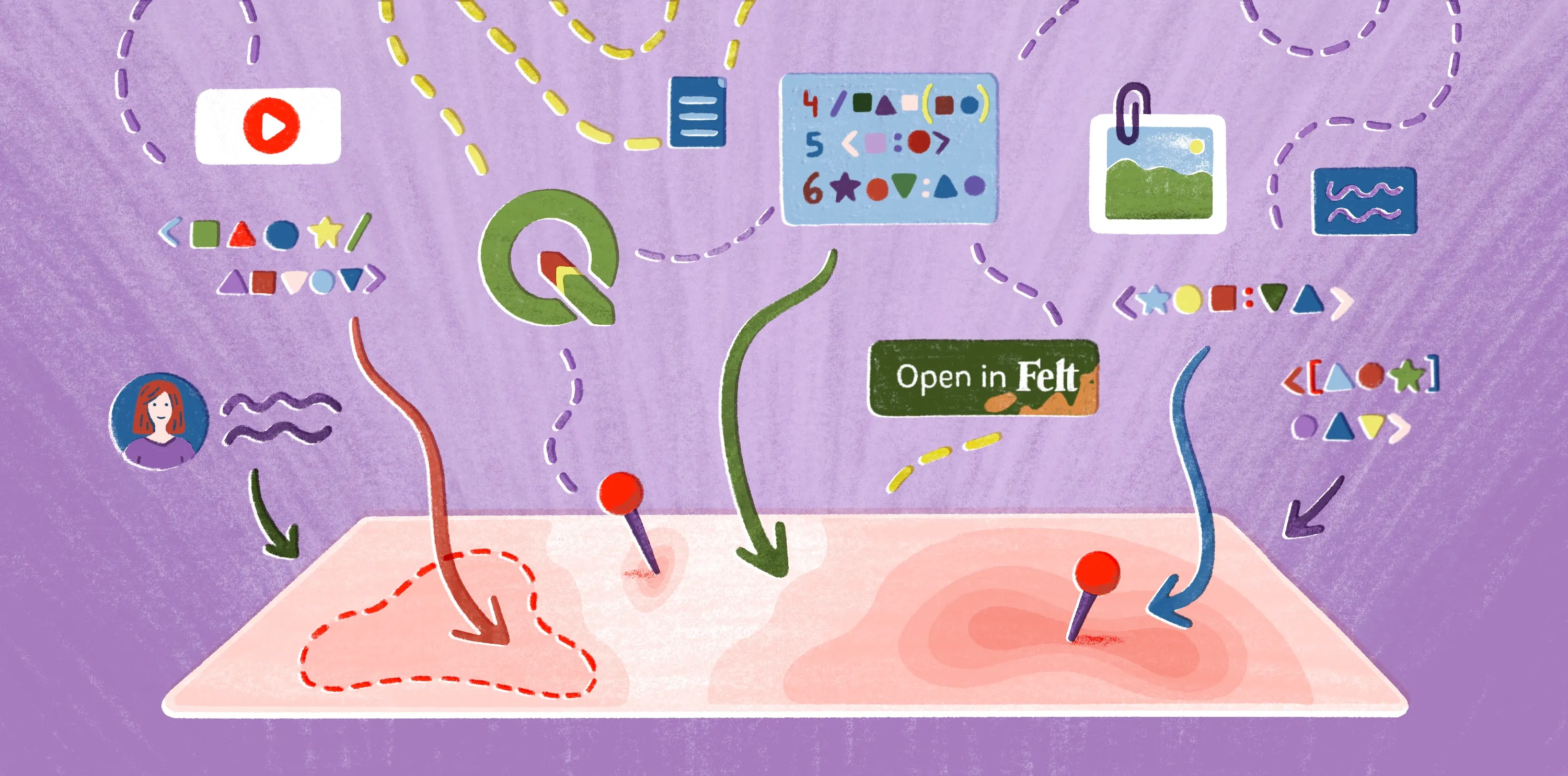
QGIS, ArcGIS, and Felt are all geographic information systems (GIS) used to analyze, edit, and visualize geographic datasets. But they’re built on very different foundations. QGIS is a customizable, open source workhorse, while ArcGIS, developed by Esri, is an enterprise ecosystem built for professional teams, centered around tools like ArcGIS Pro. Felt adds a browser-based layer designed for collaboration and deployment. One common setup is to do detailed work in QGIS, then use the Add to Felt plugin to bring results into a shareable browser map. Each supports a different way of working, so the right choice depends on your team’s workflow, who needs to do the analysis, and who needs to access and act on the results.
In this guide, we’ll unpack each platform’s strengths through real-world workflow scenarios rather than long feature checklists. Get ready to:
- Compare QGIS, ArcGIS, and Felt based on how teams actually build and run modern GIS workflows.
- Examine how each platform handles flexibility, spatial analysis, data management, and performance.
- Understand key differences tied to team scale, technical expertise, governance needs, and budget constraints.
- See how collaboration, integrations, and ecosystem depth shape what your team can ship and share.
H2: QGIS vs. ArcGIS vs Felt: What they do and how they compare
Choosing between different GIS platforms starts with understanding how each platform is built, and how that architecture shapes your workflow. All three handle core mapping and spatial analysis, supporting everything from everyday cartographic design to complex geoprocessing.
While they approach these tasks in fundamentally different ways, QGIS and Felt also work closely together. QGIS supports deep desktop spatial analysis, and Felt extends that work into a collaborative, web-based environment through its Add to Felt plugin. Here’s a quick summary of each platform.
What’s QGIS?
QGIS is a free, open-source GIS platform shaped by other users. It uses a plugin ecosystem to give teams room to customize the tool to specific geospatial workflows, mapping needs, and budgets. Tools like PyQGIS (a Python interface that lets you automate tasks and build custom features) and support for PostGIS (a spatial database that supports geospatial data management) give QGIS a high level of flexibility. They even have an Add to Felt plugin.This lets teams use QGIS to analyze data before using Felt to share and collaborate.
What’s ArcGIS?
ArcGIS is an enterprise-ready GIS software from Esri and includes tools like ArcGIS Pro, ArcGIS Online, and Living Atlas. ArcGIS Pro, Esri’s primary platform, provides a ribbon interface that helps teams manage workflows in tabs — the same style you see in apps like Word or Excel. The UI changes based on what you work on, so mapping, editing, and geoprocessing have their own tabs. For many teams, that structure makes ArcGIS platforms functionality more approachable across varied skill levels.
What is Felt?
Felt is a collaborative, AI-native Web GIS platform built to help teams quickly build, deploy, and share modern spatial tools. Unlike desktop platforms like QGIS or ArcGIS Pro, Felt runs entirely in the browser with no installation required. It’s designed for speed and collaboration, with support for real-time cloud data, formats like GeoJSON and Cloud-Optimized GeoTIFFs (COGs), and AI-powered workflows.
Felt also connects directly to cloud data sources such as Postgres, Snowflake, Databricks, and Amazon S3, allowing teams to work from a single source of truth with live data updates. Users can query data with SQL, generate map layers dynamically, and control update frequency, ensuring maps and applications always reflect the most current information. And w
With the Felt Field App for iOS and Android, teams can collect and update data on the ground and sync it back to live maps.
Feature comparison across visualization, analysis, and data workflows
Choosing between Open source plugins and managed enterprise GIS software isn’t the only thing that separates QGIS, ArcGIS, ArcGIS Pro, and Felt. The real differences show up in day-to-day workflows: how quickly you can upload and visualize vector and raster data, how easily you can run Spatial analysis without configuring complex desktop environments, how seamlessly your team can collaborate across roles, and how fast you can turn insights into polished, shareable maps for clients or stakeholders.
Felt
Visualization and styling workflows
Choosing between Open source and enterprise tools isn’t the only difference between QGIS, ArcGIS, ArcGIS Pro, and Felt. The real distinction shows up in day-to-day workflows, how quickly teams can move from raw data to a shareable result.
As a fully browser-based platform, Felt enables teams to upload data, style layers, configure popups, and publish live interactive maps without downloads or setup. The interface is intuitive enough for non-GIS users, yet powerful enough for production teams working with modern GIS software, including enterprise teams leveraging AI workflows and live cloud data sources like Snowflake, Databricks, or Amazon S3. It can smoothly render millions of points, polygons, and Raster layers directly in the browser, making it suitable for real operational environments, not just demos.
Analysis tools and processing performance
Felt supports in-browser Spatial analysis and uses AI-assisted workflows to accelerate styling, summarization, and map building, no scripts required.
That said, deeper geoprocessing and complex modeling often still happen in QGIS, ArcGIS, or ArcGIS Pro, especially for advanced desktop-based analysis (like raster-heavy workflows). In many modern teams, those tools act as the heavy analysis layer, while Felt becomes the collaboration and deployment layer, also supporting spatial analysis through cloud data sources and SQL-based workflows where outputs are refined, shared, and turned into interactive products that stakeholders can actually use.
Ecosystem, integrations, and data management
Unlike traditional desktop GIS software, Felt connects directly to cloud data sources and supports modern formats like GeoJSON, Cloud-Optimized GeoTIFFs (COGs), and STAC. This enables real-time streaming of vector and Raster data while reducing version-control friction.Built-in collaboration allows teams to comment, iterate, and publish within one live environment. Whether data originates in Open source tools like QGIS or enterprise ecosystems like ArcGIS, Felt’s core strength is velocity: turning spatial data into operational, collaborative tools quickly.
Open source tools like QGIS or enterprise ecosystems like ArcGIS, Felt’s core strength is velocity: turning spatial data into operational, collaborative tools quickly.
QGIS
QGIS software has strong appeal for teams who want control over how their GIS systems work. While it doesn’t have the processing power and simple learning curve of enterprise software, it has deep customization potential. Let’s take a look.
Visualization and styling workflows
QGIS gives users tons of freedom to shape the look and feel of their maps. You can fully customize symbols and labels, with additional layout tools to edit map design and composition. For spatial analysts with a strong preference for customization, QGIS offers plenty of space to visualize a specific cartographic style.
Analysis tools and processing performance
The QGIS toolbox includes a vast set of spatial analysis tools and even includes PyQGIS, an API that lets you use GIS tools through custom Python scripts. It’s extremely flexible and works well for smaller geoprocessing needs. Performance varies depending on your specific server setup, dataset formatting, and project scope. Large vector and raster datasets can be slow to render without an experienced spatial analyst who knows how to manage spatial indexes for more efficient geoprocessing.
Ecosystem, integrations, and data management
QGIS integrates with open-source tools and a wide range of file-based formats, including GeoTiFF, Shapefile, and WFS. You can store and organize data locally, on shared drives, and in external databases, giving teams the flexibility to manage spatial data according to organizational preferences.
ArcGIS
ArcGIS software is designed for large organizations that rely on predictable workflows and consistent support. Here’s how its mapping, analysis, and data management form a cohesive ecosystem.
Visualization and styling workflows
ArcGIS software organizes visualization tools in an intuitive, guided interface. The ribbon groups related workflows — styling, labeling, layout — so it’s easy to move through each step without hunting for features. Since the UI is more intuitive, teams with different experience levels (from spatial analysts to project managers) can produce maps that feel consistent.
ArcGIS Pro has access to Living Atlas, a collection of geospatial information like maps and data layers. Reliable basemaps and spatial layers allow teams to start mapmaking with a strong base rather than build everything from scratch. The software also folds in 3D scenes and interactive outputs, which makes it a valuable asset to visualize reports, presentations, and dashboards.
Analysis tools and processing performance
ArcGis Pro comes equipped with a large library of analysis tools designed to handle complex spatial needs at scale, from large rasters to multi-step models. Built-in extensions and ModelBuilder support help teams automate and repeat workflows, making the platform a smart choice for organizations handling heavy analytical workloads.
Ecosystem, integrations, and data management
ArcGIS Pro connects directly to ArcGIS Online, Esri’s cloud-based GIS, making it easy for teams to share layers, updates, and maps without manual file management. The broader Esri ecosystem adds an expansive geographic library that helps build narratives around your maps. It’s a structured setup that simplifies data management, collaboration, and publishing in a single spot.
Choosing the right GIS for your workflow
With QGIS, ArcGIS, and Felt in mind, the real question isn’t which platform is “best.” It’s where each one fits in your workflow — and who on your team actually needs to use it. Here are a few considerations when deciding between ArcGIS, QGIS, Felt, or a hybrid workflow:
- Your team’s level of expertise and capacity: both QGIS and ArcGIS require a deep understanding of spatial data, and users without accredited expertise report a steep learning curve. Desktop GIS software is typically best suited for trained analysts performing detailed spatial analysis, while Felt extends that work to broader teams who need a powerful, enterprise-ready environment to interact with and share spatial outputs.
- Teams that prefer open source flexibility and customization control: QGIS offers full control over scripting, customization, and ultimately, cost. It’s a strong fit for users who need adaptable tools for data analysis and geoprocessing, especially if they have the skills to adapt Python and plugins to their needs. Felt’s QGIS plugin complements this workflow by allowing analysts to push layers directly from QGIS into a live, browser-based workspace, making it easy to move from analysis to organization-wide collaboration without rebuilding maps from scratch.
- Organizations that prefer structured GIS workflows: ArcGIS and ArcGIS Pro have integrations that are dependable and predictable, which is ideal for teams without extensive GIS experience. Large teams and long-running projects tend to benefit from the stability and support that Esri provides. This does come with a steep price tag, which could be a dealbreaker depending on your budget.
- Teams that prioritize enterprise collaboration and end-to-end deployment without managing infrastructure: Felt is cloud-native, fast to deploy, and built for sharing live, interactive outputs without maintaining servers or exporting static files. In many workflows, tools like QGIS or ArcGIS Pro are used alongside platforms like Felt, which supports both spatial analysis and operational workflows through live data connections and in-browser analysis, providing an end-to-end path from analysis to publication that enables teams to operationalize spatial insights across the organization.
Make better GIS decisions with Felt
Felt gives teams a fast, browser-based workspace for sharing, visualizing, and collaborating on geospatial data — whether the work starts in QGIS or ArcGIS. The QGIS > Felt plugin streamlines getting data onto the Felt platform, and Esri integrations make it just as simple to bring in ArcGIS data for cross-team projects. With support for nearly every data source, teams can simplify workflows, reduce back-and-forth, and collaborate without relying on complex GIS software.
See how Felt can empower your mapping workflows and team collaboration. Book a demo to learn more.
FAQ
Is ArcGis better than QGIS?
That depends. Both platforms cover the essentials: managing and visualizing data and advanced geoprocessing. But they diverge in cost, licensing, and support. Whereas QGIS provides you with all the tools to build your own setup, Arc offers a ready-made ecosystem and structured support.
Which operating system is primarily designed for running ArcGIS?
ArcGIS runs on Microsoft Windows operating systems. Organizations that use MAC or Linux must use a Windows partition on Intel processors or in a virtual environment like Parallels Desktop.
Who supports ArcGIS?
ArcGIS is developed and maintained by Esri, a global leader in GIS software, intelligence, and mapping.
Do architects use QGIS?
Yes, architects use QGIS for various tasks, including site analysis and spatial work. This tool is also popular in similar industries, like urban planning, real estate development, and civil engineering.
Can Felt be embedded into other applications or shared externally?
Yes, Felt maps can be easily embedded into websites, dashboards, or other applications using iframe or embed links. Teams can also share maps externally with live, interactive access, allowing clients or stakeholders to explore data without needing a Felt account.
Compare Felt using AI





.jpg)