Location analytics: What it is, how it works, and use case examples
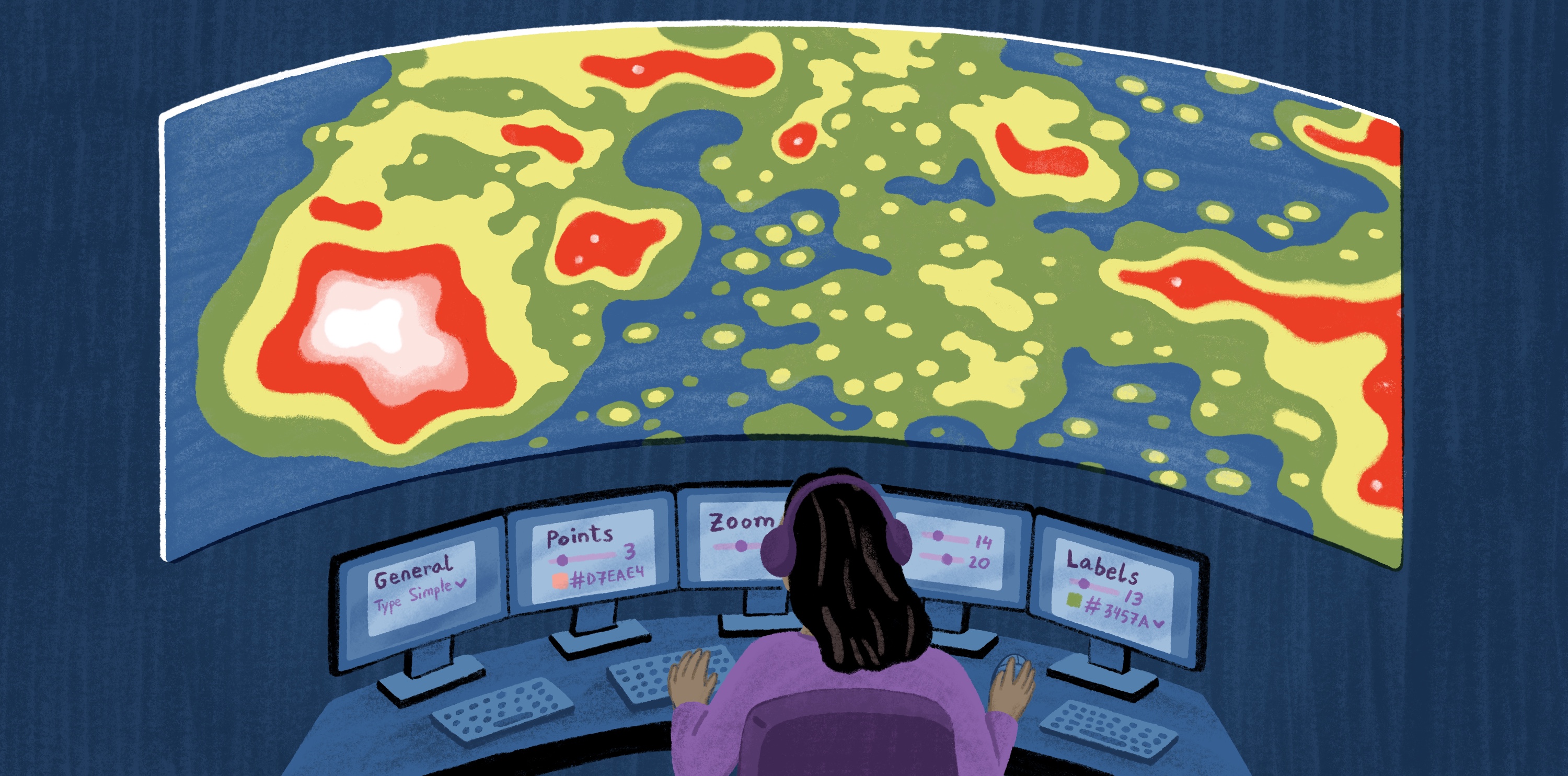
Location analytics turns geographic data into actionable decisions. It takes information already in business systems and adds a missing spatial layer. This helps teams answer questions like, “Where is demand growing?” or “Where should the next move happen?”
For example, a warehouse may track customer activity and market performance. But without spatial context, those records can hide the patterns that matter most. Location analytics surfaces those patterns through maps and dashboards, so you can explore data visually and link it to real-world conditions.
For business intelligence (BI) analysts and data engineers, this approach removes the divide between geographic information systems (GIS) specialists and business teams. It does this by placing spatial tools inside familiar workflows.
In this guide, you’ll learn how location analytics works, what capabilities matter in software, and challenges to consider in your workflow.
What is location analytics?
Location analytics is the process of analyzing data through a geographic lens. It shows how an area affects demand, risk, and planning.
In modern workflows, location analytics sits between BI and GIS. BI tools measure business metrics, while GIS adds spatial context to analyze the relationships between locations. Location analytics techniques merge both, turning business data into map-based insights.
Location intelligence is closely related but broader. It refers to the insights companies generate from location-based data, while location analytics is the process that produces those insights.
How does location analytics work?
Location analytics works by connecting business data to geographic context. It then uses spatial analysis and map visualization to reveal patterns that are easier to interpret than spreadsheets or dashboards alone. Analysis often sits on top of cloud data warehouses like Snowflake, Databricks, BigQuery, or Postgres, where operational data already exists.
Here’s a step-by-step process to understand the workflow.
Key benefits of location analytics
Location analytics makes spatial patterns more usable in day-to-day business operations. Here are a few main benefits.
Better spatial decision-making
Location analytics helps make decisions with more clarity about business-related areas. A revenue chart might simply highlight strong performance in one region, but a map can reveal why that area succeeds. For example, there might be a stronger demand nearby or a more accessible trade area. Spatial context helps teams compare options more realistically before committing resources.
More precise customer and market targeting
You can use location analytics to understand where target audiences cluster and where demand is emerging. Instead of targeting broad regions, you can narrow marketing campaigns and local strategies to focus on areas more likely to yield results.
Clearer communication with stakeholders
Spatial analysis is easier to communicate when stakeholders can explore the data directly — filtering by region, comparing metrics, and zooming into specific areas.
Real-time visibility into changing conditions
Many location decisions depend on timing. Many companies need live data sources and field teams to update them on what’s happening in the moment rather than rely on week-old data. GIS provides real-time briefings that are especially helpful in emergency response or other time-sensitive environments.
Location analytics applications and use cases
Here are several use cases showing how you can turn spatial data into practical planning and operational decisions across industries.
Site selection and retail expansion
Location analytics helps you compare potential sites based on surrounding conditions, not just the site itself. Demand, access, competition, and market fit become easier to track when displayed on a map.
For example, Felt’s business development opportunity areas map highlights parcels in Oakland that sit within business-compatible planning and incentive zones. It shows how parcel-level context influences location planning in location analytics.
Sales territory mapping and performance tracking
Location analytics can help you understand whether areas match real market conditions. For example, a revenue report can show performance by region, but mapping explains why one place is easier to cover, more saturated, or underserved.
Logistics and supply chain
Logistics companies use location analytics to improve how people and vehicles move through space. Mapped routes and service zones can reveal delays, while delivery timing shows productivity relative to the coverage area.
Geofencing adds another layer of insight. By creating virtual boundaries around real-world locations, you can track arrivals, departures, or route deviations without relying on manual updates or word of mouth.
Urban planning and infrastructure
Urban planning teams and city officials use location analytics to see how land use, infrastructure, and community needs interact. Instead of reviewing data in separate documents, they use maps to make tradeoffs easier to see and explain, especially with broader teams and stakeholders involved in decision making.
This land-use map by Felt shows how the city of Baltimore gathered feedback on land-use proposals from residents, city agencies, and real estate developers. It turned complex planning data into a shared public input tool for everyone to understand.
Essential capabilities to look for in location analytics software
Displaying data on a map helps, but location analytics solutions aren’t limited to visualization. For enterprises, it should connect to the data infrastructure you already have and support spatial analytics at scale as that data grows.
Here are a few essential capabilities to consider when choosing a location analytics platform.
Real-time data connectivity
Real-time connectivity keeps location analysis aligned with current field conditions. This is important when monitoring how assets move or demands shift in an area. Without live connectivity, location analytics becomes a snapshot of what was true at upload time, limiting its value for decisions that depend on the latest information.
Interactive dashboards built for spatial data
Spatial dashboards let you explore location-based patterns directly on a map. You can filter areas and compare regions to understand causal factors. Without dashboards, analysts often have to explain maps — especially to those without deep GIS knowledge — in separate reports. This slows down decision making and makes it harder for stakeholders to scrutinize the data themselves.
AI-powered analysis and app building
AI-assisted tools reduce manual work and human error. It also helps teams generate insights faster. In location analytics, you can use prompts to ask AI questions about spatial patterns, generate map-based views, and even build lightweight apps and dashboards around a specific decision.
Scalable performance with large datasets
Enterprise location analytics often involves large spatial datasets and many people working on the same map. The platform needs to accommodate live records and additional users as maps become more detailed and analysis becomes more complex. If performance breaks down at scale, people might start simplifying the data to keep maps usable, which can hide important patterns and weaken the analysis.
Security and access controls
Enterprises need control over who can view and share location data. Sensitive business information, such as customer data, infrastructure details, and operational activities, must remain secure to prevent misuse. Strong access controls should also support collaboration by allowing safe sharing with the right people who need to work with spatial data without exposing anything confidential.
Native integration with cloud data warehouses
Native warehouse integration lets you connect directly to cloud databases like Snowflake, Databricks, Postgres, or similar systems rather than exporting files separately. Not only can you avoid manual updates, but it keeps spatial analysis aligned with governance regulations.
Challenges in location analytics and how to address them
Location analytics improves planning and operations, but only when the underlying data is trustworthy with the right guardrails. Here are a few challenges that can weaken analysis if not addressed properly:
- Data privacy and compliance: Location data becomes sensitive when it involves people, property, or business activity. To address this, you can limit who has access to certain maps and remove unnecessary personal details from your database.
- Data quality and accuracy: Maps can appear correct even when the source data is incomplete or outdated. Wrong coordinates, old boundaries, and duplicate records can lead you to incorrect conclusions, so it’s important to regularly audit maps and connect them to reliable sources so they reflect the latest conditions.
- Technical barriers to adoption: Location analytics loses impact when only a limited number of people can use it. For example, BI teams may understand business jargon, while GIS teams own the spatial workflow. However, decisionmakers still need to understand results. Platforms like Felt expose location analytics through interactive maps and AI-assisted SQL making it more accessible.
Use live location analytics for business decisions with Felt
Challenges with location analytics are easier to manage when your GIS platform handles them at workflow level. Felt connects live data, visualizes spatial patterns, and shares insights with the rest of your team through interactive maps and AI-assisted workflows.
As a cloud-native, enterprise-ready GIS platform for location analytics, Felt provides collaborative spatial layers where everyone from BI to leadership can understand and work with data.
For example, Sharetown uses Felt to manage nationwide field coverage to give its sales and recruiting teams visibility across large territorial datasets. Within four months, Felt became a shared source of truth for territory management, supporting more than 1,000 map views and 30+ daily sessions.
Explore Felt to see what your live location data looks like and share it with the whole team.
Compare Felt using AI



.jpg)