Spatial analysis on your warehouse, for the whole team
CARTO fits data teams running spatial analysis in their warehouse. Felt connects to the same warehouses and puts the results, plus imagery and field data, in front of the whole company.
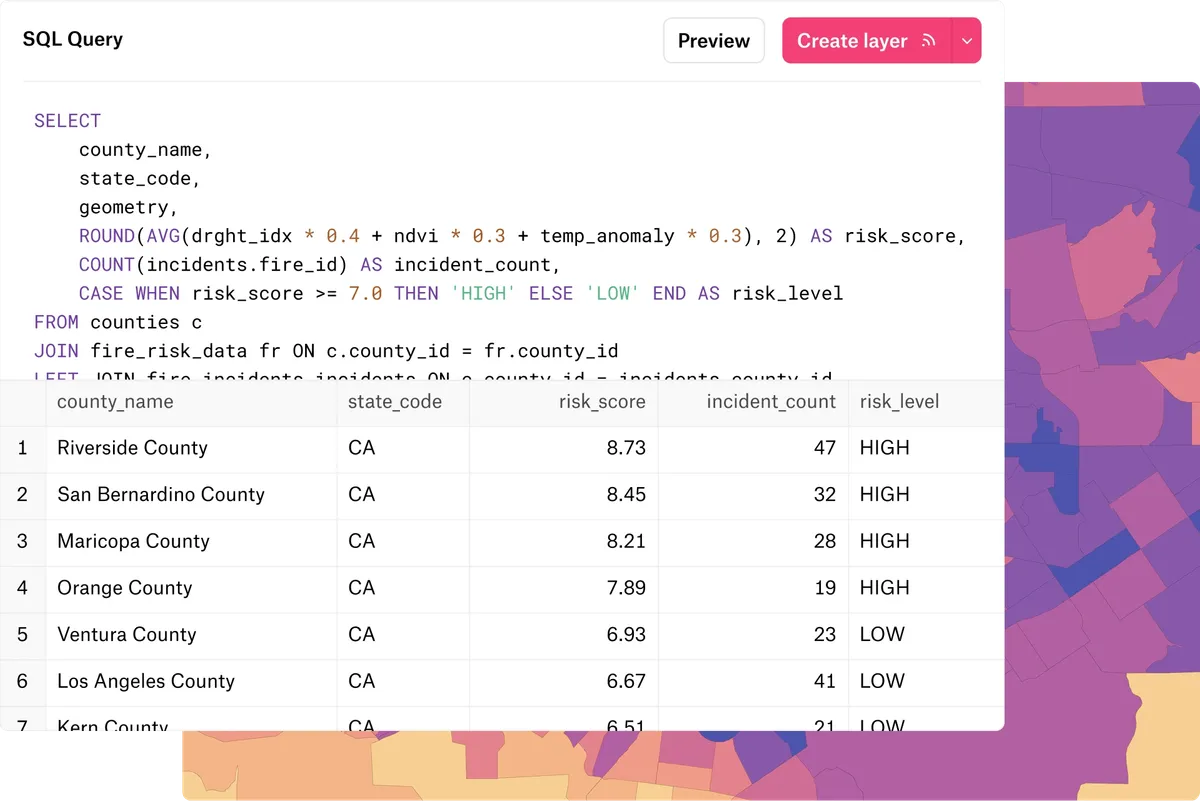
How Felt and CARTO compare
| Felt | CARTO | |
|---|---|---|
| Who makes maps | Anyone with a seat, point and click, with SQL and Felt AI when they want them. | Builder for maps and dashboards, Workflows for drag-and-drop analysis. |
| Warehouse data on a map | Stored as tiles and refreshed on a schedule, so viewing doesn’t query the warehouse. | Each map tile queries the warehouse, or you pre-generate tilesets there. |
| Analysis | Spatial operations, SQL and raster analysis in the browser. | Workflows and more than 100 Analytics Toolbox functions, run in the warehouse. |
| Raster | No code. Upload GeoTIFFs, or stream COGs and STAC catalogs from your buckets at terabyte scale. | Loaded into the warehouse first with raster-loader, a Python command-line tool. |
| Working on one map | Several people edit at once and comment on features. | Editors pass control, so one person edits at a time. |
| Field data | The Felt Field App, with forms, photos and offline maps. | No field data collection app. |
| Ready-made data | The Global Library, plus public services and files by URL. | The Data Observatory, with thousands of public and premium datasets. |
| AI | Felt AI builds and analyzes from a request, and an MCP server connects outside assistants. | AI Agents answer questions about your data, and an MCP server connects outside assistants. |
What this page says about CARTO was checked against CARTO’s documentation on October 5, 2026: CARTO in a nutshell, data sources, rasters, raster-loader, collaborative maps.
Where each one fits
Felt works directly on your warehouse
Felt runs your SQL in the same warehouses and maps anything your CARTO workflows write there.
- Connect Snowflake, BigQuery, Databricks, Redshift, SQL Server or Postgres.
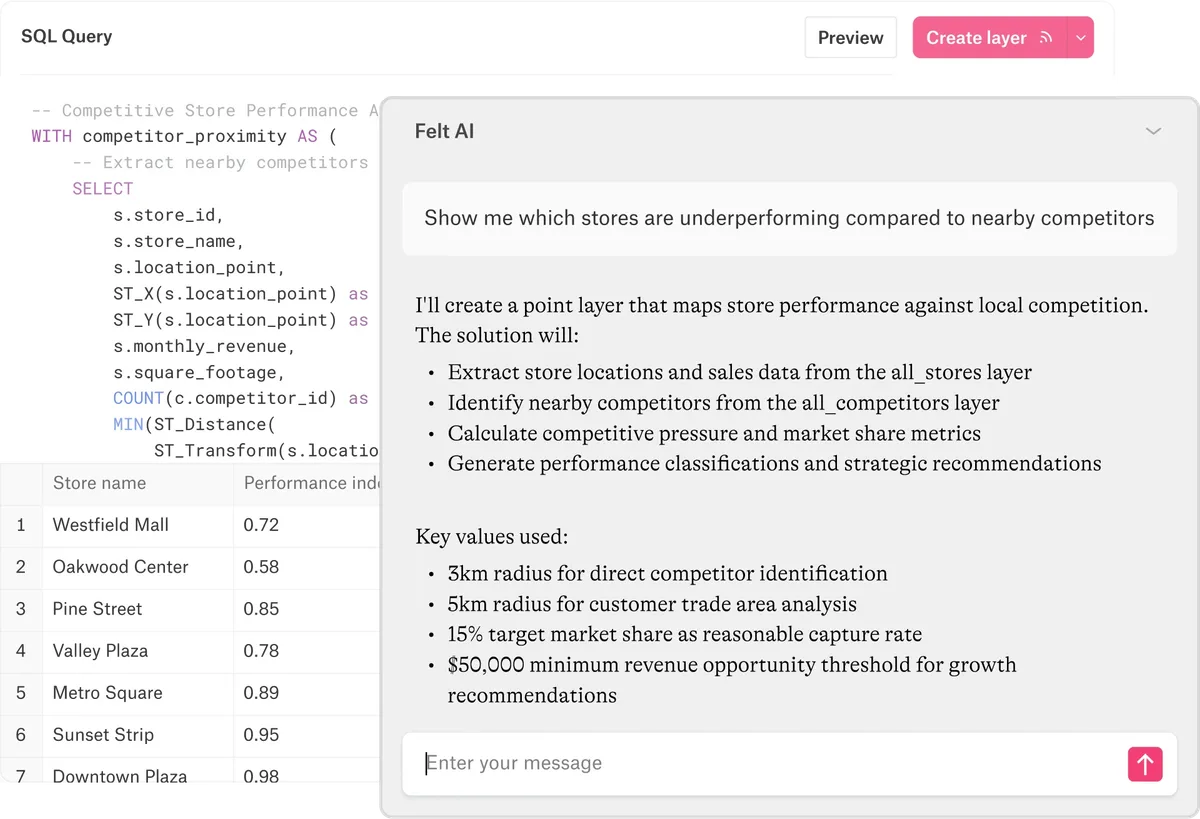
- Add a table or a SQL query, refreshed on a schedule. Felt AI can write the query.
- Share each source only with the people who need it.
- Stream rasters from your buckets without loading them into the warehouse.
Keep CARTO for pipelines you’ve already built
Teams with CARTO pipelines in production can keep them running and map the results in Felt.
- Workflows pipelines already in production.
- Analytics Toolbox functions your SQL already calls.
- Enrichment with Data Observatory datasets.
- Custom applications your engineers have built on CARTO’s developer libraries.
Why teams move from CARTO to Felt
Maps the whole company uses
Your data team keeps writing SQL against the warehouse. Sales, operations and leadership filter the map or ask Felt AI, which writes the query for them.
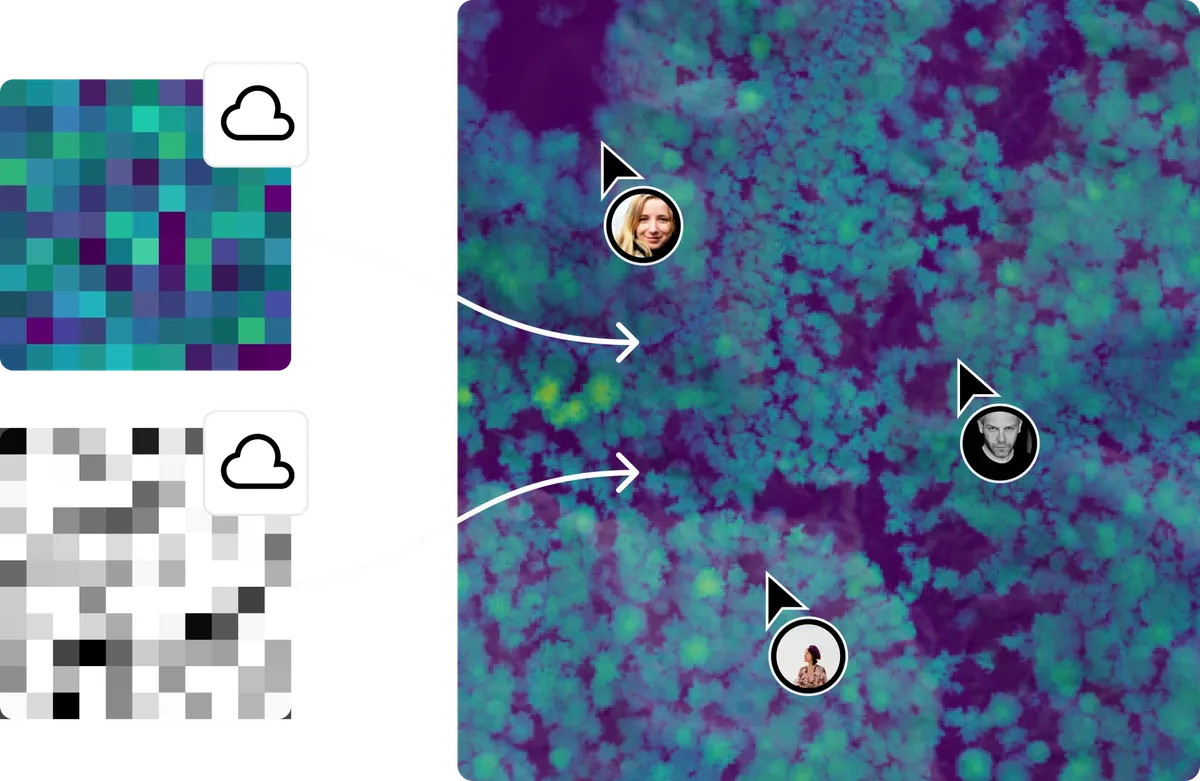
Raster and vector in one place
Stream imagery and model output from your buckets with no code, and analyze it beside your warehouse tables.
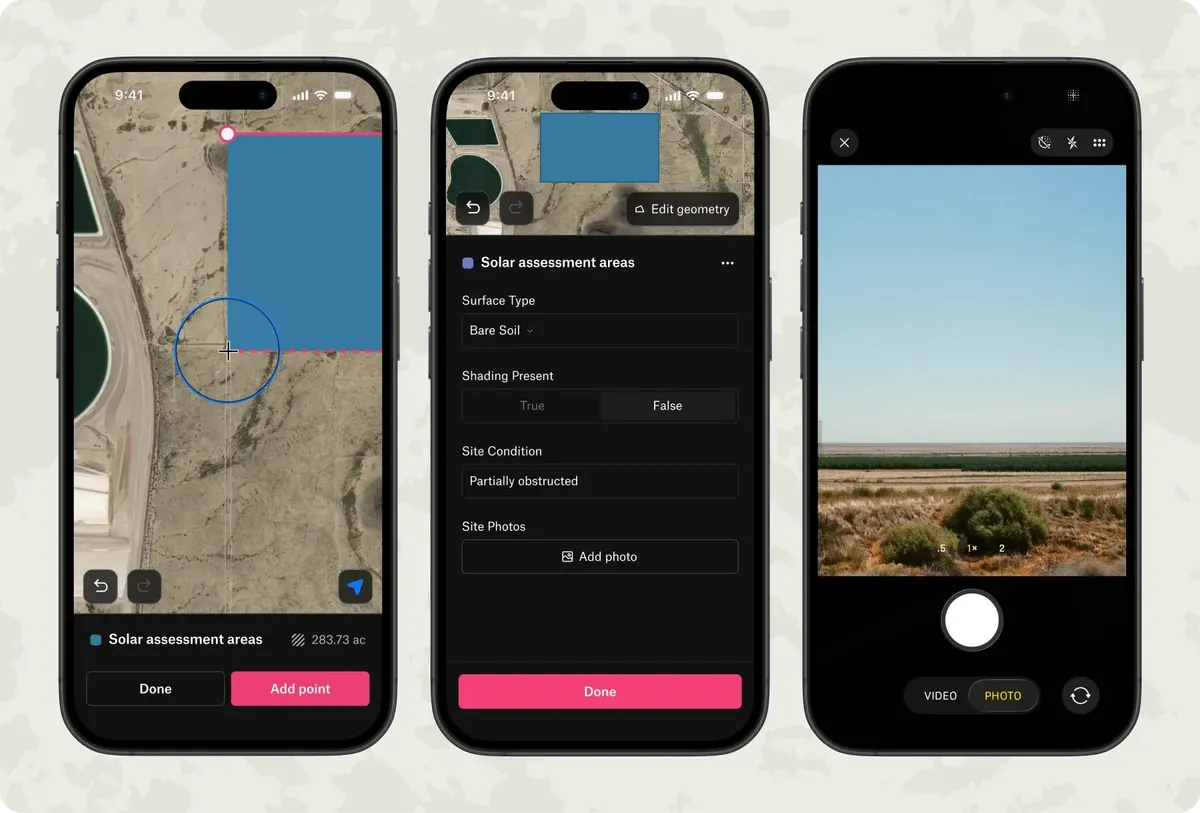
From the field to the office
Crews collect on the Felt Field App, online or off, and their edits reach the office’s maps and dashboards.
From teams mapping their warehouse and raster data

What used to take us two weeks of development now takes about an hour with Felt.

With Felt and Databricks, our site acquisition team was able to self-serve insights for the first time.

We eliminated a year of custom development and maintenance work.
Common questions
- 01Is Felt a good CARTO alternative?
For teams that want everyone working from the map, not only the data team, yes. Felt connects to the same warehouses and runs your SQL there, and adds raster streaming and a field app.
- 02Does viewing a Felt map query my warehouse?
No. Felt reads the data when you create a layer and at each refresh, and stores it as map tiles. Panning and filtering use the tiles.
- 03Can technical and non-technical people work in the same place?
Yes. Data teams write SQL against a source, and everyone else styles, filters and analyzes the result on the same map.
- 04Can we keep running our CARTO workflows?
Yes. Keep them in CARTO and add the tables they write to a Felt map, refreshed on a schedule.
More comparisons
Put your warehouse data in front of everyone who needs it
Connect a database or drop in a file and see your data live on a map in minutes.