What’s GeoAI? How AI enhances GIS and geospatial data analytics
For years, geographic information systems (GIS) have helped companies visualize their data, turning addresses, borders, and coordinates into maps that support everyday business decisions. Maps turned spreadsheets into something visually approachable, but that only worked well when datasets were smaller and slow moving.
Today, geospatial data arrives in a constant stream from satellites, sensors, and mobile devices. Exploring these layers through traditional tools is difficult, and in some cases, impossible.
GeoAI solves this issue, combining GIS with artificial intelligence (AI) and machine learning (ML) to help you sift through massive spatial datasets, find patterns hidden in the noise, and make predictions that would be difficult to spot manually. Instead of merely showing where things are, GeoAI explains why they’re there and what might happen next.
In this article, you’ll learn what GeoAI is, its types, and how to apply it to your mapping workflows.
What’s GeoAI?
GeoAI, short for Geospatial Artificial Intelligence, combines GIS and AI techniques to analyze spatial data at a scale and speed far beyond what manual methods can achieve. Rather than simply displaying items on a map, GeoAI shows patterns and smart predictions for a given location.
Traditional GIS tools specialize in storing and visualizing spatial data. Analysts define rules and apply filters, then manually inspect layers to find insights. GeoAI changes this approach by using algorithms that learn directly from data. These models detect subtle spatial patterns, classify imagery and visuals, and continuously improve in real time as new data arrives.
Here are a few benefits of adopting GeoAI:
- Improved efficiency and productivity: GeoAI automates labor-intensive tasks like feature extraction, classification, and hotspot detection. Analysts spend less time on repetitive mapping and more time interpreting results and running scenarios.
- Greater accuracy and precision: AI models can consume more variables and granular data than manual workflows, reducing human bias and catching patterns that humans might otherwise miss.
- Reduced costs: GeoAI helps you do more with the same resources. Automating tasks like digitizing features and optimizing routes gives quality results without additional overhead.
- Stronger competitive positioning: Companies that proactively apply GeoAI can quickly move from descriptive reporting to predictive insights. That means better targeting, planning, and data-based decisions.
How GeoAI analyzes and interprets geospatial datasets
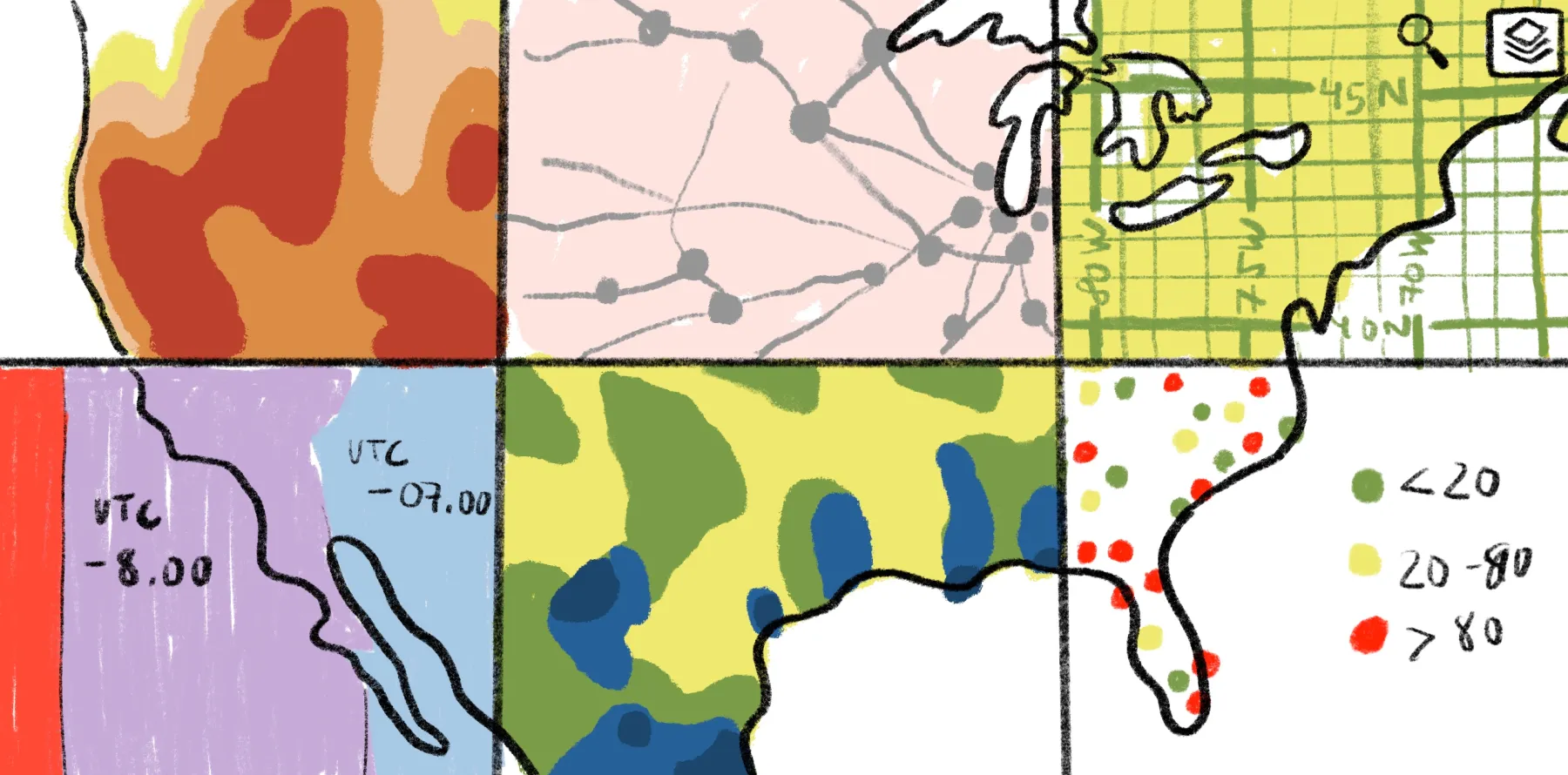
GeoAI combines AI technology with spatial analysis by treating location as a core factor when teaching models. First, it pulls multiple data types and puts them on the same map and timeline. Then, it creates additional spatial details for each place, like how steep the land is and what the surrounding area looks like.
Here’s a summary of GeoAI technologies and examples of how the system uses them:
- Machine learning works well on data tables where each row is a location with attributes.
- Deep learning models specializing in imagery handle tasks like finding objects and outlining features in satellite images.
- Clustering and anomaly detection group similar areas and flag locations that don’t behave like their neighbors or similar regions.
- Time-series models highlight how things change over days, weeks, and seasons using sensor or movement data.
The results reveal classes, risk scores, probabilities, and change alerts. GeoAI saves these into map-reader layers, so you can see and compare them in your web GIS mapping platform.
Practical applications of GeoAI
Here are a few common use cases of GeoAi:
- Environmental monitoring: Detecting deforestation, water and air quality issues, and coastal changes
- Urban planning: Analyzing land use and population patterns to test transportation and utilities
- Agriculture: Checking crop health and estimated yields using imagery, weather, and terrain layers
- Transportation and logistics: Forecasting demand, understanding traffic congestion, and designing more efficient transportation routes and depot locations
- Risk management and disaster response: Scoring locations based on hazard and exposure levels and guiding rapid response after natural disasters
5 types of geo artificial intelligence
GeoAI has a set of capabilities you can combine depending on your goals. In practice, many projects use several together. Here are the five most common types in modern spatial workflows.
1. Object detection
Object detection uses AI — usually deep learning techniques — to automatically locate specific objects in images and videos. Instead of manually scanning tiles, an AI model can draw bounding boxes or masks around each building and return its exact position.
In geospatial map work, it turns raw pixels into usable features at scale. For example, you can spot solar panels on rooftops to understand an area’s renewable energy adoption rates.
2. Vector digitization
Vector digitization is the process of automatically converting imagery into vector geometry — points, lines, and polygons. Instead of someone tracing roads or rivers by hand, GeoAI models extract those shapes directly from imagery.
Digitization has traditionally been one of the most time-consuming steps in mapping projects, but automating it means you can spend more time analyzing the actual drawing instead of creating them.
3. Feature classification
Feature classification assigns labels and categories to features on the map. Here are a few examples of how it operates on different levels:
- Pixel-level classification: Land cover types, vegetation health, and water versus non-water areas
- Object-level classification: Roof materials, road types, and crop types
- Area-based classification: Neighborhood segments, market zones, and land suitability classes
Classification helps you go from knowing where features are to understanding what they are, how they differ, and why they might change in the future, especially relative to each other.
4. Change detection
Manually inspecting before-and-after imagery is time consuming and error prone, but GeoAI can automatically compare spatial data across time and automatically surface where changes occur. Change detection highlights modified areas, quantifies the extent of discrepancies, and flags regions that need review. For example, analyzing two satellite images of the same area and highlighting new construction and demolitions.
5. Modeling and analytics
Modeling and analytics links spatial patterns to outcomes, forecasting what’s likely to happen in different locations under different scenarios. GeoAI models combine spatial inputs, like land cover and proximity to roads, with non-spatial data like demand and costs. This lets you simulate futures and test decisions before committing resources.
Key components that power GeoAI
Here are a few key components that power GeoAI.
Geospatial data sources
GeoAI starts with rich, well-structured geospatial datasets. This includes vector-digitized layers, raster datasets, and elevation models. It also includes attribute data like demographics and operational records tied to locations.
The broader and cleaner your inputs, the more data a GeoAI model has to work with. Over time, AI models can learn from and reference trusted datasets to make predictions.
Satellite imagery and sensor data
Satellite imagery, aerial photos, and remote sensing streams from devices and weather stations give GeoAI a real-time view of the world. It receives continuous signals about how places change relative to their surroundings instead of processing static snapshots. This helps businesses in countless ways, from detecting construction activity and tracking traffic to monitoring vegetation and assessing damage after natural disasters.
Cloud and high‑performance computing
GeoAI workloads are intensive on most systems. Training models and running simulations requires storage, fast access to data, and powerful hardware to work smoothly without crashing and lagging.
Using cloud and high-performance computing platforms allows quick information transfer and processing. By managing data in the cloud, you can run complex models on larger areas without limiting your workflow by local hardware.
GIS integration and location intelligence
GeoAI shines when you integrate it back into GIS and location intelligence workflows. That means turning model results into layers you can browse, filter, annotate, and combine with existing content.
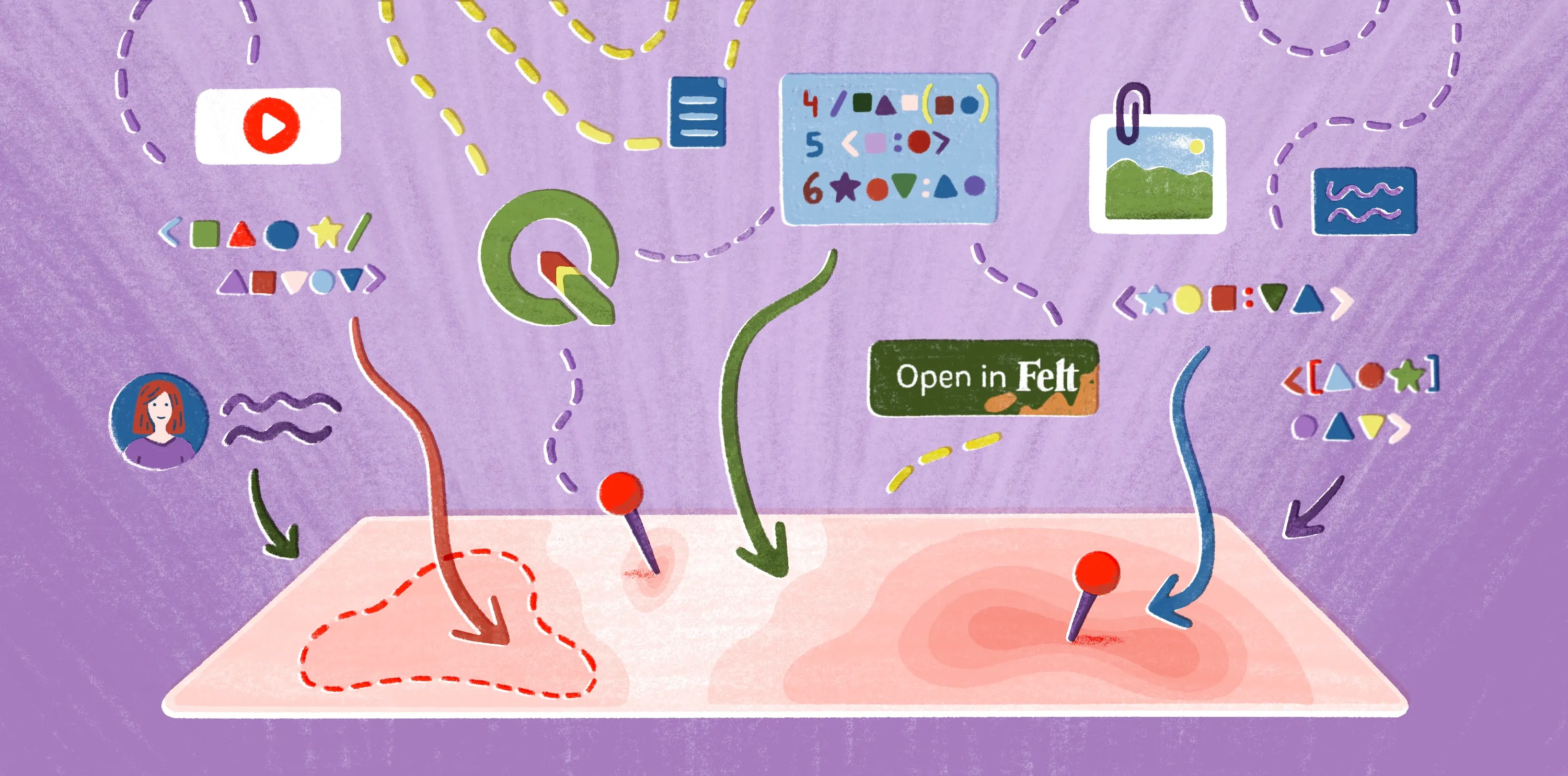
Tight integration with a web GIS and mapping platform — like Felt AI — lets you explore predictions on a map with visual context. You can gather feedback and iterate as a team on hypothetical scenarios based on accurate, quantifiable metrics.
Data governance and ethical considerations
Effective GeoAI depends on responsible data governance and ethics, as it works with location information and touches on privacy and security. Spatial data can be sensitive, revealing patterns about communities and confidential infrastructure.
Governance frameworks help you decide what data to collect, how to anonymize it, and how to document model behavior and control its bias. Regularly checking ethical policies lets you use GeoAI to the fullest and comply with regulatory and internal requirements.
Explore real-world GeoAI applications with Felt
GeoAI is most effective when geospatial data and a clear workflow run in sync. This lets you easily understand how data works and interacts with your mapping platform so you can generate measurable impact across your organization in less time.
Felt AI sits at the last mile, helping you turn data into actionable workflows and apps with natural language. Then, it puts everything into one map, where you can use AI to analyze your data, build spatial experiences, and generate summaries from your spatial workflows to share with your team.
If you want to see this system in practice, explore the Felt map gallery. Each map is a real-world example, showing what’s possible when GeoAI outputs live inside a modern, collaborative mapping environment.
Compare Felt using AI




.jpg)