
Build Maps & Dashboards with Snowflake: A Step-by-Step Guide
Connect Snowflake directly with Felt for instant maps and performant data dashboards.

Build Maps & Dashboards with PostGIS (PostgreSQL Extension): A Step-by-Step Guide
Connect your PostGIS database directly to Felt to map your location data.

Webinar series: building a modern GIS stack with Felt’s native database integrations
Learn how to natively connect your database and instantly visualize all your spatial datasets with Felt.
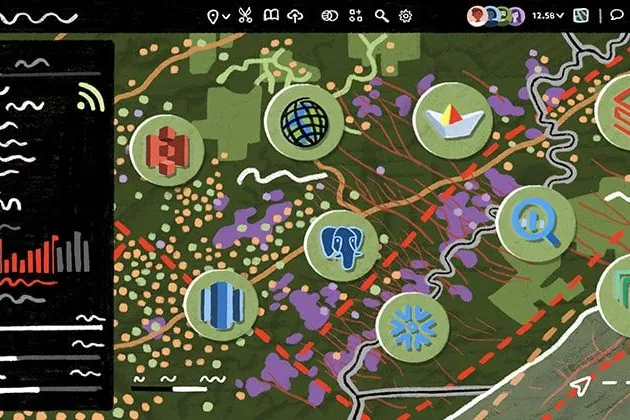
Felt 3.0: Apps and dashboards powered by native Postgres & Snowflake integrations
Introducing Felt 3.0–apps, databases, and dashboards for your entire organization.
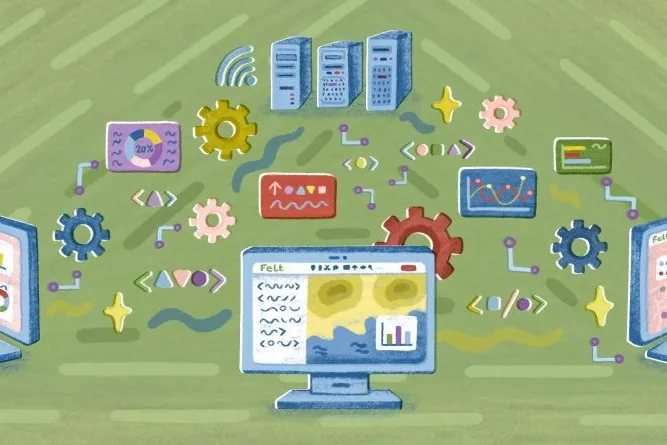
Integrate and automate: power your apps with Felt’s API and Python SDK
Setting up a custom geospatial app shouldn’t take a dedicated development team, and years of effort.
Cartography Tips for Designing Web Maps
Making maps that are visually appealing and informative shouldn’t require specialized cartographic expertise or a deep understanding of design principles.
Search, filter, select — data discovery done right
Bringing users the fastest, most streamlined data discovery experience on the internet.

Getting the most out of Felt’s new Workspaces
Our new Workspace design is packed with features that make collaboration feel even more seamless.

Teaching Spatial Analysis with Felt
Get inspired for the new semester: Felt cartographer Mamata Akella put together a sample exercise for educators who want to teach their students to think spatially.
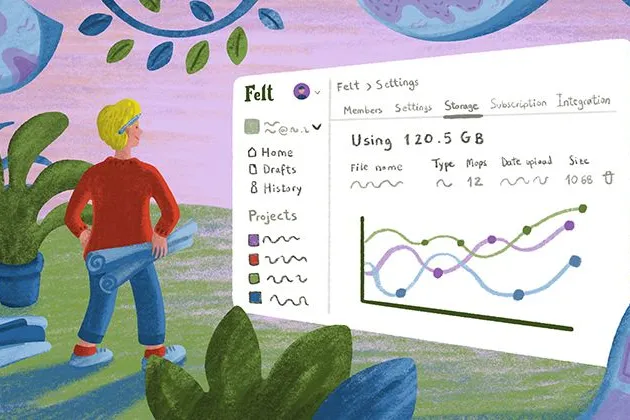
Powerful new admin tools and a streamlined billing experience
Ready for a new year of map-making with improved organization, management dashboards and a straightforward billing flow.
Three key UI upgrades in Felt 2.0
Our release of Felt 2.0 included powerful new spatial analysis tools along a streamlined UI. Here’s a quick review of the UI upgrades we packed in for users.
Announcing Felt 2.0 — a better way to work with maps
Introducing Felt 2.0, a new chapter in our mission to make mapping effortless for everyone.
Bring your data, see it on the map
Connect a database or drop in a file and see your data live on a map in minutes.