4 Google Earth alternatives that enhance mapping workflows
Google Earth is a go-to way to see the world in 3D. But if you need to work with layers, analyze data, or collaborate with a team, its exploration-first approach can feel limiting.
Researchers need dedicated analysis tools to track wildfires, while developers want programmable 3D mapping for their own apps. Even casual users may want data visualization to find efficient traffic routes and safe neighborhoods. While this tool doesn’t fit every geographic need, there are plenty more platforms to consider.
In this guide, we’ll review which Google Earth alternatives are worth a look and how to factor in your use case.
What’s Google Earth?
Google Earth is an interactive digital globe that lets you see the planet with a mix of methods, including satellite imagery, aerial photography, and 3D topography. It lets users virtually explore Earth and view 3D buildings and terrain.
This program is primarily educational, offering in-depth visual exploration. You can drop down from an overhead view into 360° street-level perspectives to see what’s on the ground. It also features historical imagery, letting people compare a location’s evolution over time.
Teams also use Google Earth’s basemap for mapping projects. While it’s a source of spatial information, there are other options that provide satellite basemaps plus extensive analysis and developer functionality.
Why consider Google Earth alternatives?
Google Earth is an insightful platform, but it isn’t a full, flexible geographic information system (GIS). Once you’re done traversing and need a more capable system, a few constraints show up.
The software primarily supports KML, KMZ, and GeoJSON for direct imports on web and mobile, while other formats require conversion. Further, when you import data into a new project, Google Earth saves that project in Google Drive, which can be inconvenient if your workflow lives somewhere else.
Google Earth also has limited customization. You can style and organize content, but the tool’s overall experience is still a fixed product UI and not a fully programmable mapping framework.
These obstacles make plenty of businesses look elsewhere. Here are a few points teams seek out in an alternative:
- Real-time data: If you’re tracking changing conditions — like weather or traffic incidents — you’ll want tools that integrate and refresh live layers instead of Google Earth’s static snapshots.
- In-depth analysis: As soon as you delve into deeper, more analytical workflows, you’ll need GIS tools for richer modeling and spatial analysis.
- Developer accessibility: Google Earth is an end-user visualization tool and centers on importing data into projects rather than exposing the map as a fully programmable surface. If you want to build custom mapping products or integrate locations into existing systems, you’ll need APIs, SDKs, and programmatic control.
4 best Google Earth competitors for unique needs
Here are our top alternatives to consider. Keep in mind that these tools aren’t necessarily better than Google Earth — they just serve different needs. Some teams need deeper analysis and personalization, and others need weather insights.
1. Felt
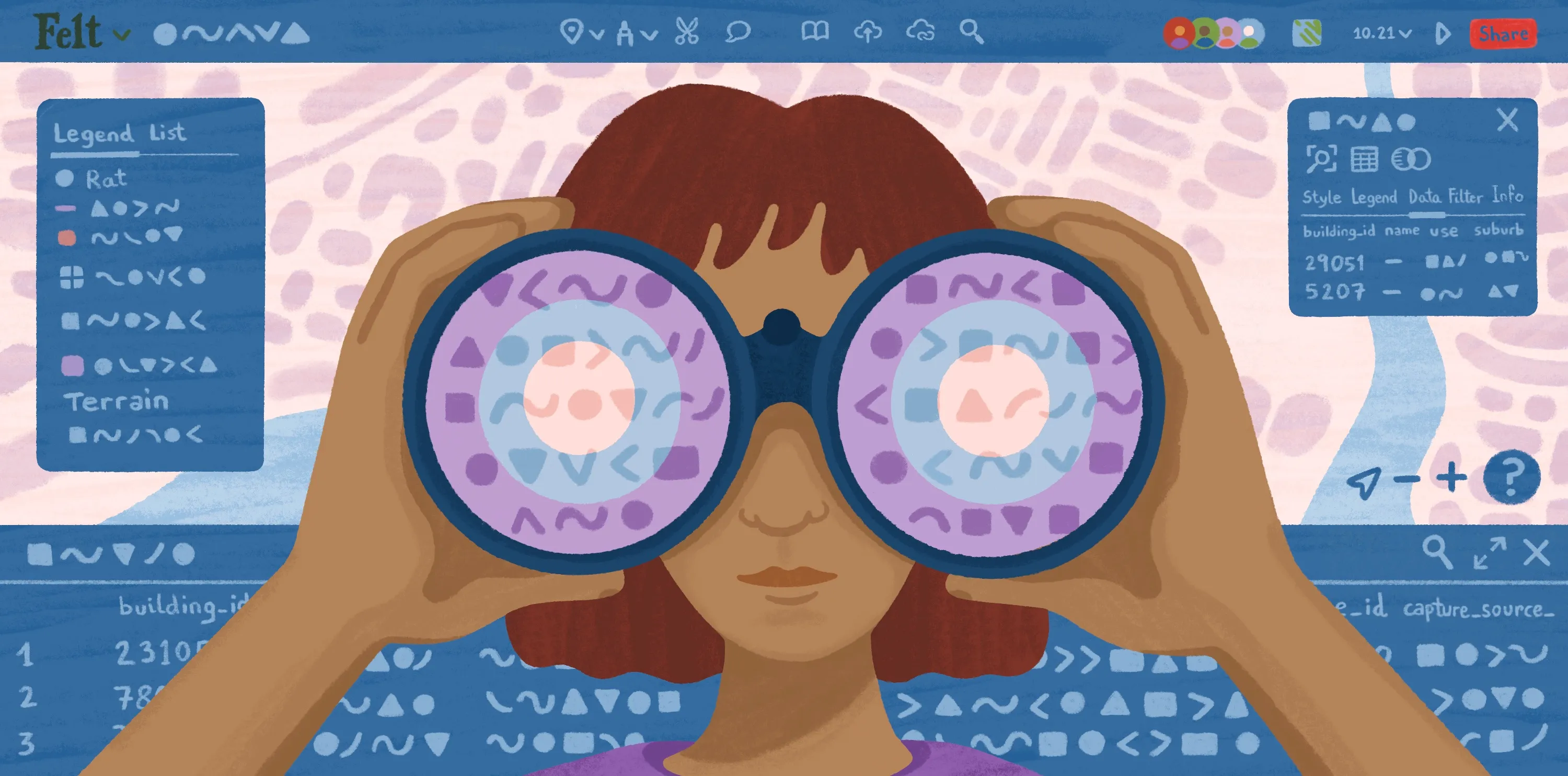
Felt is a cloud-native GIS that turns any location data into an interactive map. It allows teams to effortlessly layer datasets, style maps, and run spatial analysis. Felt also has satellite basemaps, so people who use Google Earth for its aerial data can access clear, high-quality imagery on top of powerful GIS functionality.
Key features:
- Real-time collaboration: Share maps via links, collaborate in real time, and collect feedback with comments.
- Importing Google data: Upload KML or KMZ and import Google My Maps layers by pasting a shared My Maps link.
- Complex visualization and analysis: Examine patterns and relationships with detailed geospatial functions, including proximity and hotspot analysis.
2. ArcGIS Earth
ArcGIS Earth is Esri’s 3D globe software. When comparing ArcGIS Earth versus Google Earth, you’ll find they have a lot of similarities. For instance, ArcGIS’s tool offers 3D exploration and educational tours. However, it also provides GIS features and integration.
Key features:
- 3D exploration: ArcGIS Earth allows users to study geospatial content on an interactive globe, both online and offline.
- Mobile and desktop accessibility: This app is available on iOS, Android, and Windows.
- GIS functions: This software allows users to visualize, analyze, and edit spatial data.
3. NASA WorldWind
NASA WorldWind is an open-source 3D globe engine. It lets developers build interactive maps for web, Android, and desktop Java. This software has a similar view as Google Earth, showing terrain and buildings, but also provides programmatic control over layers and data visualization.
Key features:
- 3D globe and 2D map mode: WorldWind offers a WebGL globe with an optional 2D map mode.
- Various imagery and terrain sources: It has built-in imagery and supports data imports from public and private sources.
- Developer control: A JavaScript API lets developers automate interaction and visualization.
4. Zoom Earth
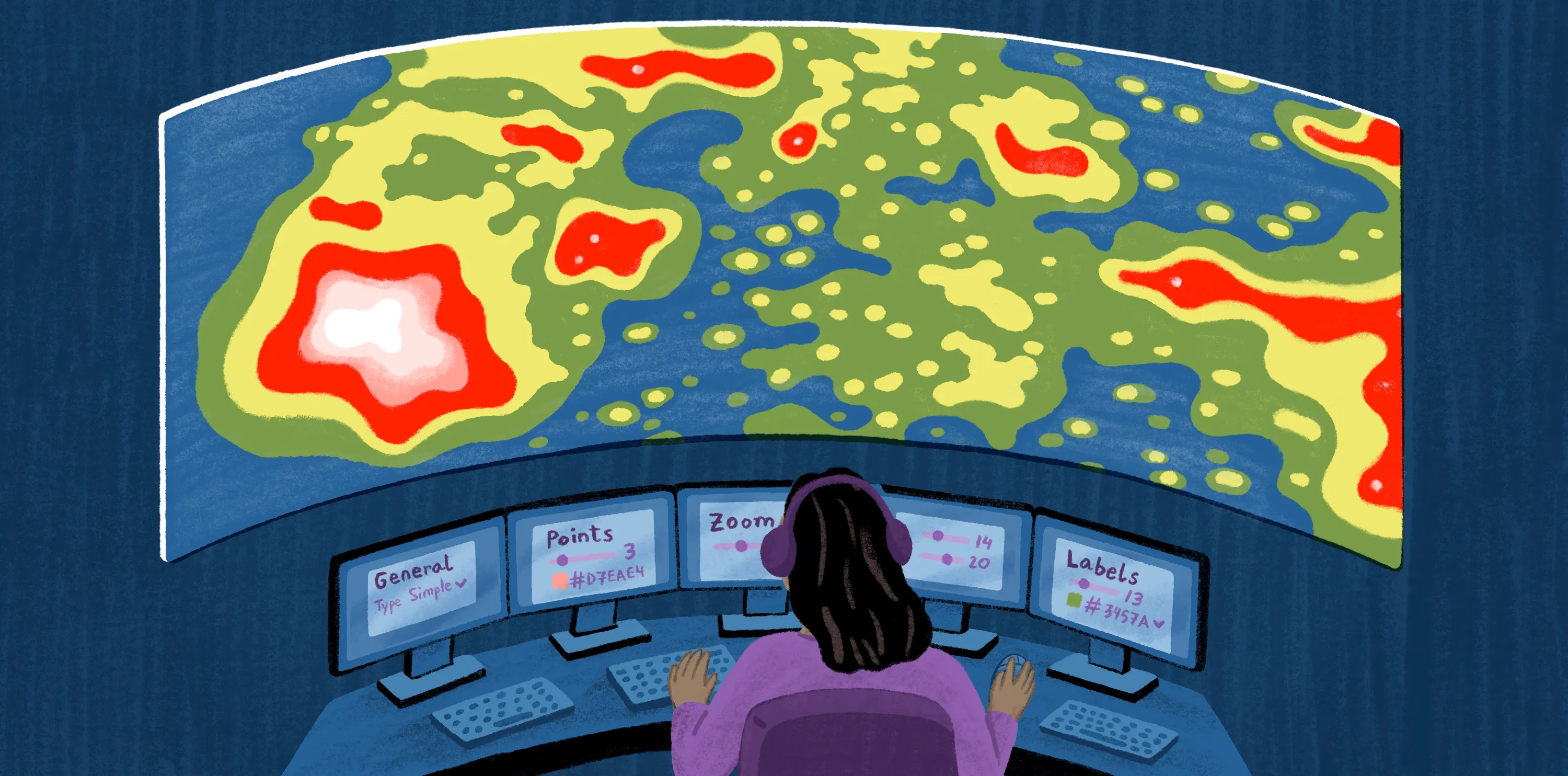
Zoom Earth is a weather and satellite imagery map. It monitors weather using satellite imagery, and lets teams track conditions like storms, cloud cover, and smoke.
Key features:
- Relevant updates: Zoom Earth updates every 10 minutes (with a stated 20–40 minute delay) and includes geostationary sources like NOAA GOES, Himawari, and Meteostat.
- Archive imagery: It uses NASA HD satellite images with coverage since 2000, providing historical data.
- Weather forecasts: The platform has interactive layers for rain, temperature, and pressure, with tracking for tropical systems and wildfire hotspots.
How to choose the right alternative by use case and industry
The best tool depends on your team’s top use cases. Use the personas below to define the decision criteria that matter most to you.
Educators and students
Prioritize a quick setup and a user interface that makes geography feel intuitive. Students and teachers have tight schedules, and a simple learning curve helps both groups grasp modules quickly.
The tool should be easy to access on school devices and reliable enough for live demos. If you’re explaining concepts like scale, terrain, and human geography, clarity and smooth navigation are just as important as advanced analysis.
Researchers and planners
Look for platforms that treat mapping as a repeatable workflow so you don’t have to build systems from scratch. Ideally, tools should have data provenance, consistent layer management, and analysis that you can rerun as inputs change.
It’s a good idea to choose software that supports common GIS formats, which let you import and examine data from different internal and external sources. For instance, Felt’s Upload Anything feature lets you toss any file type in and turn it into visual, workable data.
Developers
Prioritize programmer-friendly features, like access to APIs and SDKs and fluid map embedding. The system should have detailed customization so developers can tweak styles, fonts, and formats to fit their app or brand.
Felt is a great example of this. Our JavaScript SDK lets teams take control and create custom experiences for their users, from replacing Felt’s UI with a branded look to integrating maps into dashboards.
Travelers and explorers
Travelers aren’t guaranteed to be map experts, so they may want more casual apps like Google Earth — platforms that are fast and convenient and quickly provide context. This helps people understand data without in-depth knowledge and tech skills.
Tools should offer high-resolution imagery, intuitive navigation, and quick answers without a steep learning curve. Travel decisions are typically time sensitive, so it’s better to provide real-time updates and weather-focused features than heavy analysis.
Where Felt fits in the mapping landscape
Felt is a versatile tool for modern teams. Our platform helps teams visualize data in moments — drop in any file format and watch it turn into an interactive map. You can even add your datasets from Google Earth to explore them in brand-new ways.
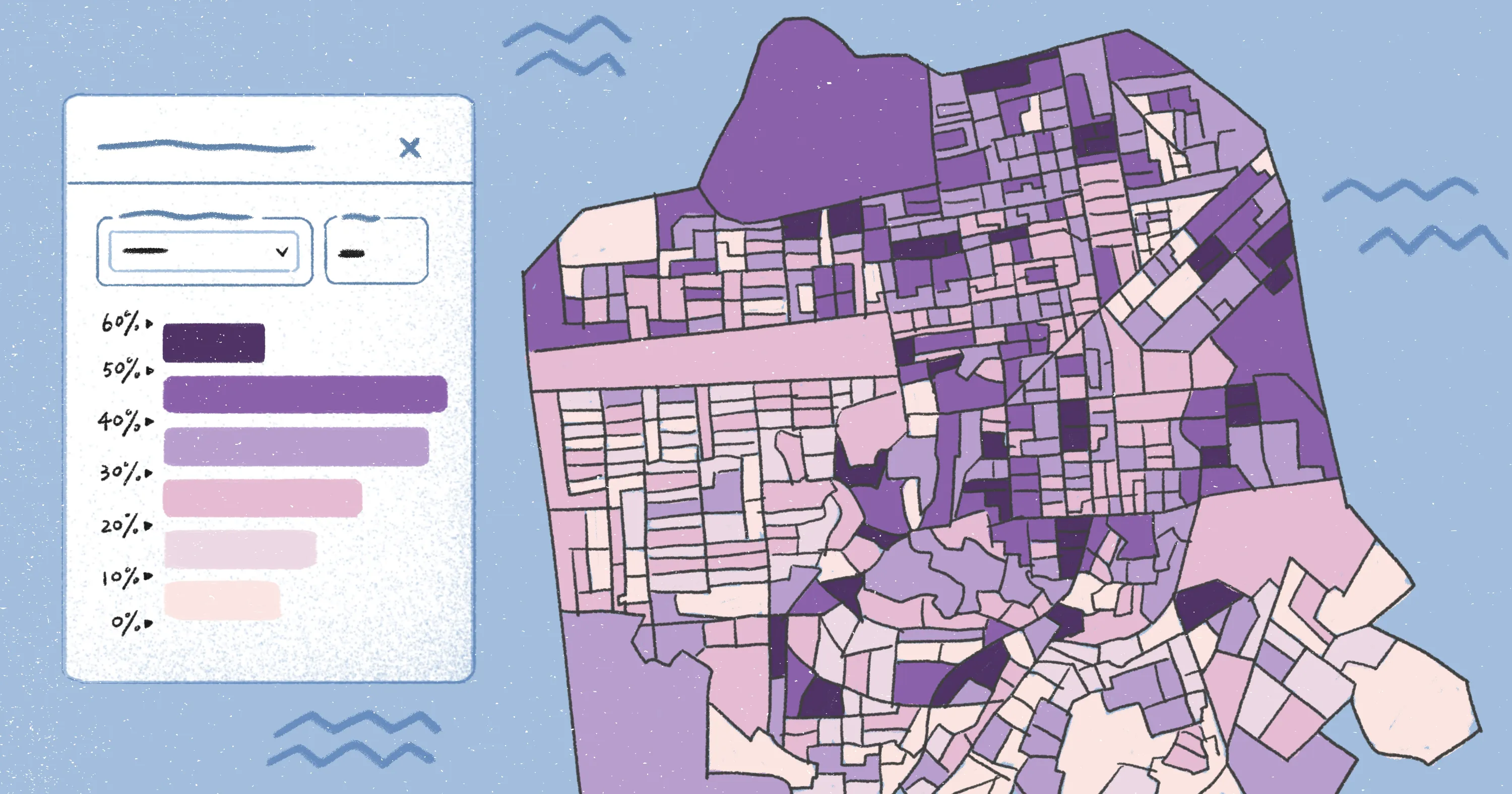
Felt’s spatial analysis is intricate, allowing multiple, comparable layers and colored features, whether through choropleth functions or isochrone maps. This lets companies uncover deeper insights and understand them at a quick glance.
While Google Earth is a reliable tool for single-user viewing, Felt adds collaboration and real-time group edits. Add team permissions, share a link, and dive into a sprawling project together. Felt maps are intuitive and visually pleasing, too — on-map comments and pins make it easy for every stakeholder to navigate and understand key data points.
Unlock advanced functionality with Felt
Google Earth is a great place to study the globe. But once your maps need project context, you’ll need a platform designed for your workflows. Use your goals and persona as a filter — travel calls for simplicity, while research needs heavier capabilities to process and analyze data.
Felt fits when you want your maps action oriented. It helps you build, edit, and deploy advanced spatial maps in moments. Share them with stakeholders through a simple link, and study the in-depth data to inform real-world decisions.
Go beyond simple exploration with Felt, and analyze how the world around us works.
Compare Felt using AI